ASO Screenshot Examples: 8 Patterns Top Apps Use
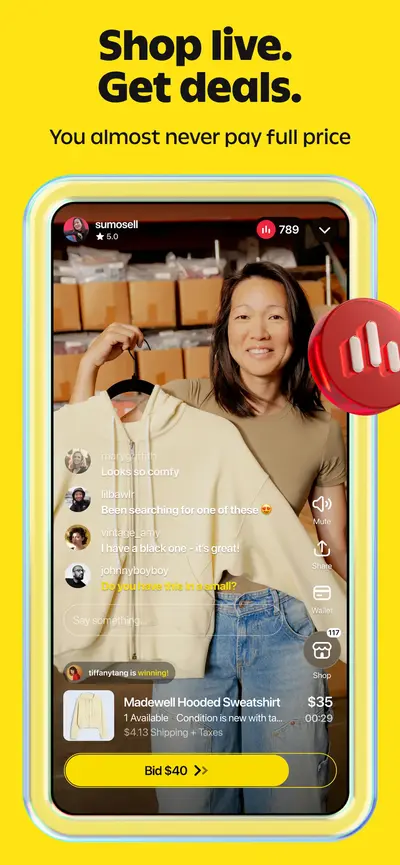
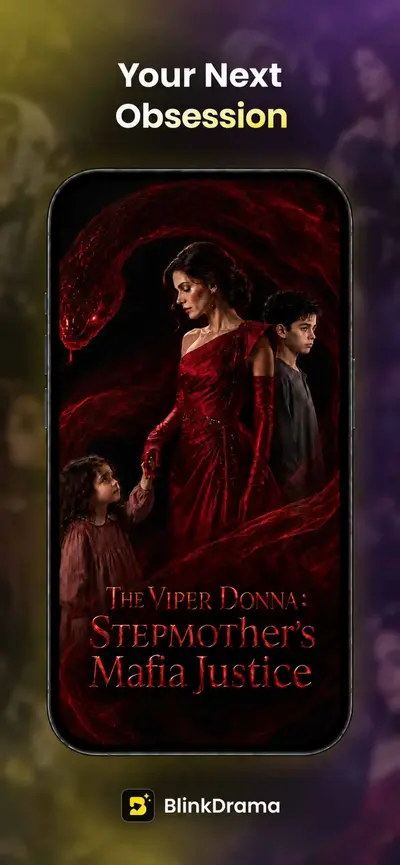
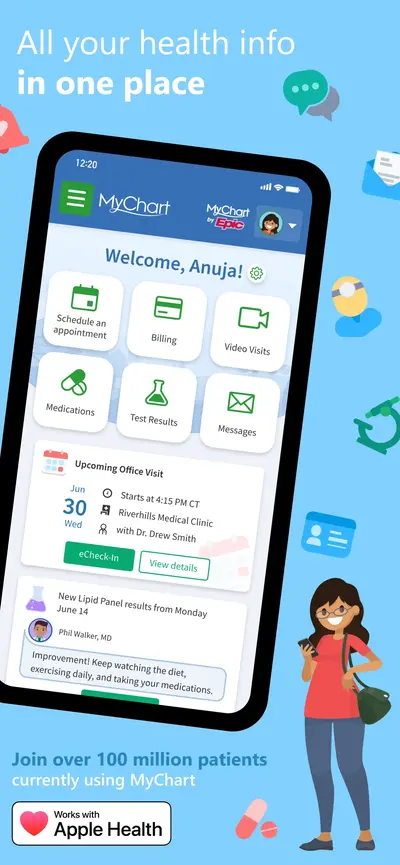
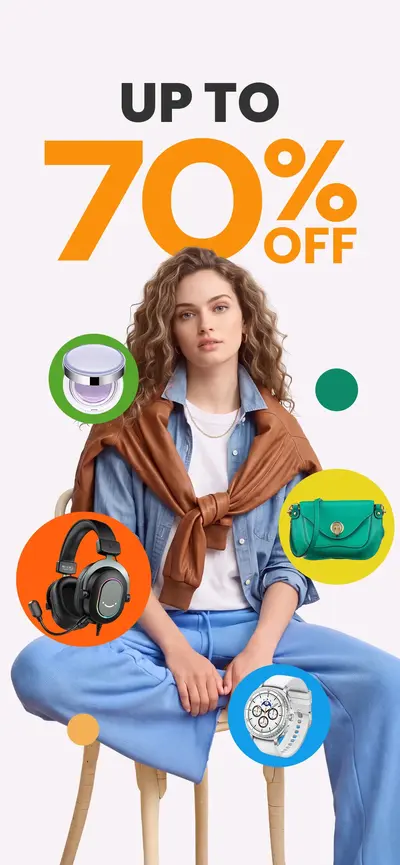
Every example below is a real, current App Store screenshot from the AppScreens archive — not a mockup. Use them to see how top apps combine four layout patterns and four marketing strategies into listings that convert.
Why screenshots decide your conversion rate
Screenshots are the largest visual element on an app store product page, and most visitors decide whether to download without ever reading the description. That makes the screenshot set the highest-leverage asset in App Store Optimization: the same app with a sharper first three screenshots routinely converts measurably better in store A/B tests.
Rather than starting from a blank canvas, start from what already works. AppScreens tracks the live listings of 1,050+ top iOS and Android apps and classifies every screenshot along two axes: layout pattern (how the slide is visually constructed) and ASO strategy (what persuasion angle the slide takes). The eight sections below show real examples of each.
The four layout patterns, with examples
Panoramic
Full-bleed backgrounds stretching across the entire screenshot, often with gradient overlays or lifestyle photography. Common in travel, lifestyle, and entertainment apps.
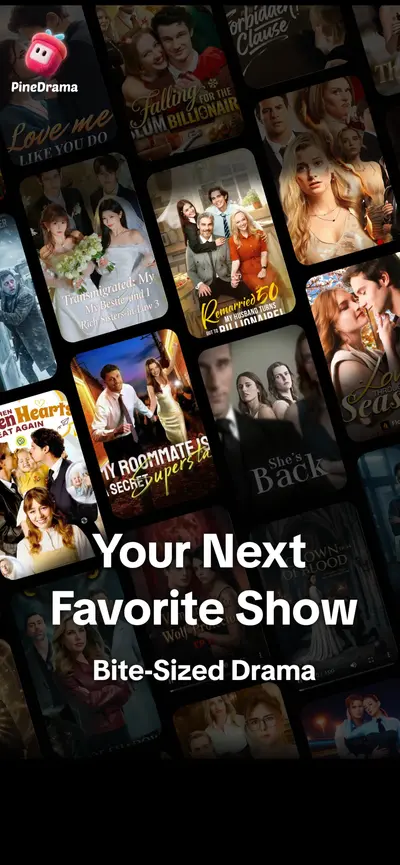

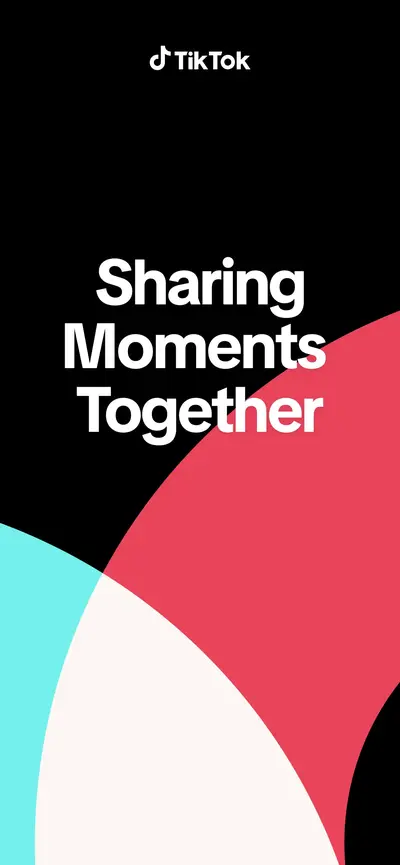
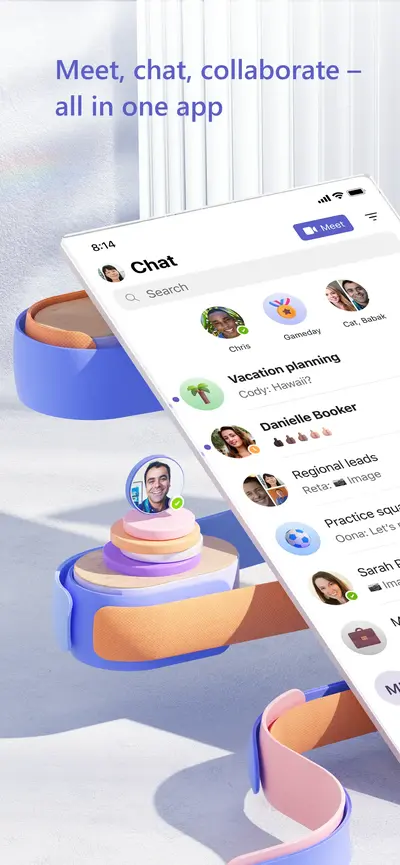
Device-in-Hand
A physical device shown at an angle, often held by a hand, suggesting real-world usage. Popular in productivity, finance, and health apps.
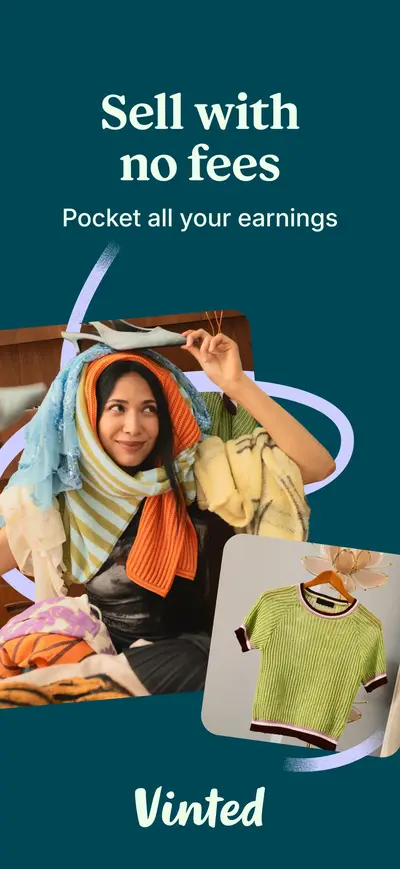
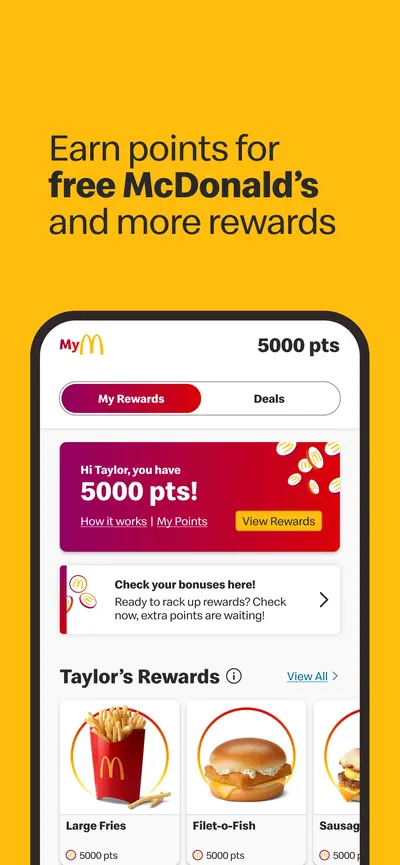
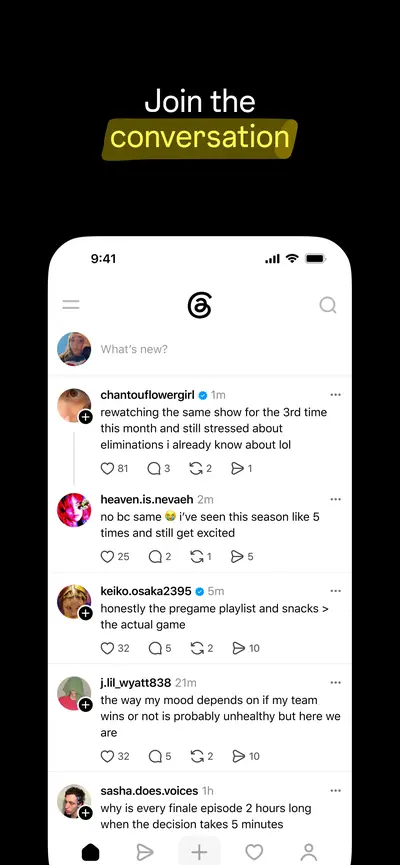
Floating UI
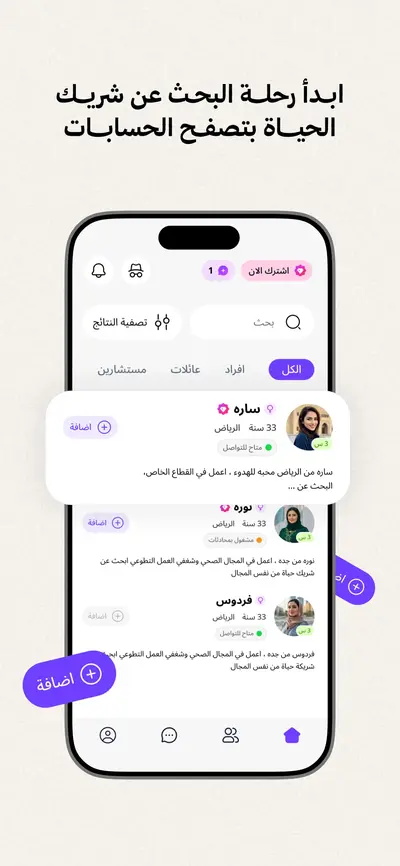
App interface elements arranged on a clean, solid-color background without a device frame. Common in social media, photo editing, and design apps.
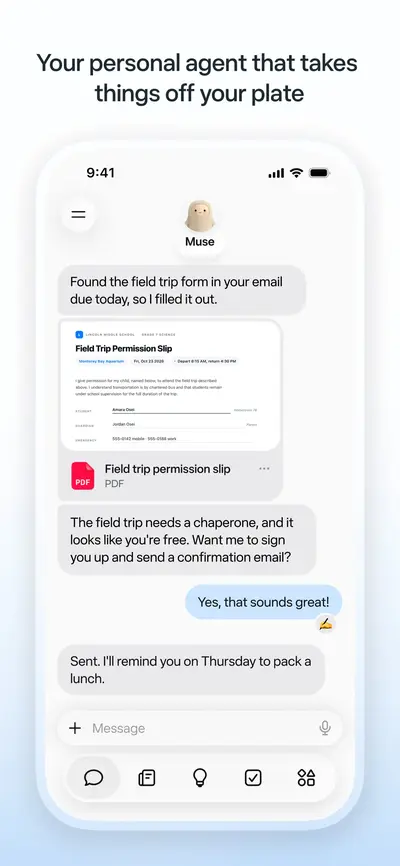
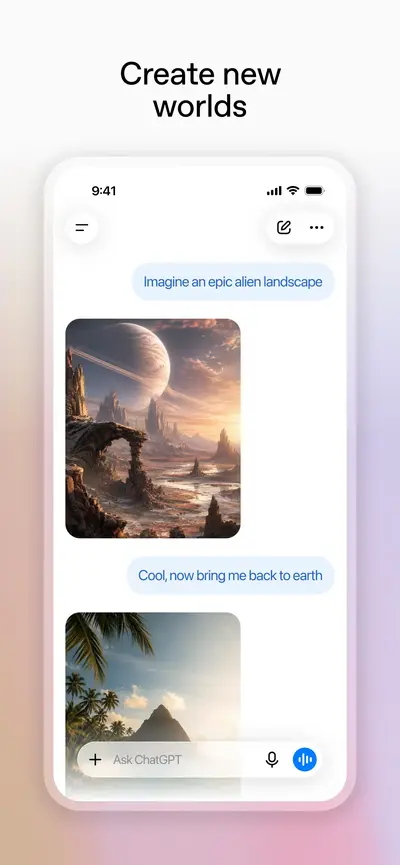
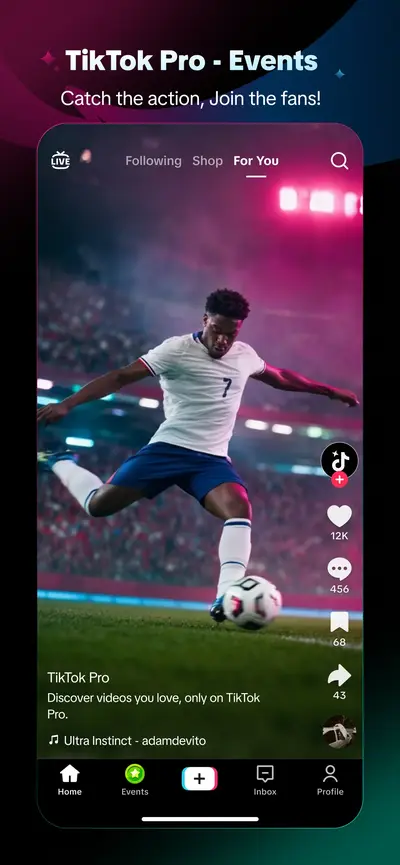
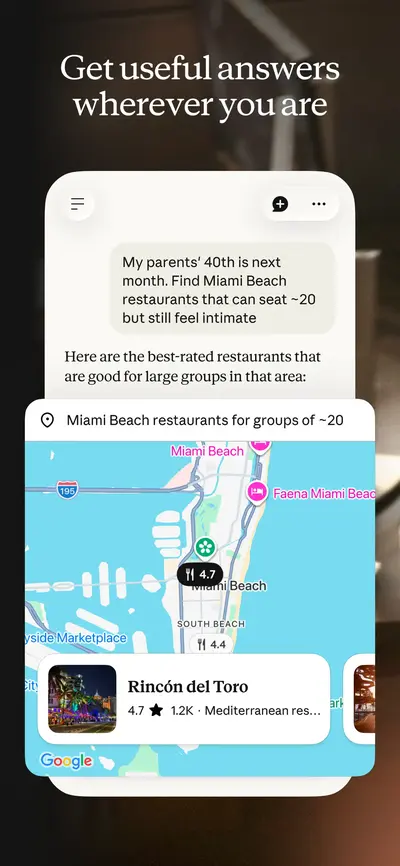
Caption Heavy
Large text headlines dominate the screenshot, with the app UI as supporting context. Effective for apps with complex features like finance, education, and subscriptions.
The four ASO strategies, with examples
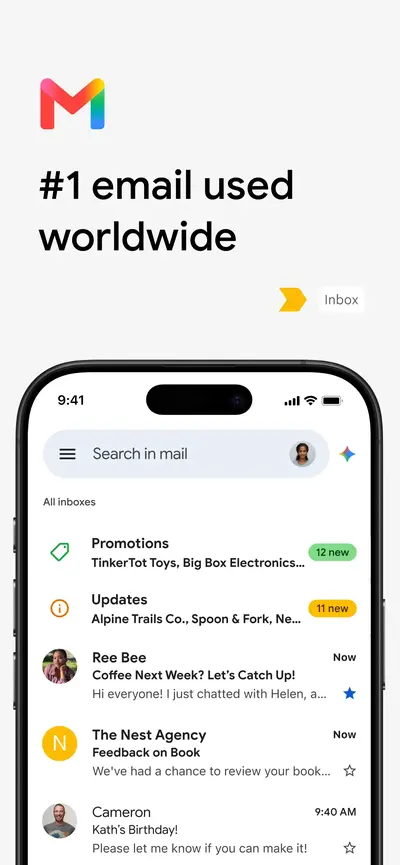
Social Proof
Screenshots highlighting ratings, download counts, awards, press quotes, or testimonials. Reduces risk perception for potential users.

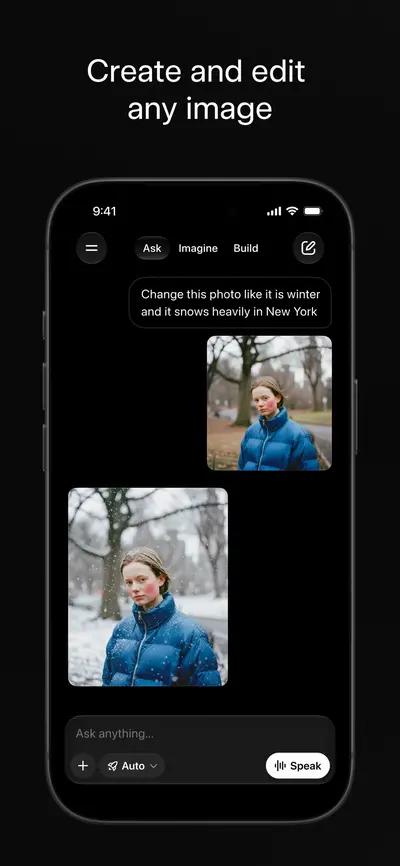

FOMO
Screenshots creating urgency through limited-time features, trending content, exclusive access, or “join millions” messaging.
Feature Focus
Screenshots leading with a specific product capability or unique selling point. Each screenshot highlights one feature with a clear caption.
Localization
Screenshots aimed at a specific non-English market — caption and interface text in that language, or local currency, formats, and featured content. Judged from the listing itself.
![LaCuerda [PRO] app store screenshot 1 — Entertainment (iOS)](https://pub-747c18cf821c4dfb95ec9b01df179628.r2.dev/screenshots/406136981/dbe06b46-f023-4a81-869a-a22e53a13bc3/1_thumb.webp)
How to use these examples
- Audit your category first. Open the archive or a category page (for example Finance or Social) and note which layout dominates — matching the category baseline is the safe floor, deviating from it is a deliberate bet.
- Steal sequencing, not pixels. Note which slide carries the rating badge, where the caption sits, and how many words each headline uses.
- Watch changes over time. The Time Machine shows what top apps changed between versions — a free record of their A/B test conclusions.
- Then build your own set. The screenshot generator exports every Apple-required resolution with device frames, brand colors, and captions — or start from one of the 20 designed sets in the template gallery.
Frequently asked questions
What makes a good ASO screenshot?
A good ASO screenshot communicates one clear benefit in under two seconds: a strong caption, a legible piece of UI, and a visual hierarchy that survives thumbnail size in search results. The first three screenshots matter most — they show before any scrolling.
How many screenshot patterns are there?
AppScreens classifies every archived screenshot along two axes: four layout patterns (Panoramic, Device-in-Hand, Floating UI, Caption Heavy) and four marketing strategies (Social Proof, FOMO, Feature Focus, Localization). Most real listings combine one layout with one or two strategies.
Where can I find more ASO screenshot examples?
The AppScreens archive tracks 1,050+ top iOS and Android apps with 7,600+ screenshots, filterable by category, layout pattern, and ASO strategy at appscreens.store/explore — browsing is free.