Panoramic App Store Screenshots
35 apps using the Panoramic layout pattern, with full screenshot sets to study.
35 apps tagged Panoramic · 334 screenshots · updated October 2026
Panoramic is one of the four screenshot layout patterns AppScreens tracks across its archive. Full-bleed backgrounds stretching across the entire screenshot, often with gradient overlays or lifestyle photography. Common in travel, lifestyle, and entertainment apps.
Use these examples to judge when atmosphere beats information density — panoramic sets trade feature detail for brand feeling, so the first two slides carry most of the conversion weight.
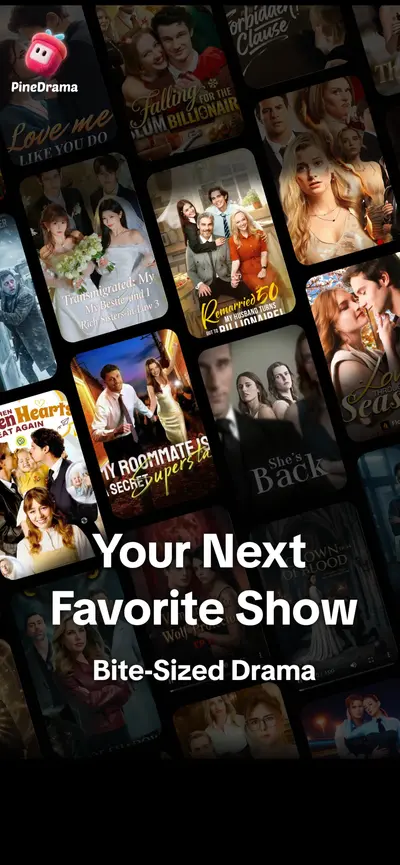
 PineDrama - Short DramasUnknown · iOS
 Depop - Buy & Sell ClothesShopping · iOS
 TikTok - Videos, Shop & LIVEEntertainment · iOS
 Microsoft TeamsBusiness · iOS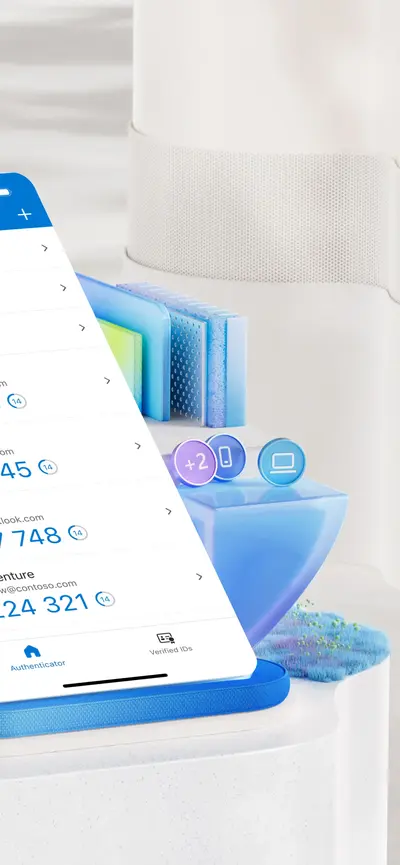
 Microsoft AuthenticatorProductivity · iOS
 VibeShort: AI Short DramasUnknown · iOS
 StoryReel: Drama Shorts & TVUnknown · iOS
 T-LifeLifestyle · iOS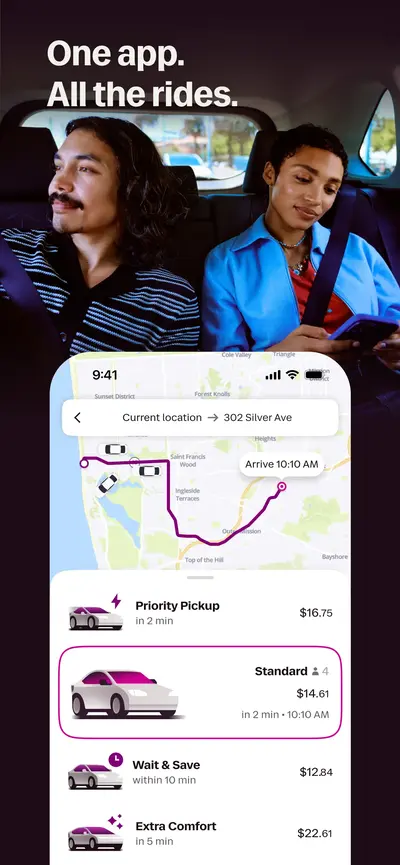
 LyftTravel · iOS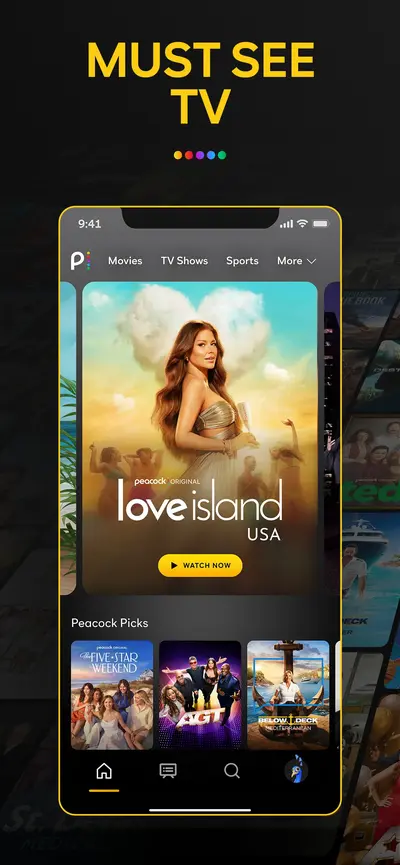
 Peacock TV: Stream TV & MoviesEntertainment · iOS
 Taco Bell Fast Food & DeliveryFood & Drink · iOS
 Audible: Audiobooks & PodcastsBooks And Reference · Android
 Bumble Dating App: Meet & DateDating · Android
 BURGER KING® AppUnknown · iOS
 Calm - Sleep, Meditate, RelaxHealth And Fitness · Android
 Clue: Classic EditionGames · iOS
 Domino's Pizza USAUnknown · iOS
 Etsy: Shop Home, Style & MoreShopping · iOS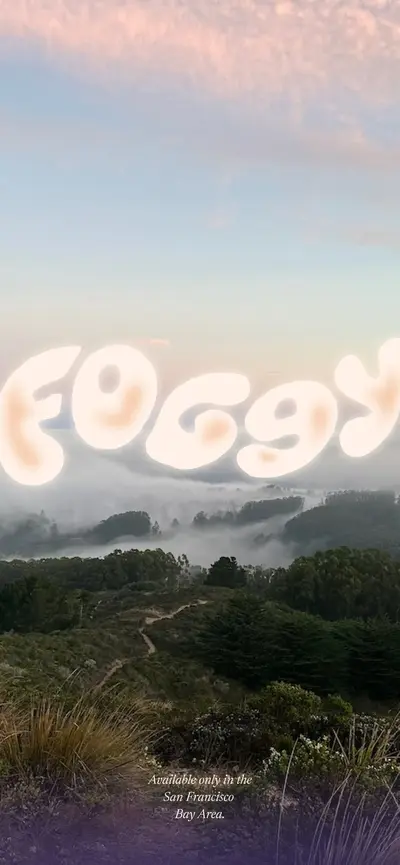
 Foggy: Bay Area Fog TrackerUnknown · iOS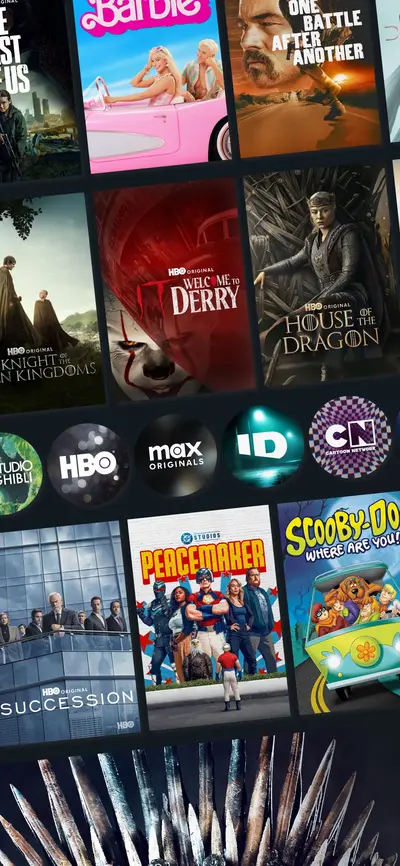
 HBO Max: Stream Movies & TVEntertainment · iOS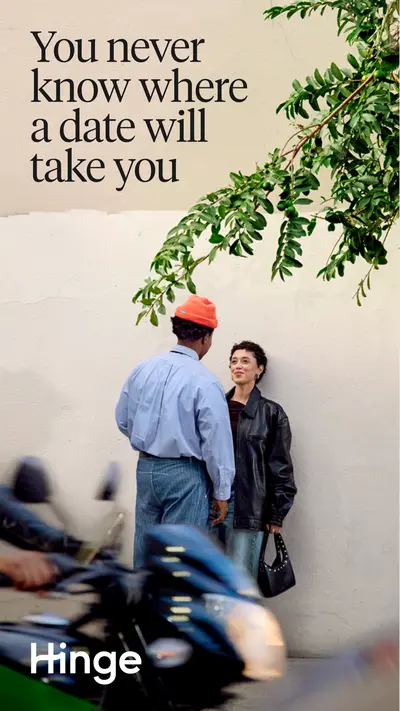
 Hinge Dating App: Match & DateDating · Android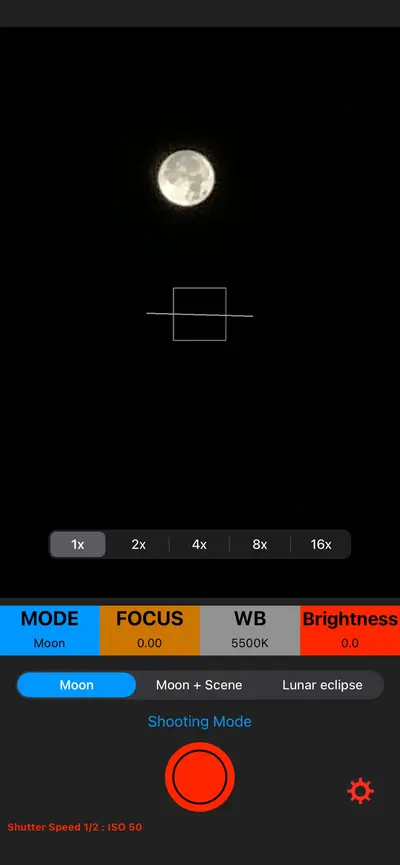
 iMoonCamera3Unknown · iOS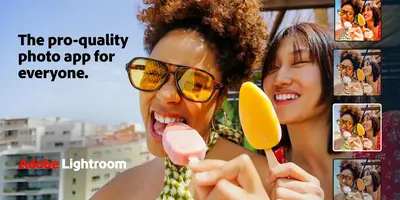
 Lightroom Photo & Video EditorPhotography · Android
 Microsoft Copilot AI AssistantProductivity · iOS
 Milky Way TonightUnknown · iOS
 NFLUnknown · iOS
 Nike Training ClubHealth And Fitness · Android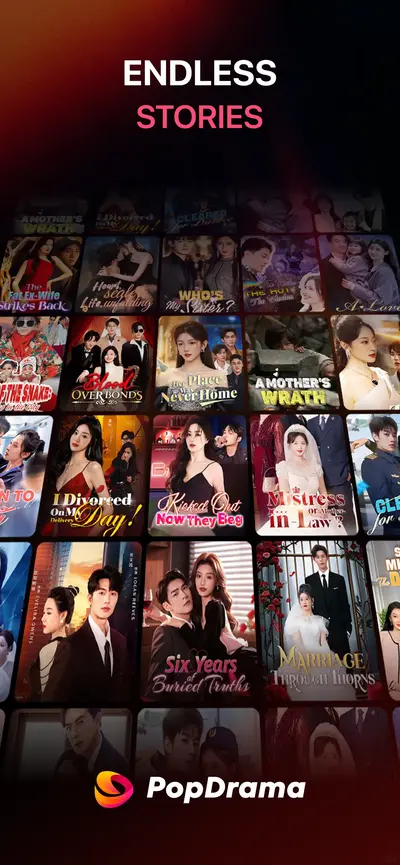
 PopDramaUnknown · iOS
 Road to EmpressGames · iOS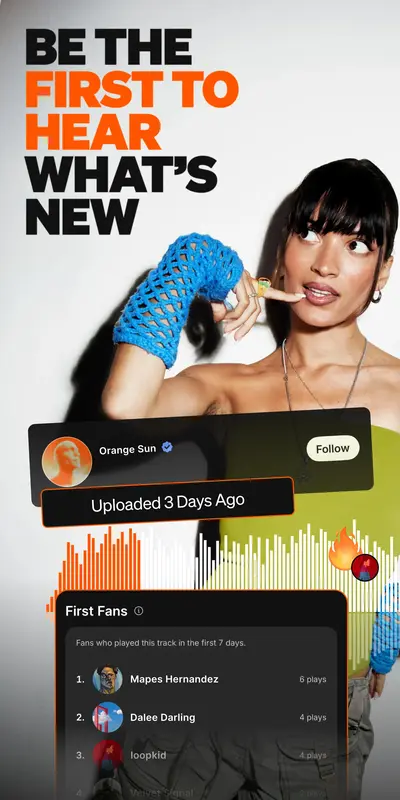
 SoundCloud: The Music You LoveMusic And Audio · Android
 StarbucksUnknown · iOS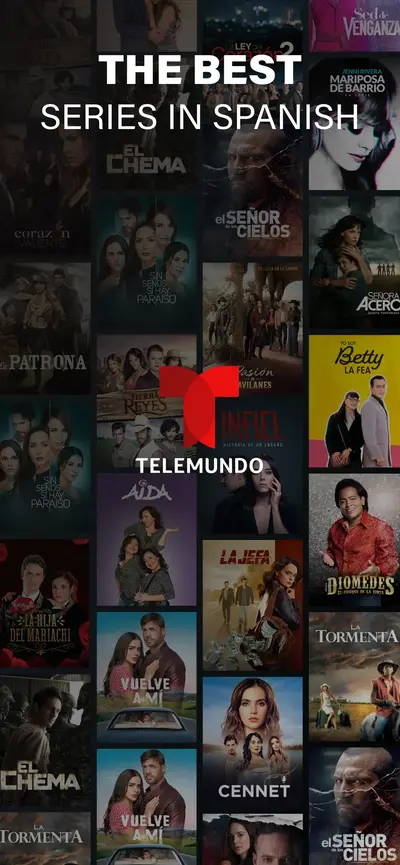
 Telemundo: Series y TV en vivoUnknown · iOS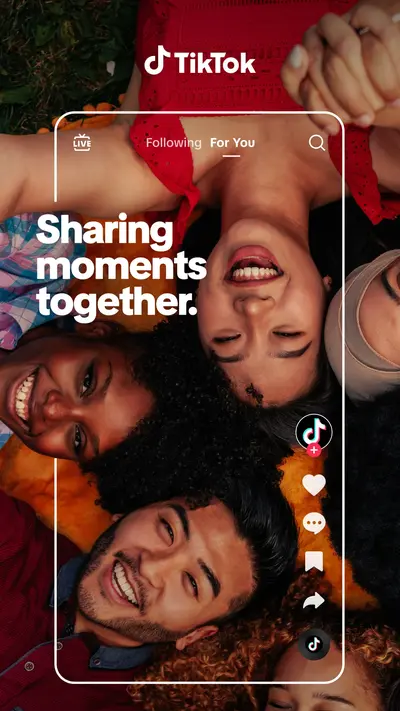
 TikTok - Videos, Shop & LIVESocial · Android
 Tinder Dating App: Chat & DateDating · Android
 ViX: TV, Sports and NewsUnknown · iOS
Filter Panoramic apps in Explore →
Frequently asked questions
What is a Panoramic app store screenshot?
You are looking at a Panoramic screenshot when the background runs edge to edge with no visible device bezel and no flat colour field — a photograph, illustration, or gradient that continues behind everything else. The tell is that the image, not the interface, is doing the persuading; UI elements sit on top of the scene as overlays rather than being the subject. Apps choose it when the feeling of the product matters more than any single feature.
Which apps use the Panoramic layout?
AppScreens currently tags 35 apps with the Panoramic pattern, including PineDrama - Short Dramas, Depop - Buy & Sell Clothes, TikTok - Videos, Shop & LIVE. The archive is updated as apps change their listings.
How do I create Panoramic screenshots for my own app?
Study the examples on this page, then build your own set with the free AppScreens screenshot generator — it supports device frames, brand colors, captions, and every Apple-required export resolution.