Caption Heavy App Store Screenshots
594 apps using the Caption Heavy layout pattern, with full screenshot sets to study.
594 apps tagged Caption Heavy · 261+ screenshots · updated October 2026
Caption Heavy is one of the four screenshot layout patterns AppScreens tracks across its archive. Large text headlines dominate the screenshot, with the app UI as supporting context. Effective for apps with complex features like finance, education, and subscriptions.
Borrow the headline hierarchy from these sets: the caption is the screenshot's H1, and the UI below it is supporting evidence rather than the star.
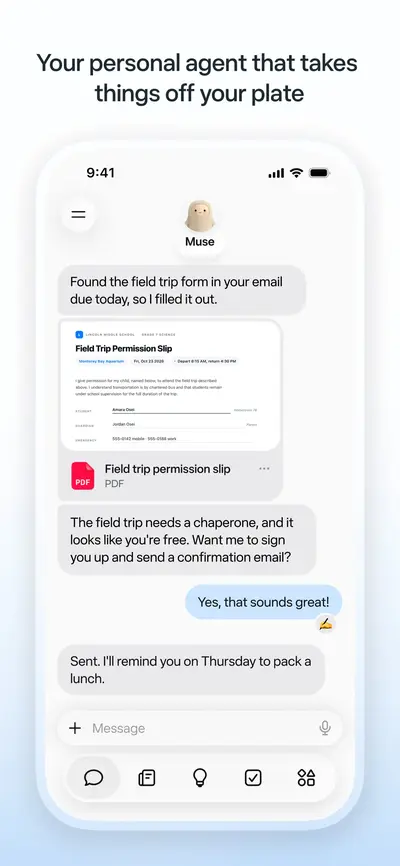
 Muse from MetaUnknown · iOS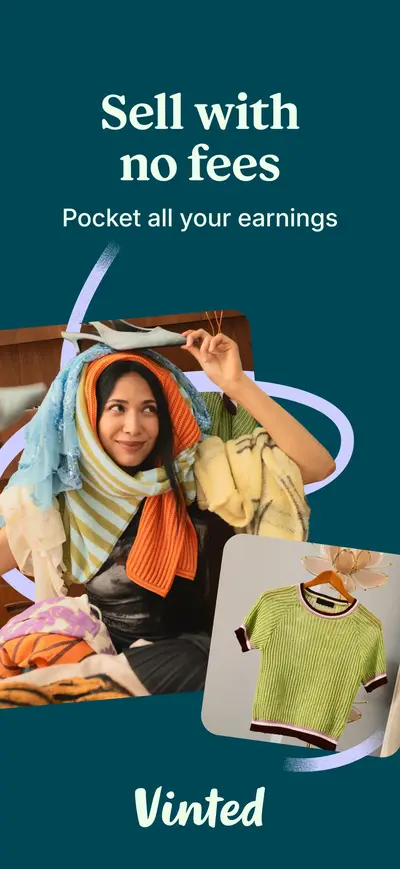
 Vinted: Pre-loved marketplaceShopping · iOS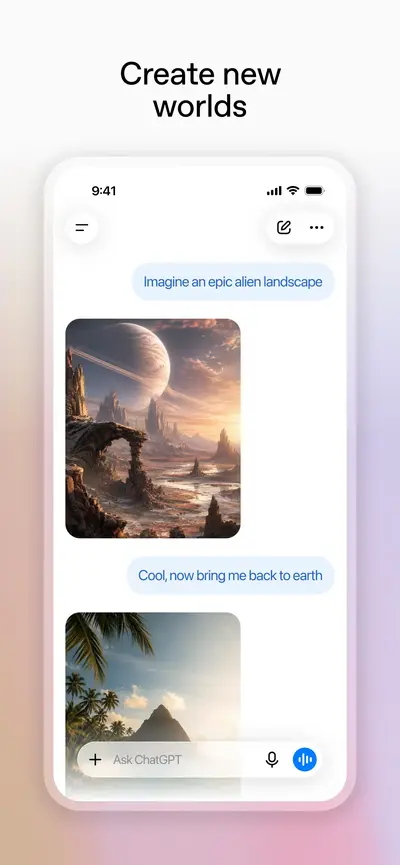
 ChatGPTProductivity · iOS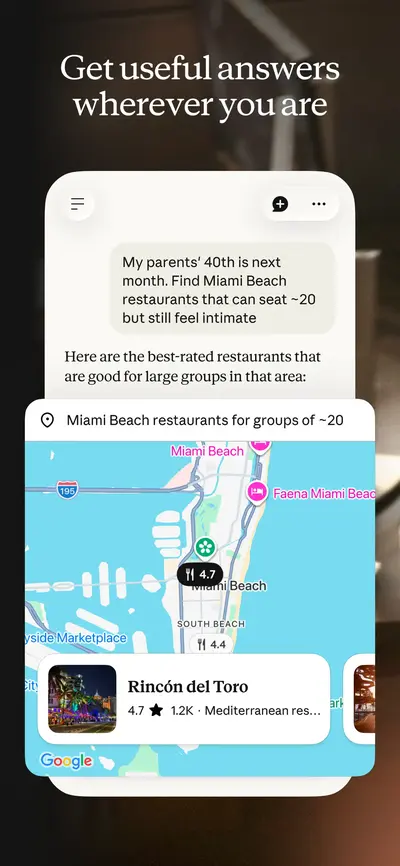
 Claude by AnthropicProductivity · iOS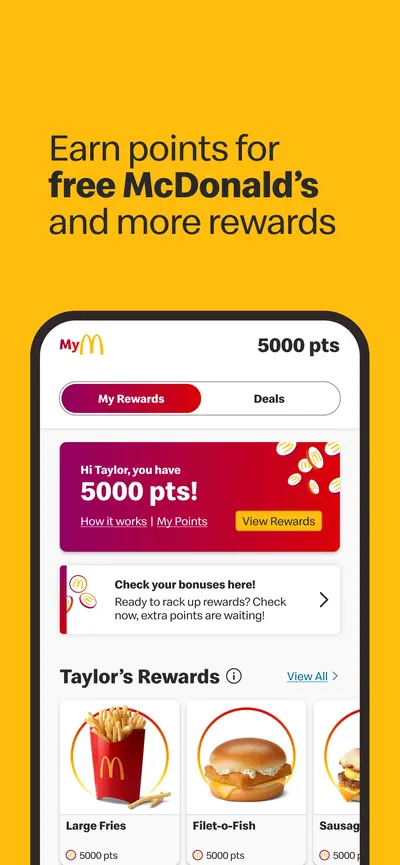
 McDonald'sFood & Drink · iOS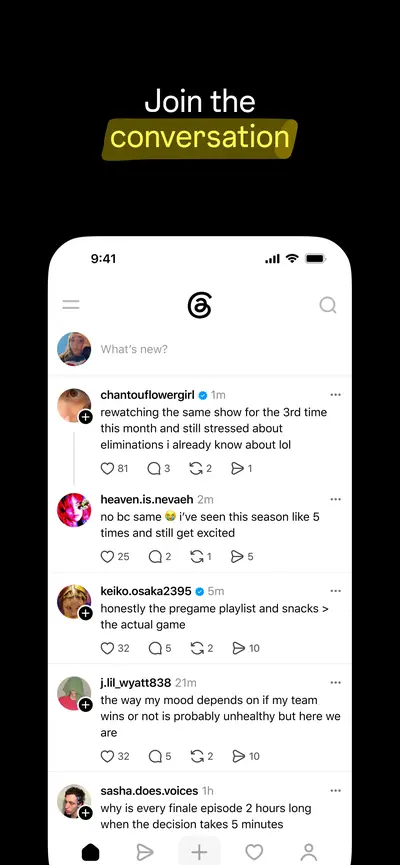
 ThreadsSocial Networking · iOS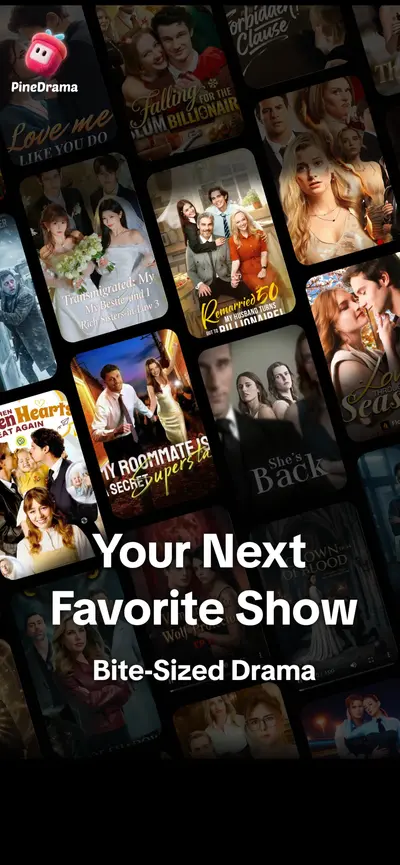
 PineDrama - Short DramasUnknown · iOS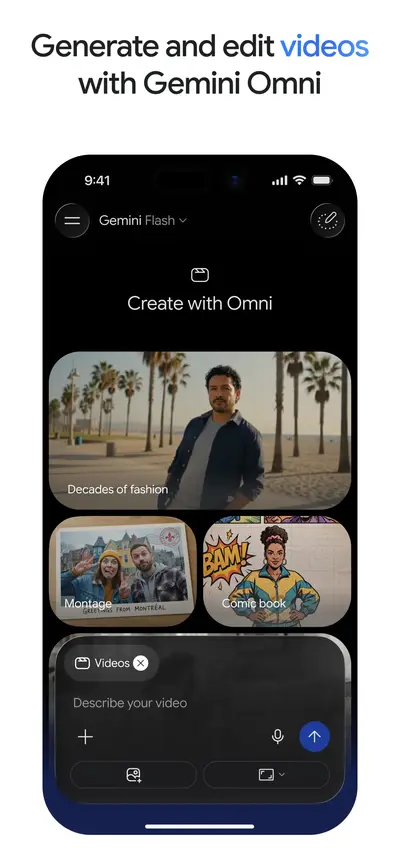
 Google GeminiProductivity · iOS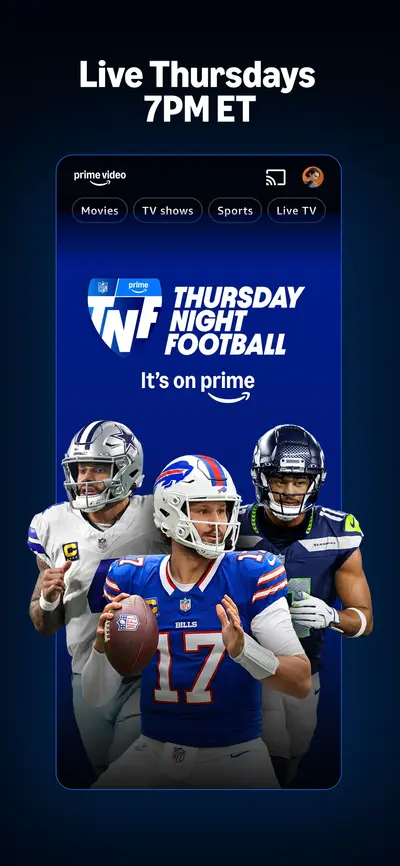
 Amazon Prime VideoEntertainment · iOS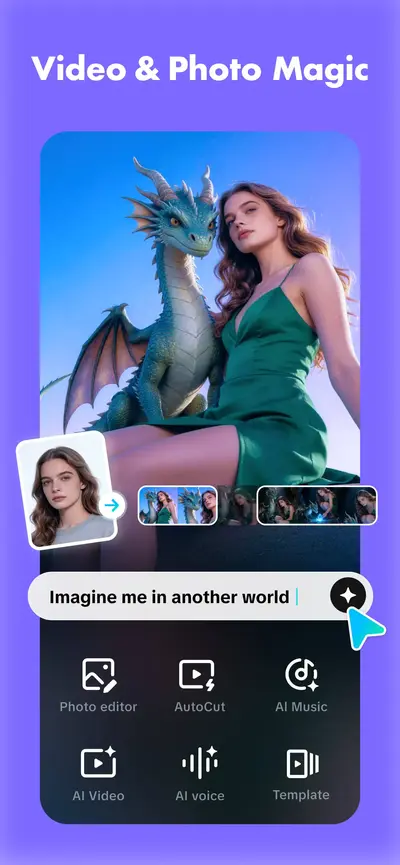
 CapCut: Photo & Video EditorPhoto & Video · iOS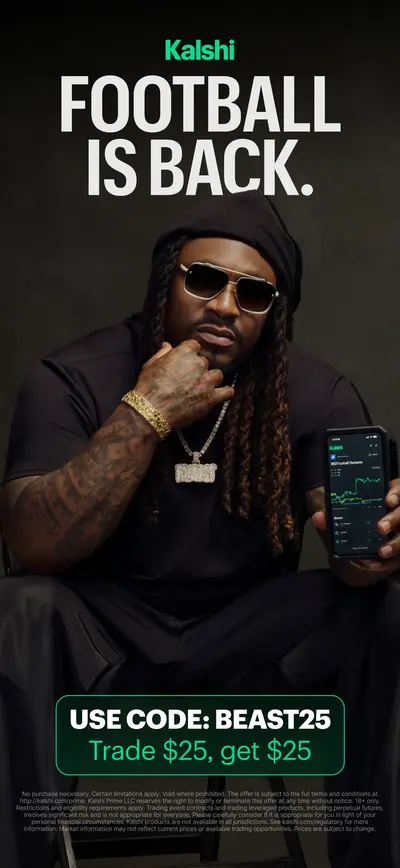
 Kalshi: Trade Football & moreFinance · iOS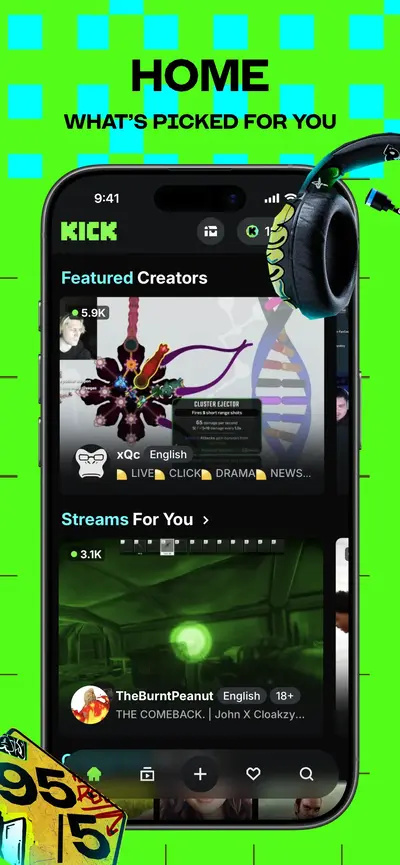
 KICK - Live StreamingPhoto & Video · iOS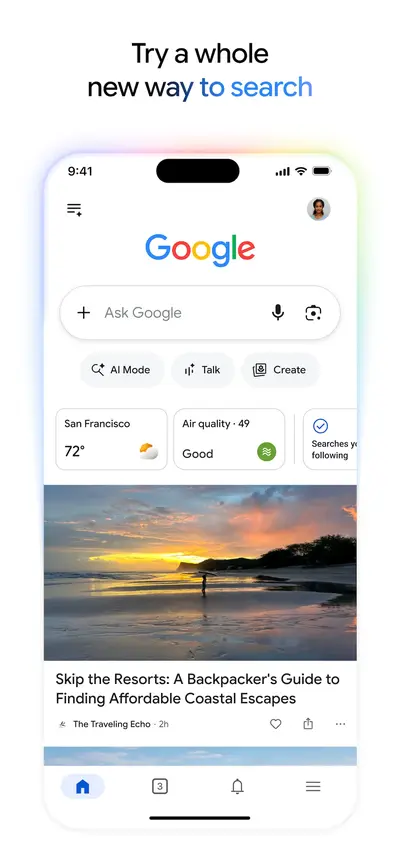
 GoogleUtilities · iOS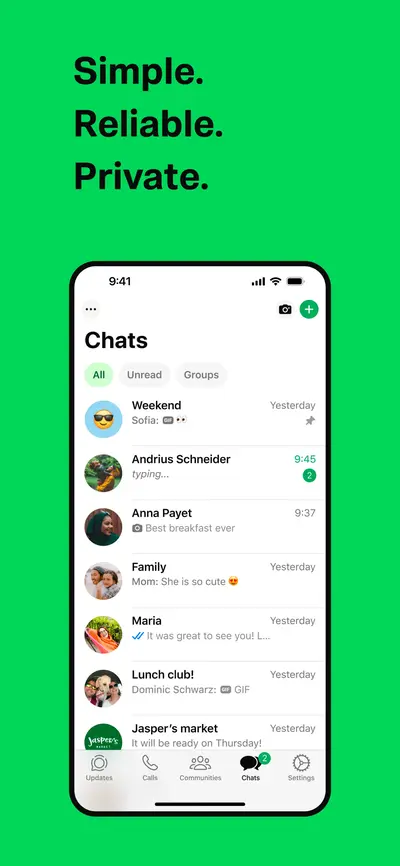
 WhatsApp MessengerSocial Networking · iOS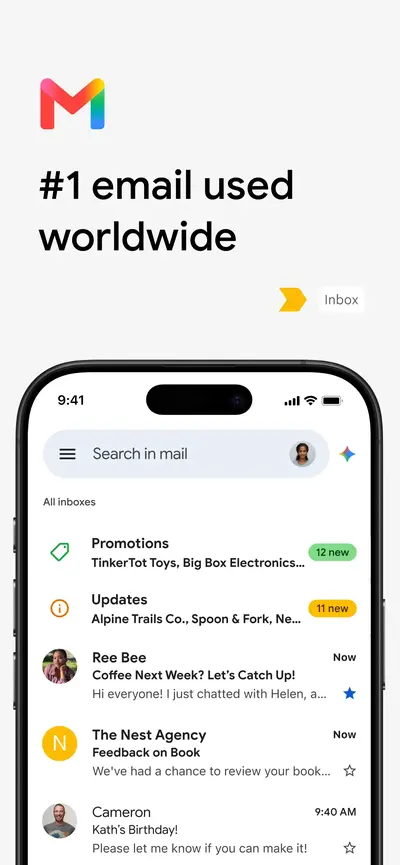
 Gmail - Email by GoogleProductivity · iOS
 Temu: Shop Like a BillionaireShopping · iOS
 Depop - Buy & Sell ClothesShopping · iOS
 DramaWave - Dramas & ReelsUnknown · iOS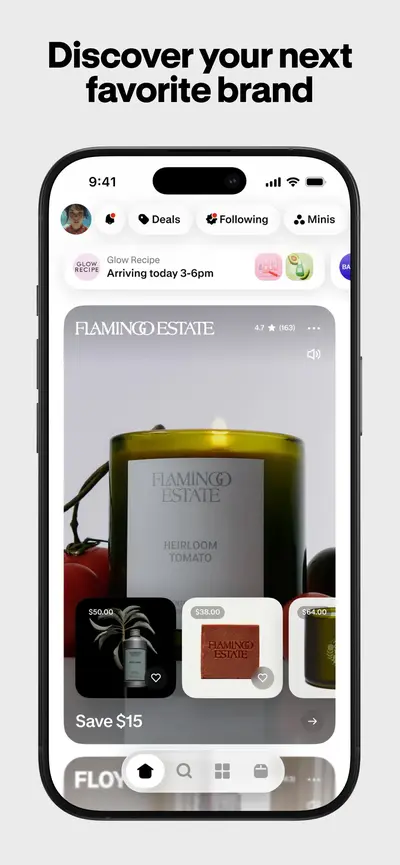
 Shop: All your favorite brandsShopping · iOS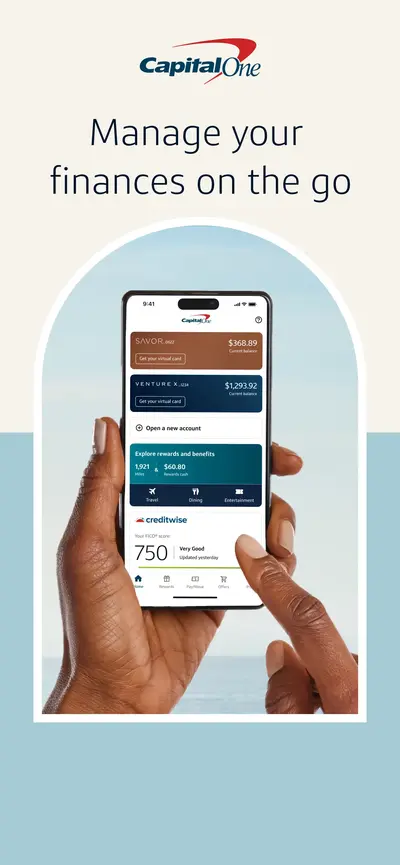
 Capital One MobileFinance · iOS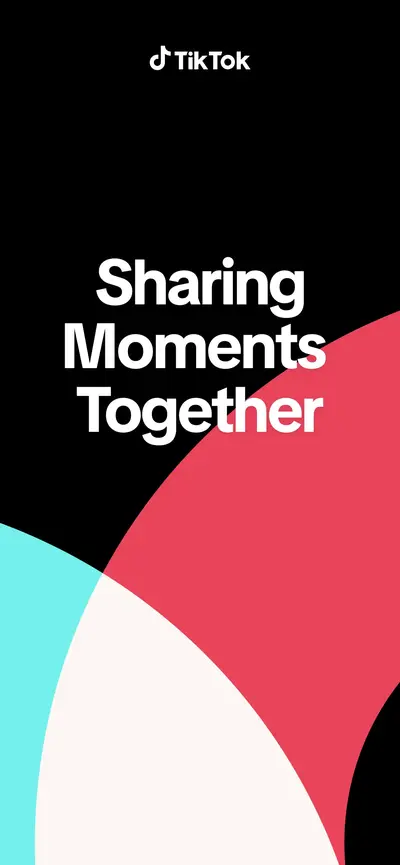
 TikTok - Videos, Shop & LIVEEntertainment · iOS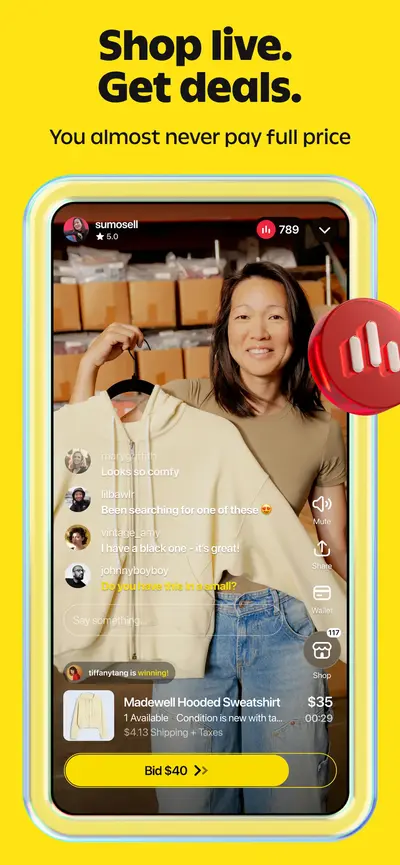
 Whatnot: Shop, Sell, ConnectShopping · iOS
 Microsoft TeamsBusiness · iOS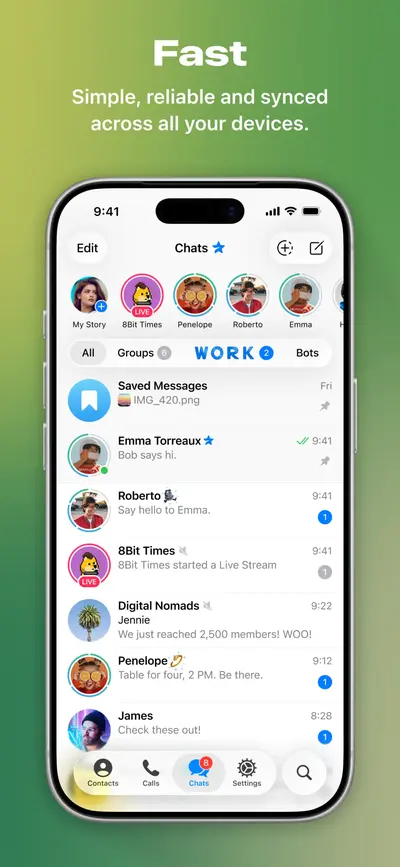
 Telegram MessengerSocial Networking · iOS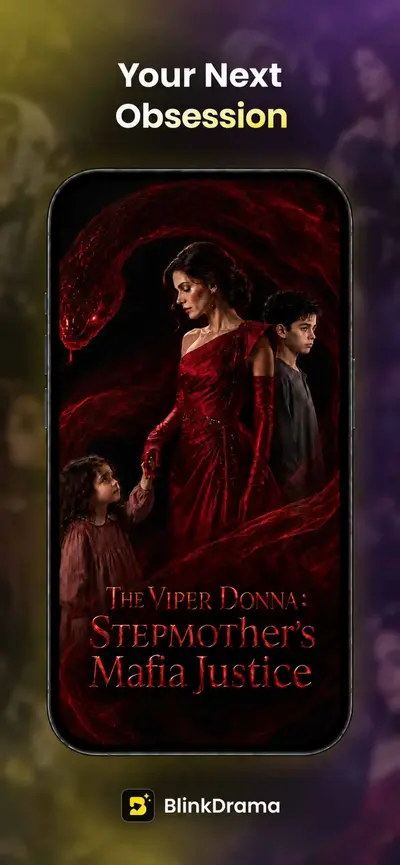
 BlinkDrama - Short DramasUnknown · iOS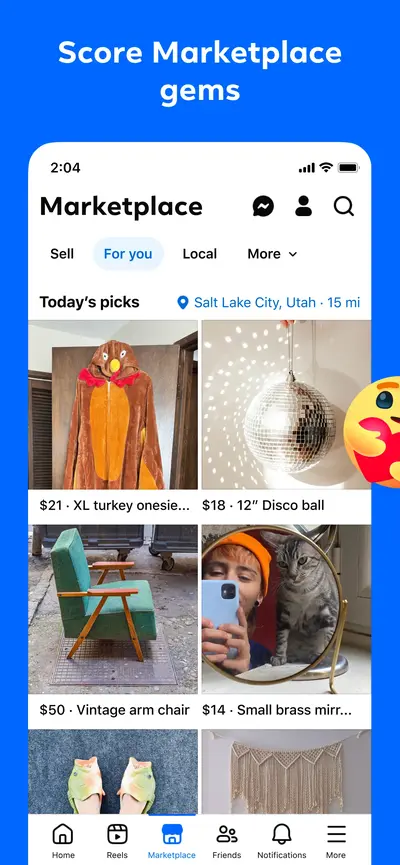
 FacebookSocial Networking · iOS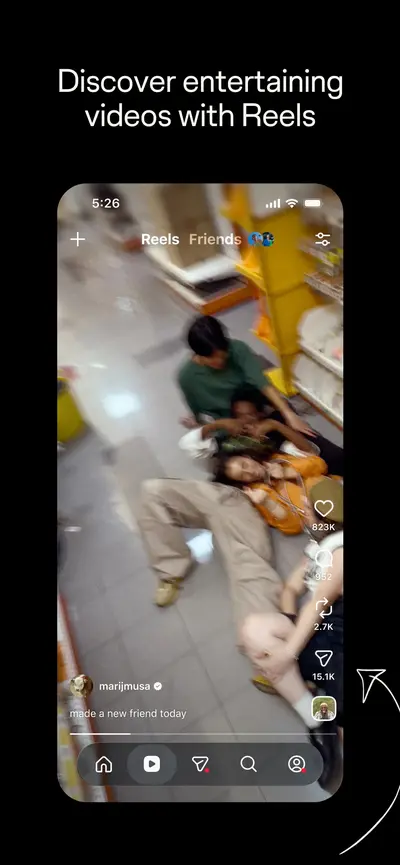
 InstagramPhoto & Video · iOS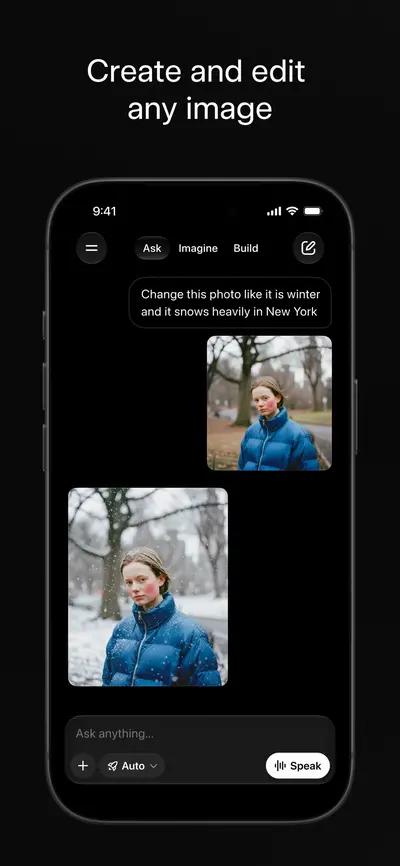
 Grok AIProductivity · iOS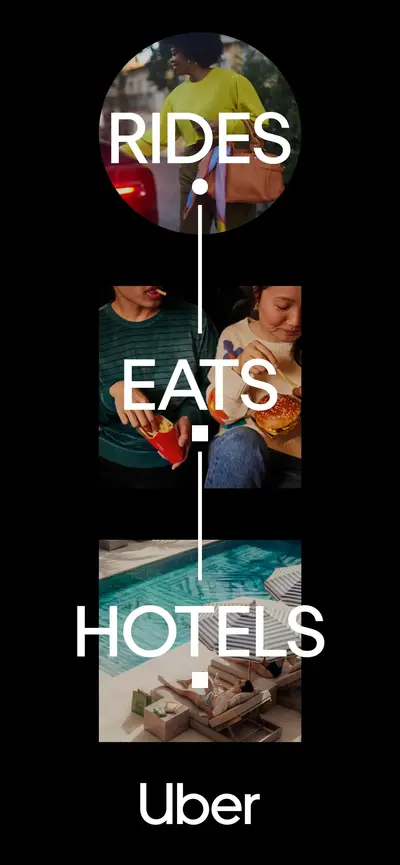
 Uber - Rides, Eats, HotelsTravel · iOS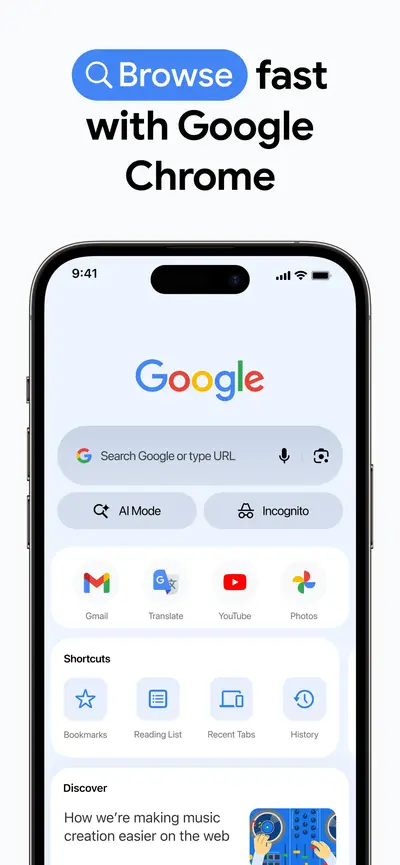
 Google ChromeUtilities · iOS
 Freecash - Get Paid Real MoneyEntertainment · iOS
 DealSeek: Coupons & DiscountsShopping · iOS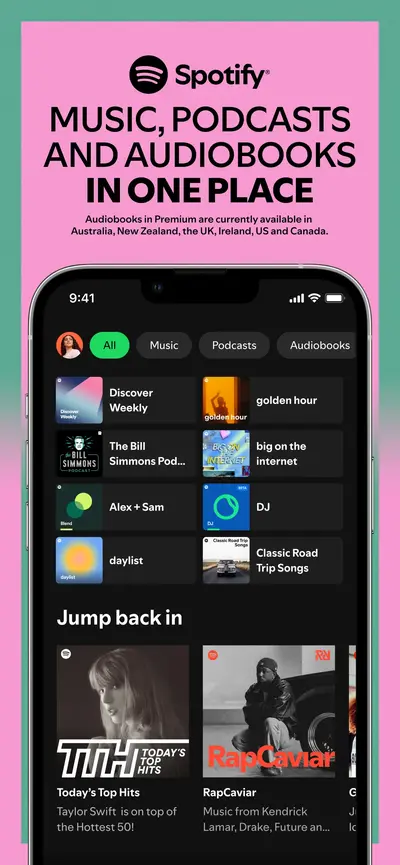
 Spotify: Music and PodcastsMusic · iOS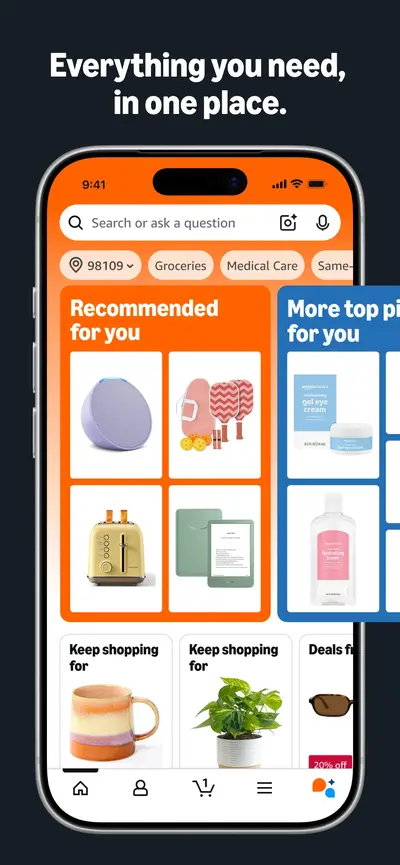
 Amazon ShoppingShopping · iOS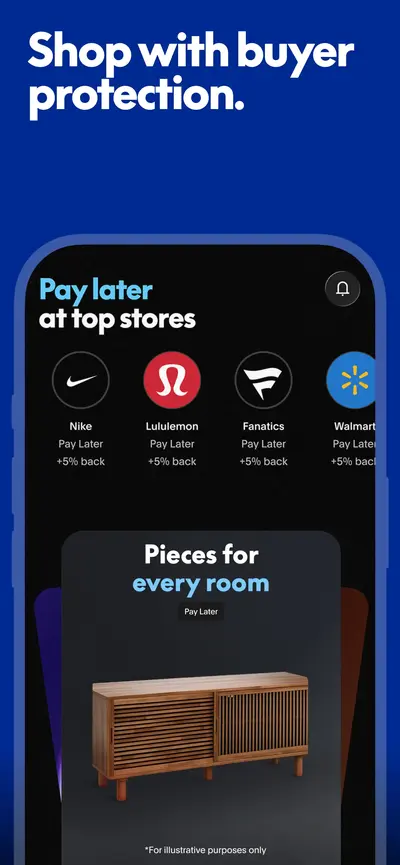
 PayPal - Pay, Send, SaveFinance · iOS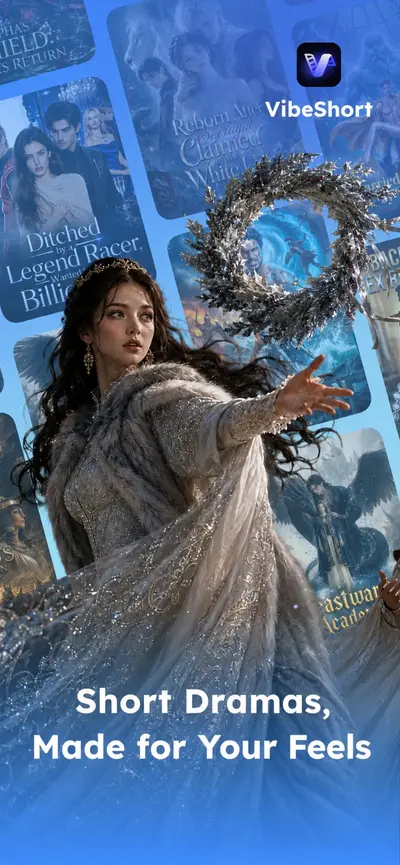
 VibeShort: AI Short DramasUnknown · iOS
Filter Caption Heavy apps in Explore →
Frequently asked questions
What is a Caption Heavy app store screenshot?
You are looking at a Caption Heavy screenshot when the headline occupies a third or more of the frame and the app UI is pushed below or behind it. The text is the primary content and the screenshot is the evidence. Apps reach for it when the value proposition needs explaining rather than showing — which is why it dominates categories where the product is abstract.
Which apps use the Caption Heavy layout?
AppScreens currently tags 594 apps with the Caption Heavy pattern, including Muse from Meta, Vinted: Pre-loved marketplace, ChatGPT. The archive is updated as apps change their listings.
How do I create Caption Heavy screenshots for my own app?
Study the examples on this page, then build your own set with the free AppScreens screenshot generator — it supports device frames, brand colors, captions, and every Apple-required export resolution.