Productivity App Store Screenshots
Real screenshot sets from 88 top Productivity apps — study the layouts, captions, and ASO strategies that work in this category.
88 Productivity apps · 249+ screenshots · updated October 2026
Productivity apps demo the workflow: boards, documents, and automations shown in clean floating-UI layouts. Caption-heavy slides walk through one capability at a time, often ending with team or enterprise social proof.
AppScreens archives the complete App Store listing for 88 Productivity apps — every screenshot in sequence, tagged by layout pattern and ASO marketing strategy, with historical versions in the Time Machine. Click any app to see its full set, or open Explore to filter by platform, layout, and strategy.
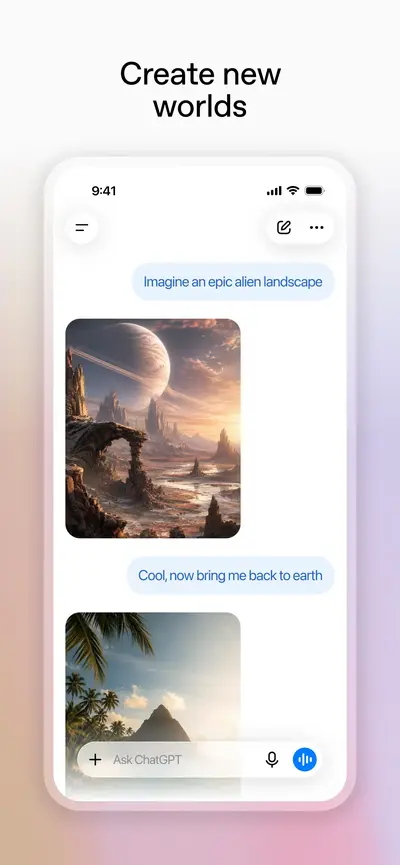
 ChatGPTProductivity · iOS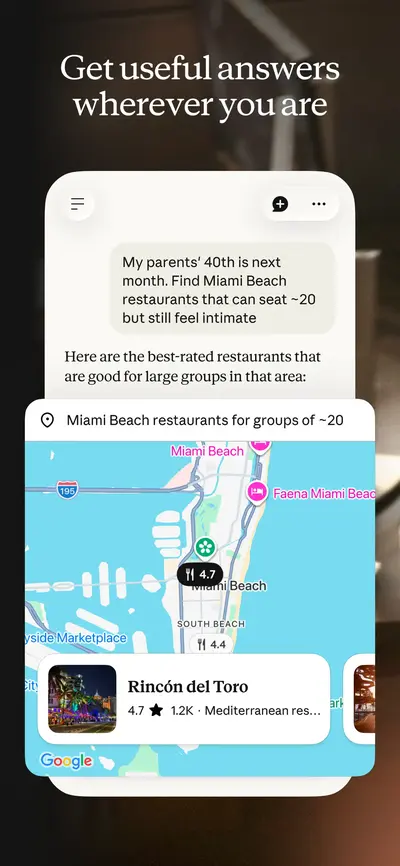
 Claude by AnthropicProductivity · iOS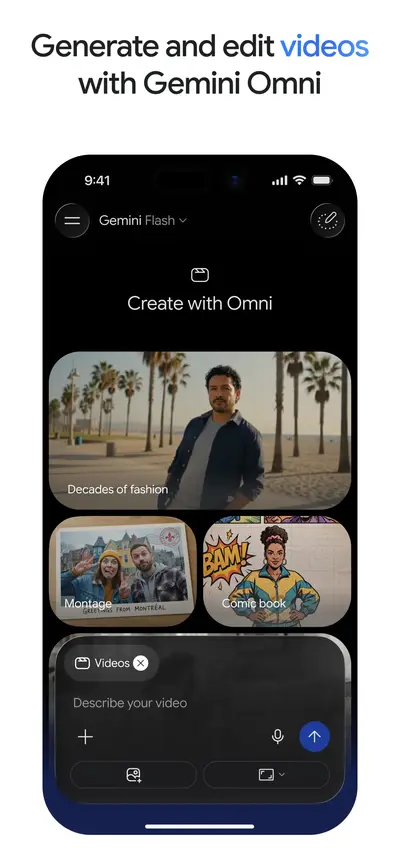
 Google GeminiProductivity · iOS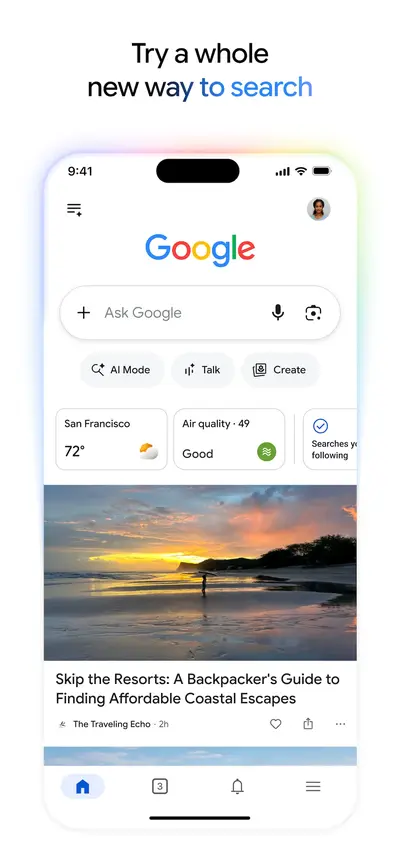
 GoogleUtilities · iOS
 Gmail - Email by GoogleProductivity · iOS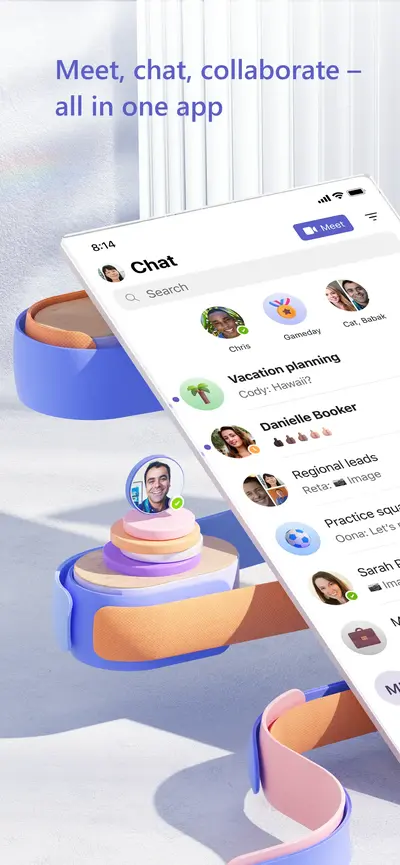
 Microsoft TeamsBusiness · iOS
 Microsoft AuthenticatorProductivity · iOS
 Grok AIProductivity · iOS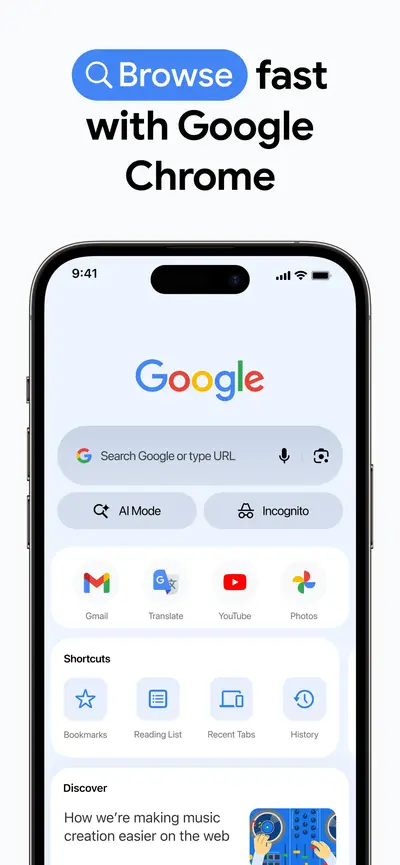
 Google ChromeUtilities · iOS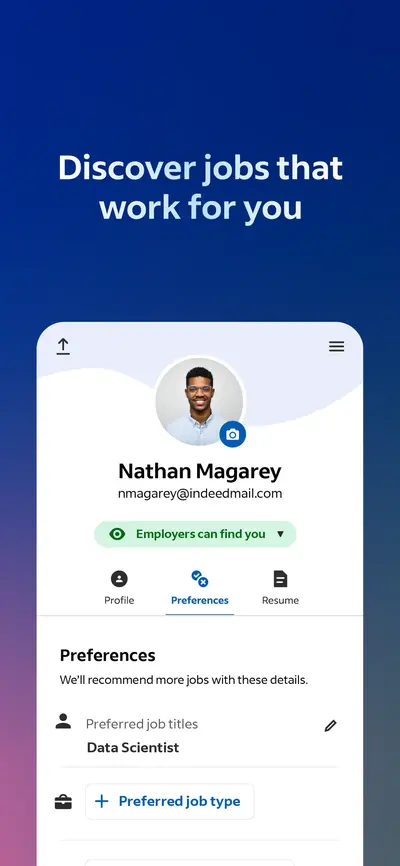
 Indeed Job SearchBusiness · iOS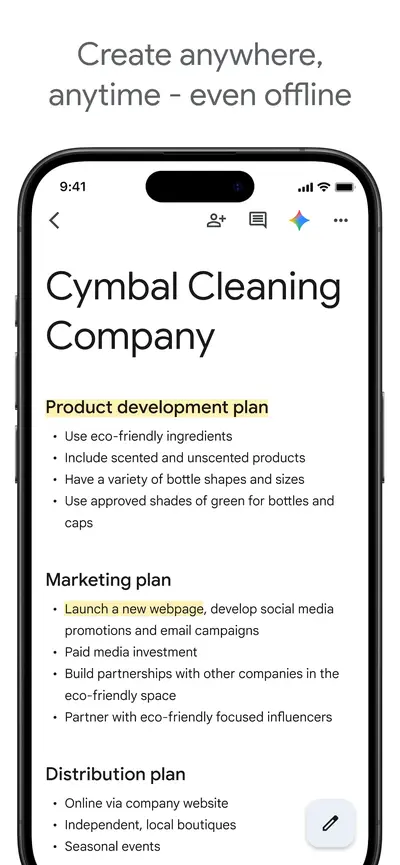
 Google DocsProductivity · iOS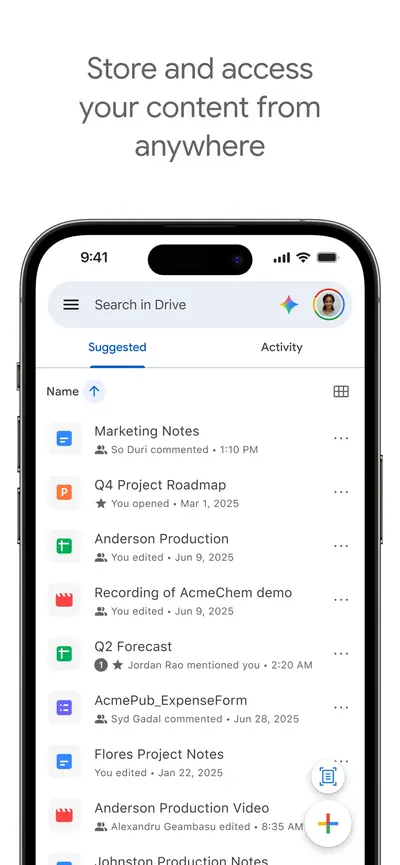
 Google DriveProductivity · iOS
 Zoom WorkplaceBusiness · iOS
 ADP Mobile SolutionsBusiness · iOS
 LinkedIn: Community & NetworkBusiness · iOS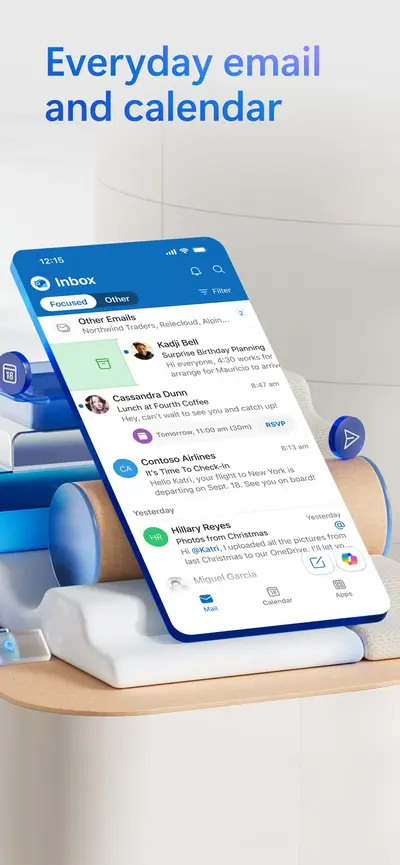
 Microsoft OutlookProductivity · iOS
 Google AuthenticatorUtilities · iOS
 VPN - Super Unlimited ProxyProductivity · iOS
 Google SheetsProductivity · iOS
 Microsoft WordProductivity · iOS
 ShadowrocketUtilities · iOS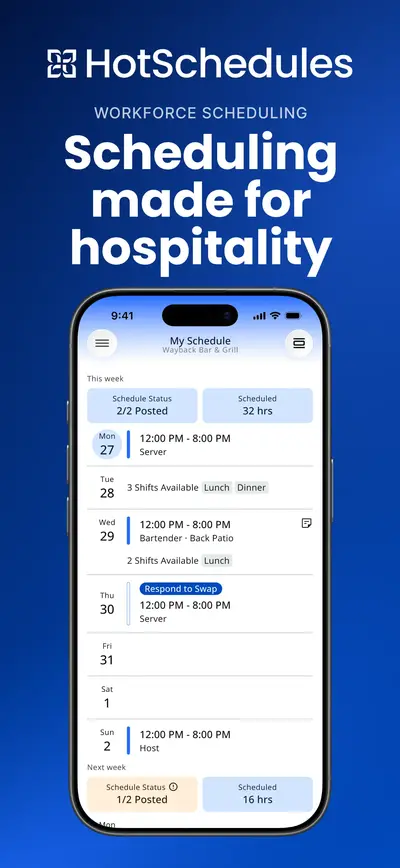
 HotSchedulesBusiness · iOS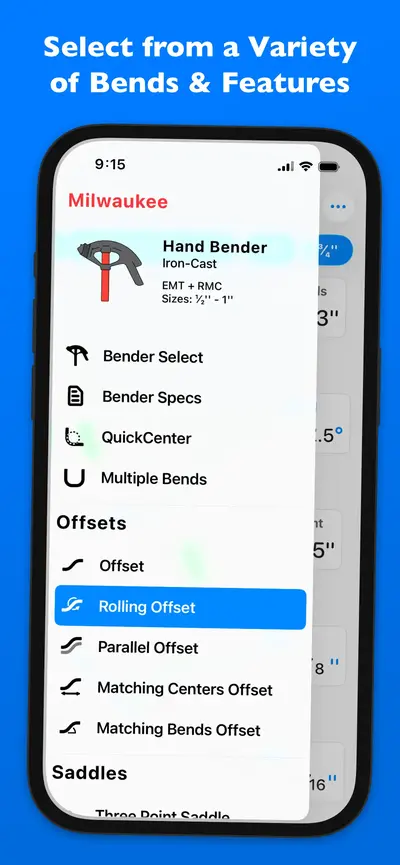
 QuickBend: Conduit BendingProductivity · iOS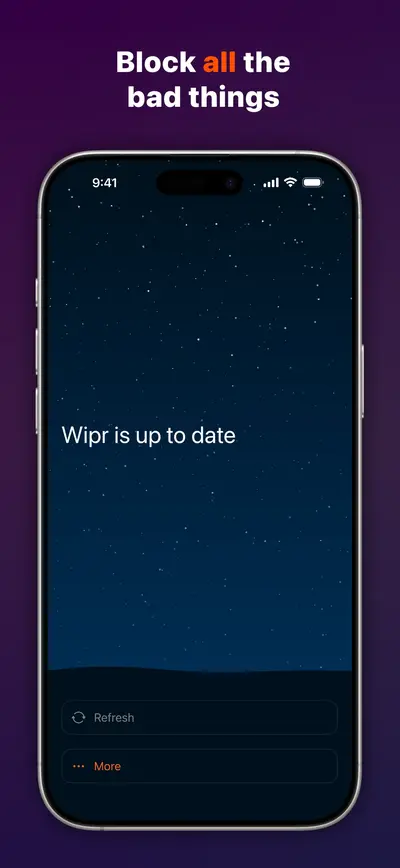
 Wipr 2Utilities · iOS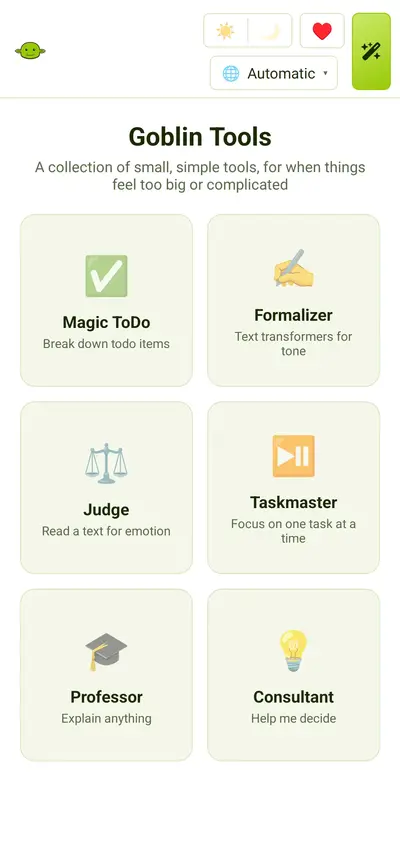
 Goblin ToolsUtilities · iOS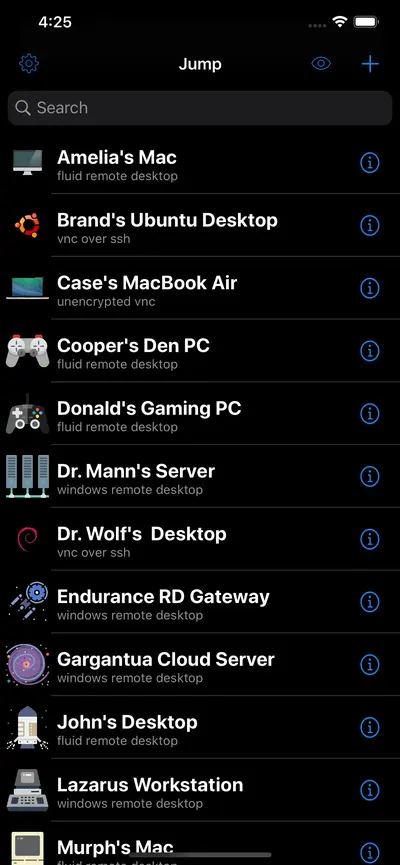
 Jump Desktop (RDP, VNC, Fluid)Business · iOS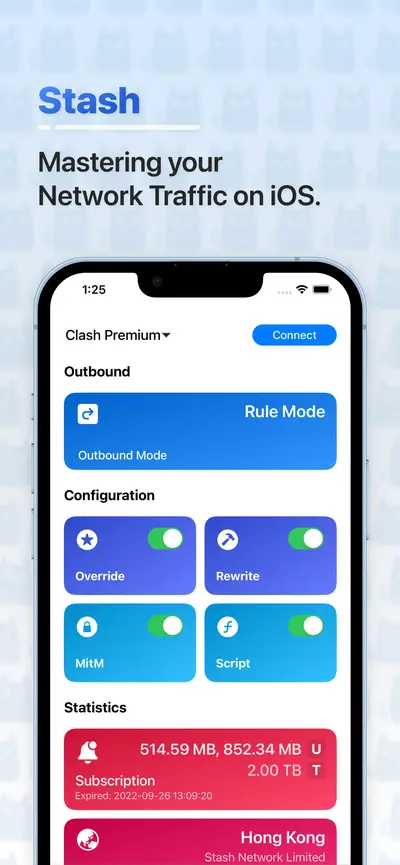
 Stash - Rule Based ProxyUtilities · iOS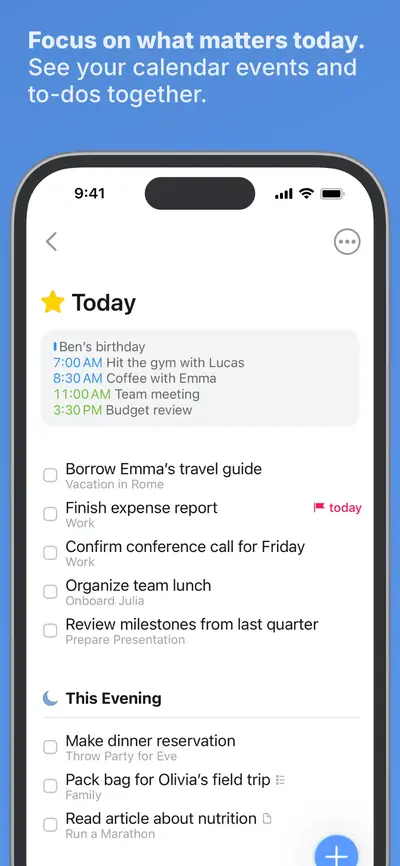
 Things 3Productivity · iOS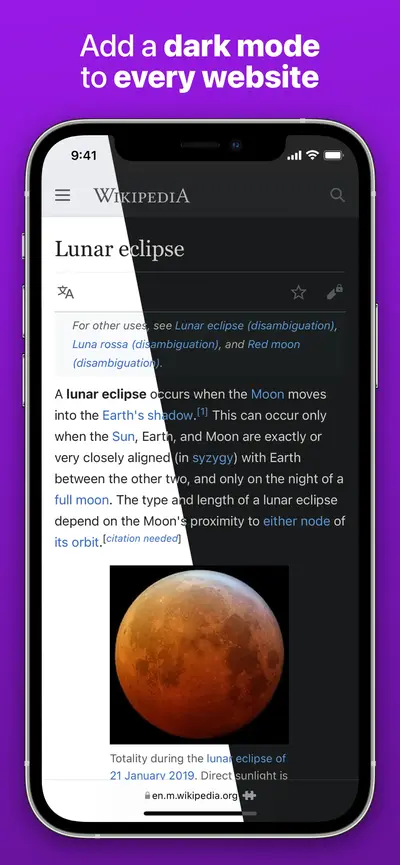
 Noir - Dark Mode for SafariUtilities · iOS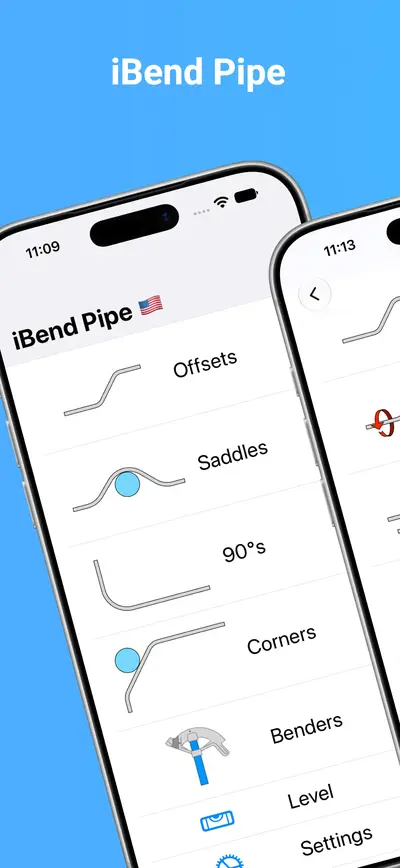
 iBend PipeProductivity · iOS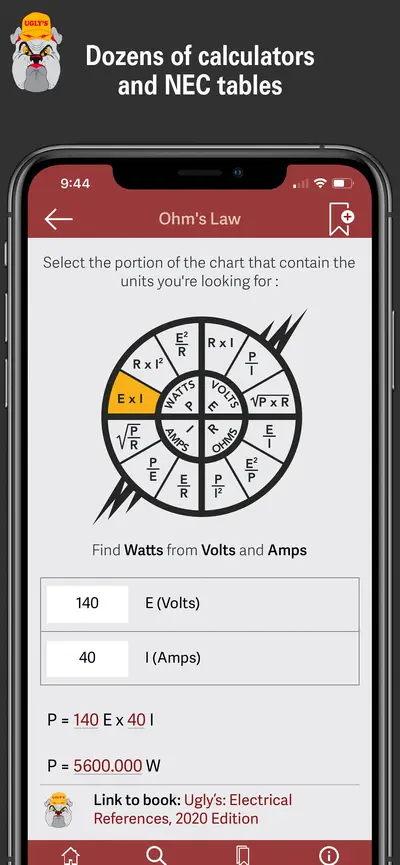
 Ugly's Electrical ReferencesProductivity · iOS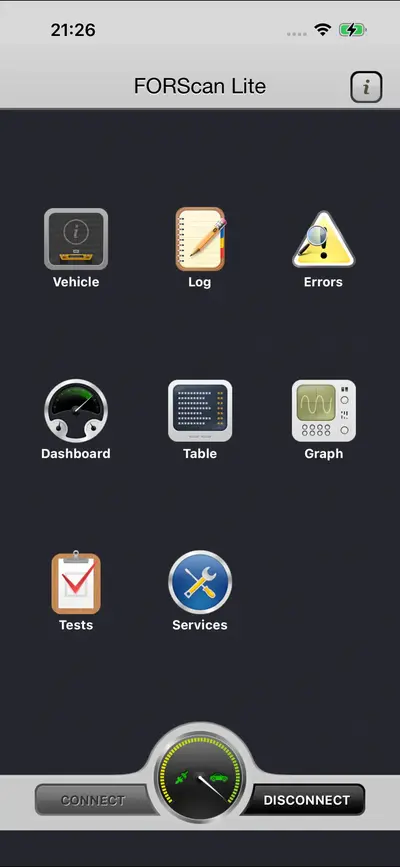
 FORScan Lite - for Ford, MazdaUtilities · iOS
 NecrophonicUtilities · iOS
 iVerify BasicUtilities · iOS
 Just Press RecordUtilities · iOS
 Site Audit ProProductivity · iOS
Filter Productivity apps in Explore →
Frequently asked questions
How many Productivity apps does AppScreens track?
As of October 2026, AppScreens tracks 88 Productivity apps across iOS and Android, with 249+ App Store screenshots archived. Screenshots are re-checked on a regular scrape cycle, so new versions appear shortly after apps update their listings.
What do Productivity app store screenshots have in common?
Set length is the most consistent trait: the 88 Productivity listings in the archive carry 249+ screenshots between them, averaging 3 per listing, so these apps are telling a sequenced story rather than showing one hero image. The second trait is where the work happens: the first three slides carry the decision, because that is all the App Store shows in search results before a user scrolls. Open any set on this page to see how that opening trio is ordered.
Can I download Productivity app screenshots?
Browsing every Productivity screenshot on AppScreens is free. High-resolution downloads, copy-to-Figma, and full version history require the Pro plan ($8/month or $60/year).