Device-in-Hand App Store Screenshots
369 apps using the Device-in-Hand layout pattern, with full screenshot sets to study.
369 apps tagged Device-in-Hand · 250+ screenshots · updated October 2026
Device-in-Hand is one of the four screenshot layout patterns AppScreens tracks across its archive. A physical device shown at an angle, often held by a hand, suggesting real-world usage. Popular in productivity, finance, and health apps.
Study how these apps angle the device and crop the hand — the pattern adds real-world credibility but costs screen legibility, so captions do more work here than in flat layouts.

 Vinted: Pre-loved marketplaceShopping · iOS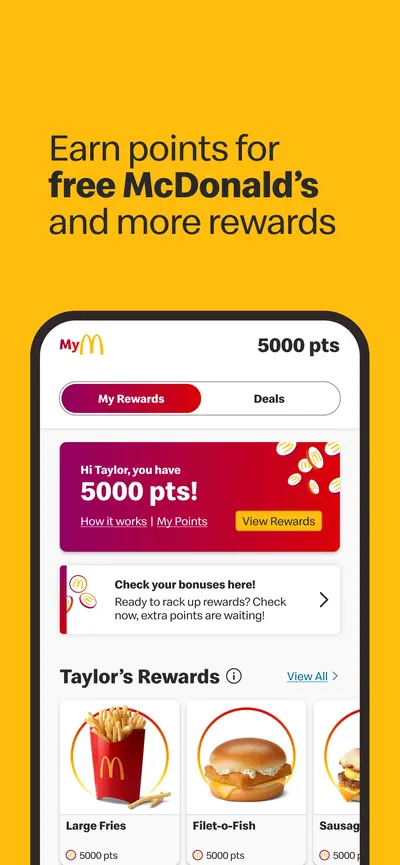
 McDonald'sFood & Drink · iOS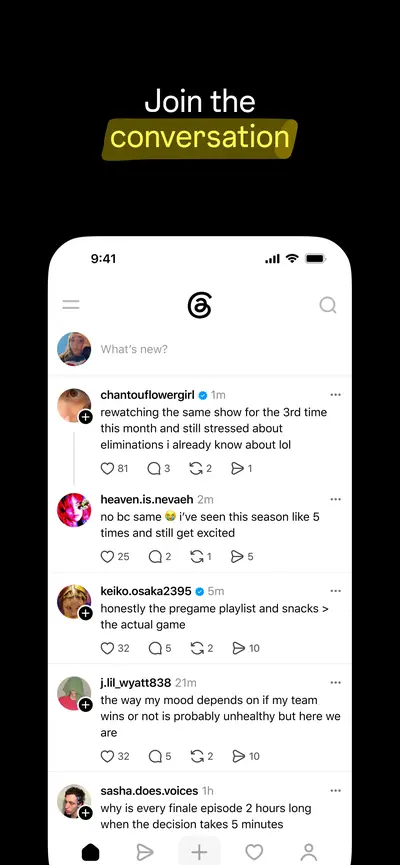
 ThreadsSocial Networking · iOS
 PineDrama - Short DramasUnknown · iOS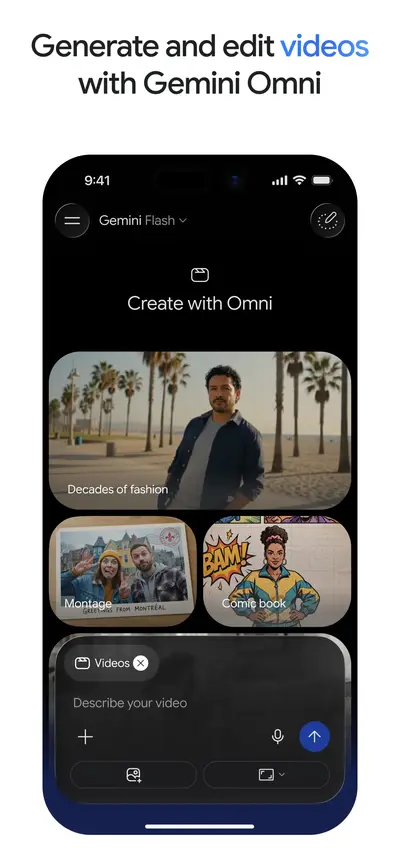
 Google GeminiProductivity · iOS
 Kalshi: Trade Football & moreFinance · iOS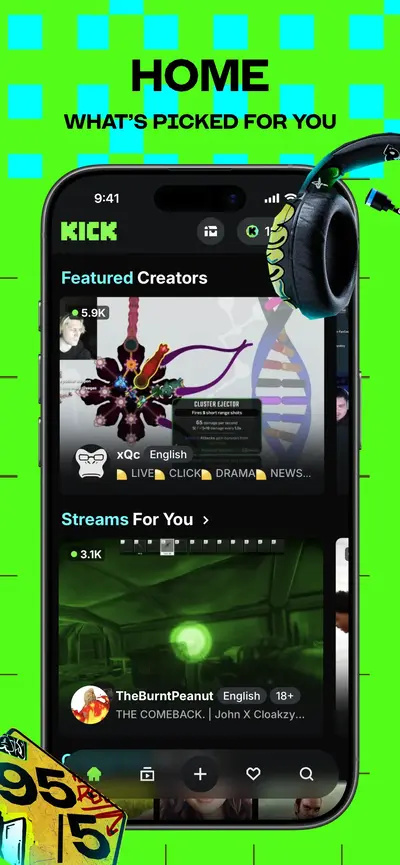
 KICK - Live StreamingPhoto & Video · iOS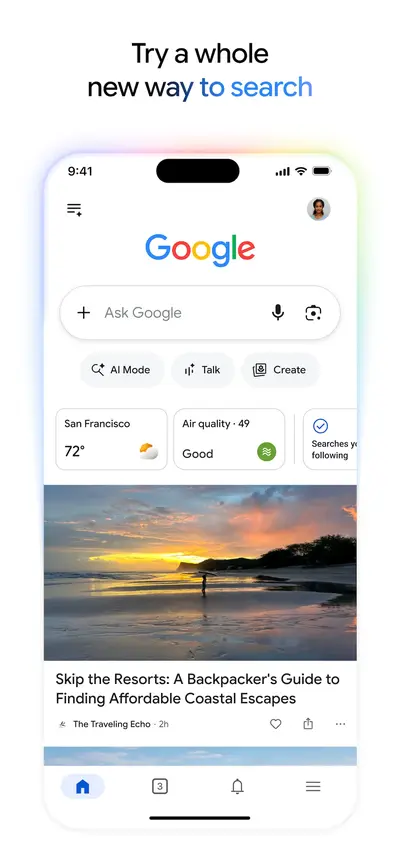
 GoogleUtilities · iOS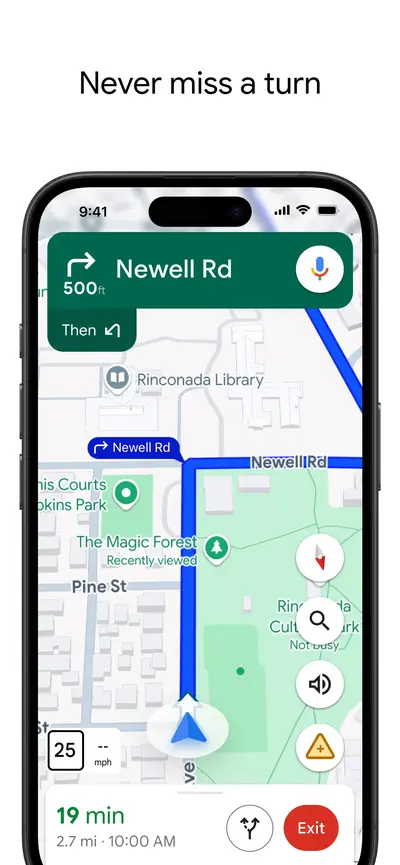
 Google MapsNavigation · iOS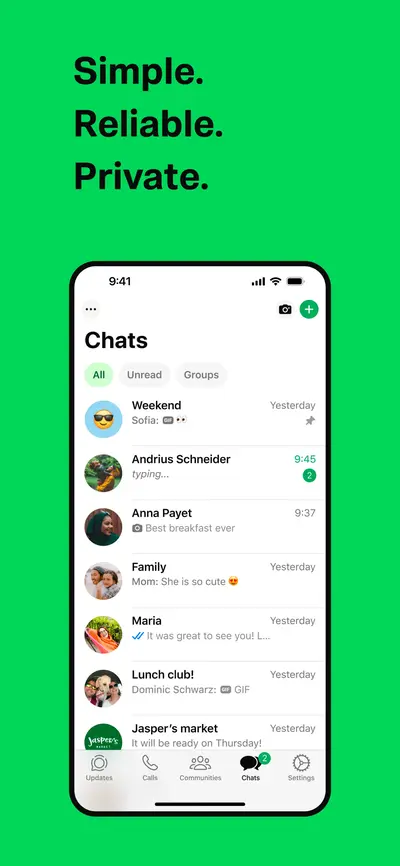
 WhatsApp MessengerSocial Networking · iOS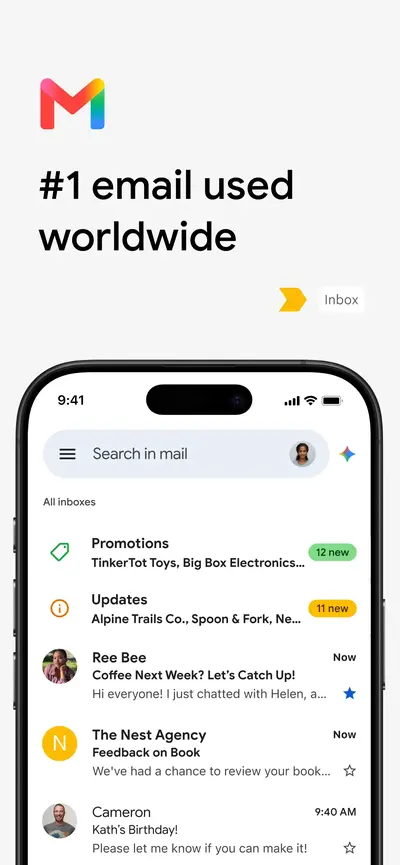
 Gmail - Email by GoogleProductivity · iOS
 DramaWave - Dramas & ReelsUnknown · iOS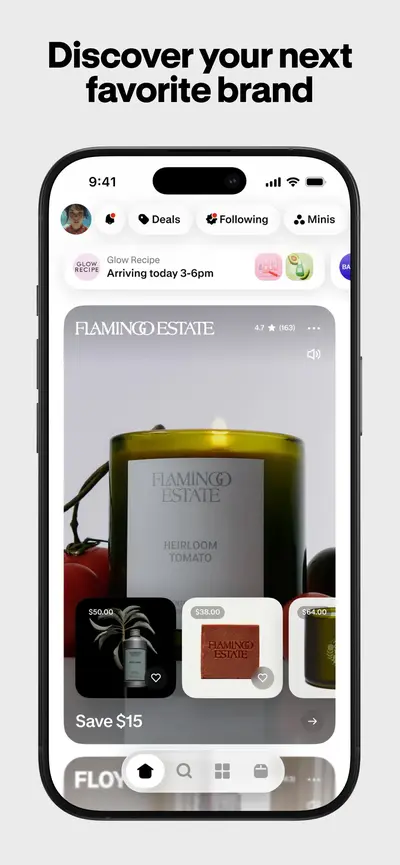
 Shop: All your favorite brandsShopping · iOS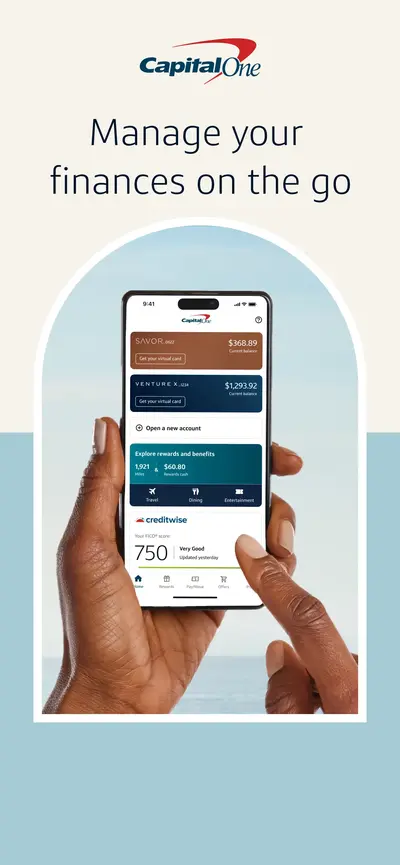
 Capital One MobileFinance · iOS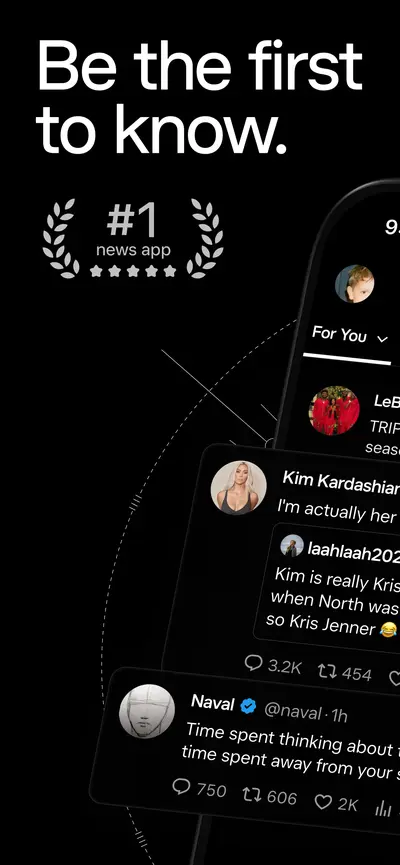
 XNews · iOS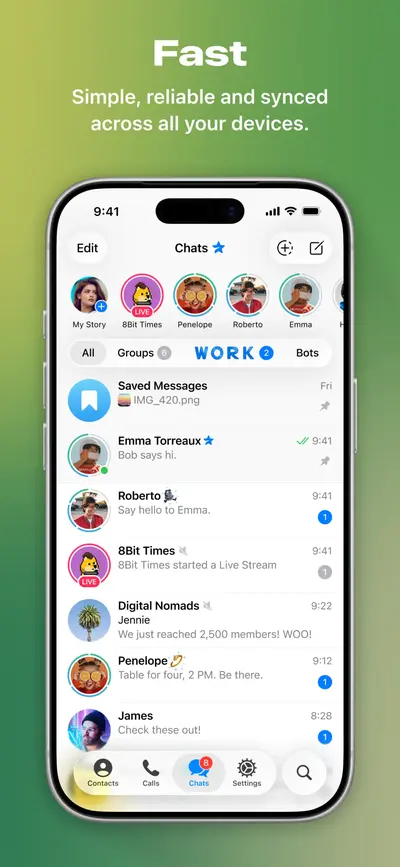
 Telegram MessengerSocial Networking · iOS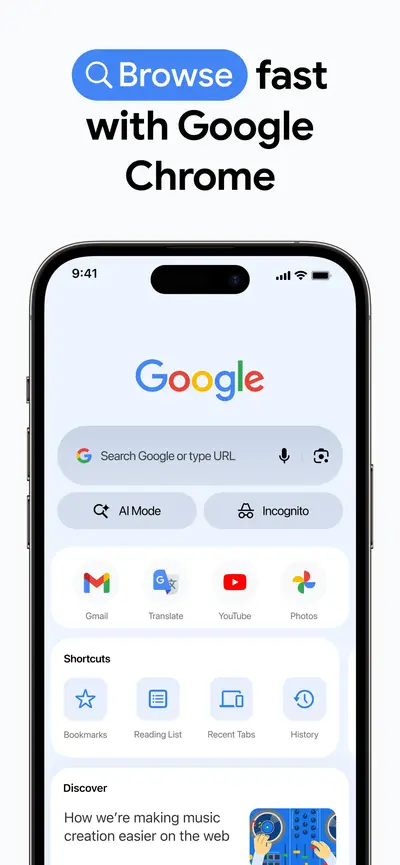
 Google ChromeUtilities · iOS
 Freecash - Get Paid Real MoneyEntertainment · iOS
 DealSeek: Coupons & DiscountsShopping · iOS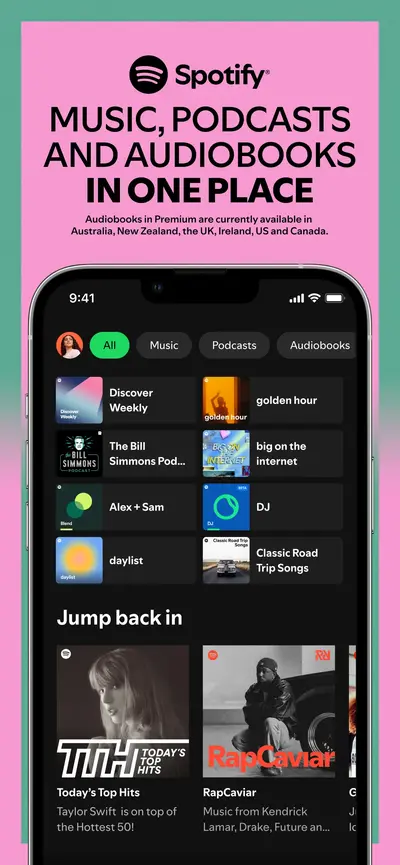
 Spotify: Music and PodcastsMusic · iOS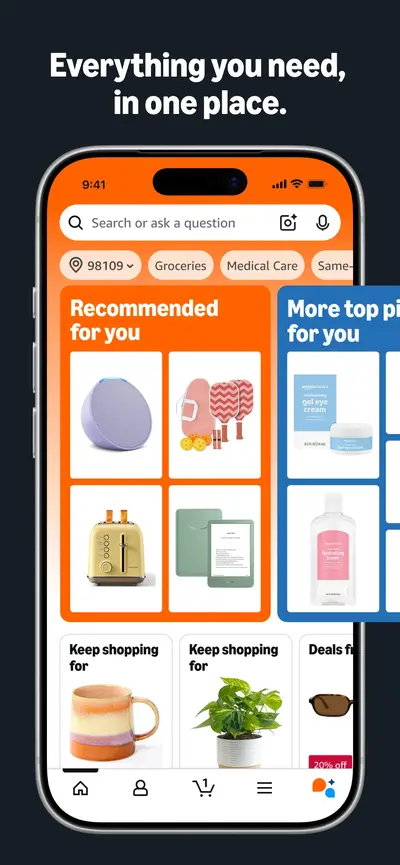
 Amazon ShoppingShopping · iOS
 VibeShort: AI Short DramasUnknown · iOS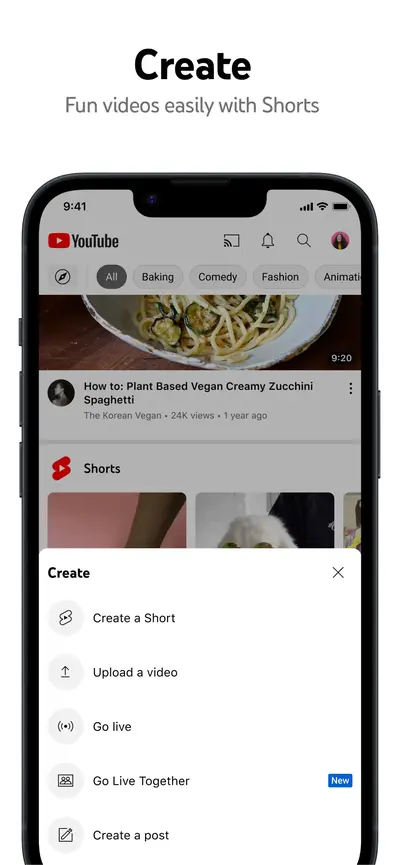
 YouTubePhoto & Video · iOS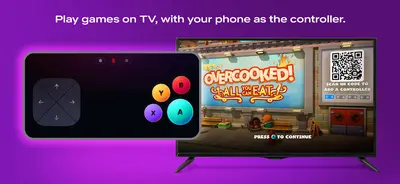
 Netflix Game ControllerEntertainment · iOS
 StoryReel: Drama Shorts & TVUnknown · iOS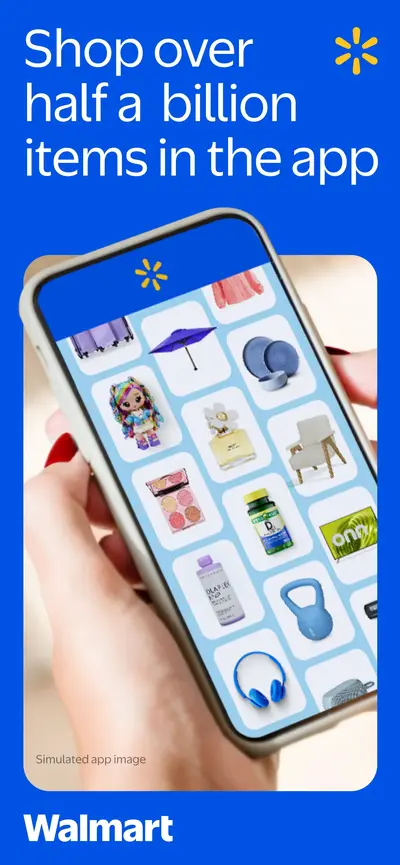
 Walmart: Shopping & SavingsShopping · iOS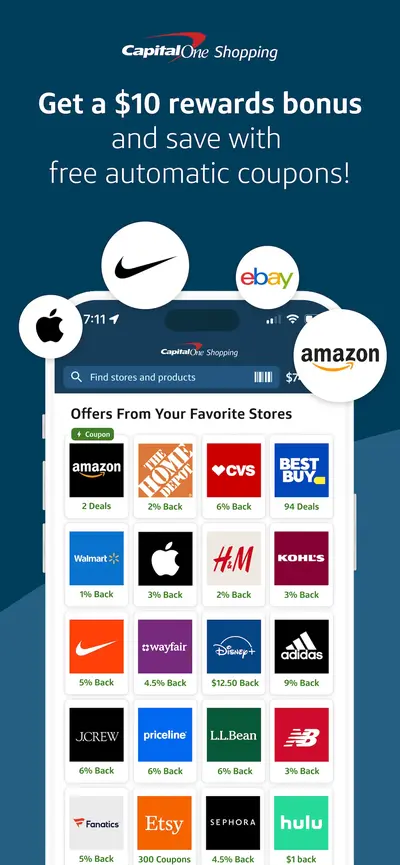
 Capital One Shopping: Save NowShopping · iOS
 PinterestLifestyle · iOS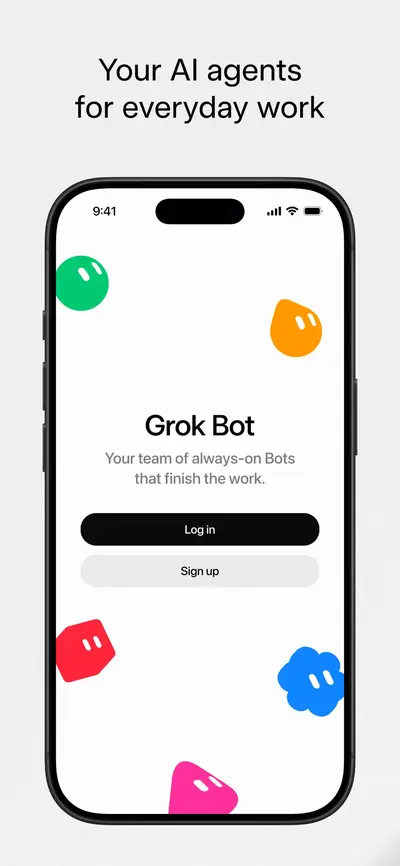
 Grok BotUnknown · iOS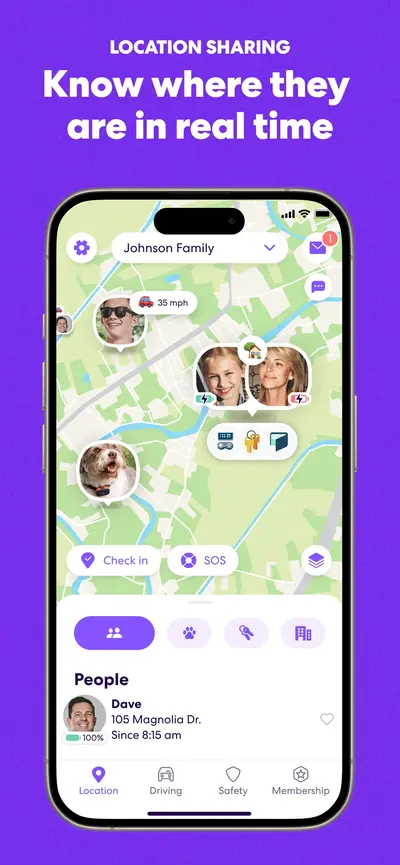
 Life360: Stay Connected & SafeSocial Networking · iOS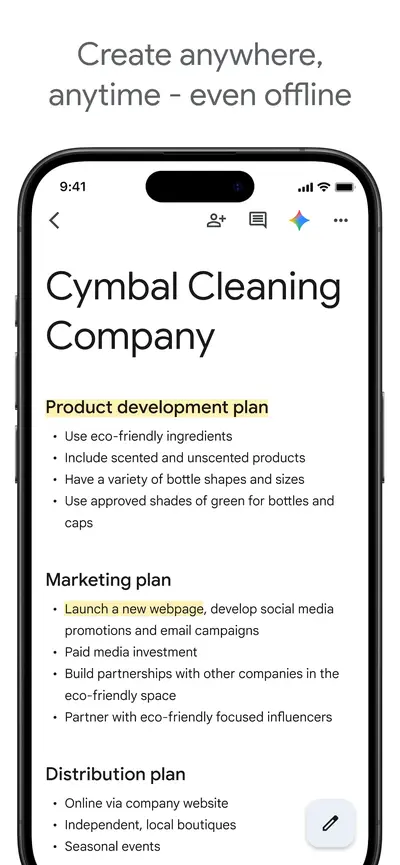
 Google DocsProductivity · iOS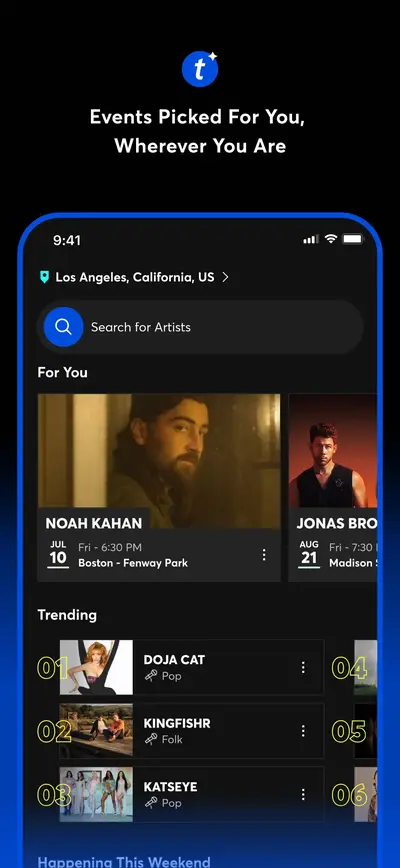
 Ticketmaster-Buy, Sell TicketsEntertainment · iOS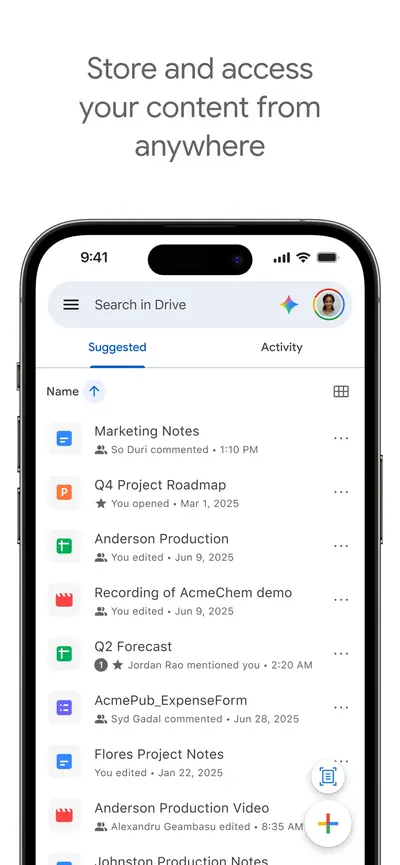
 Google DriveProductivity · iOS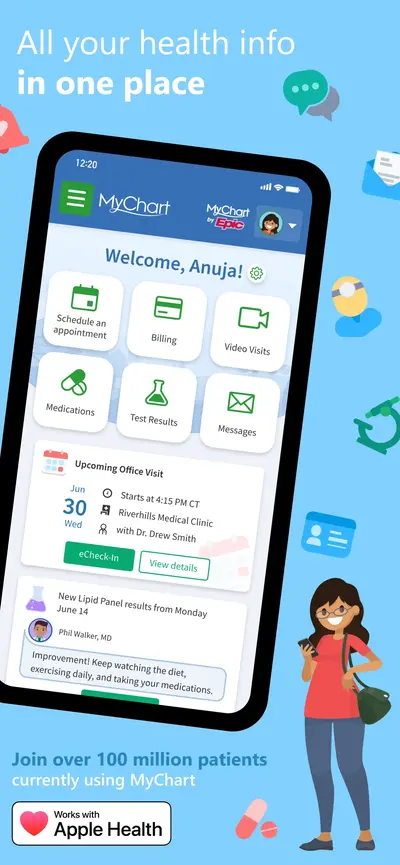
 MyChartMedical · iOS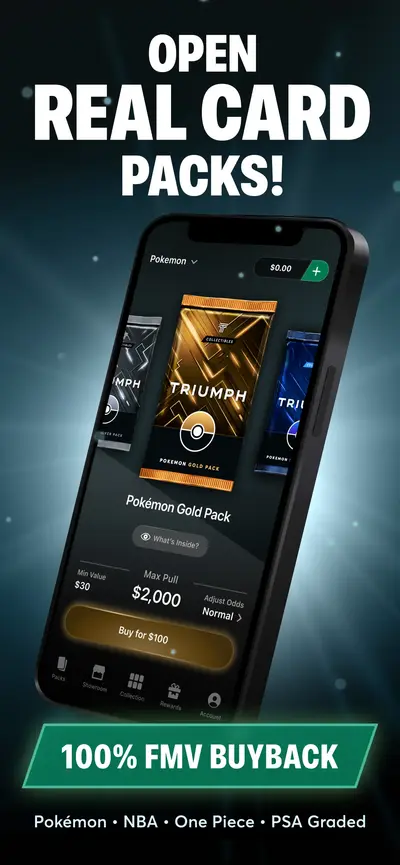
 Rips by TriumphShopping · iOS
 Zoom WorkplaceBusiness · iOS
Filter Device-in-Hand apps in Explore →
Frequently asked questions
What is a Device-in-Hand app store screenshot?
You are looking at a Device-in-Hand screenshot when the phone or tablet appears as a physical object in the frame — usually tilted, sometimes held, often casting a shadow onto a surface. It is the one pattern that shows the product being used rather than just shown. The trade-off is legibility: perspective shrinks and skews the actual UI, so the caption has to carry the message on its own.
Which apps use the Device-in-Hand layout?
AppScreens currently tags 369 apps with the Device-in-Hand pattern, including Vinted: Pre-loved marketplace, McDonald's, Threads. The archive is updated as apps change their listings.
How do I create Device-in-Hand screenshots for my own app?
Study the examples on this page, then build your own set with the free AppScreens screenshot generator — it supports device frames, brand colors, captions, and every Apple-required export resolution.