Loading app...
Food & Drink · Taco Bell · iOS
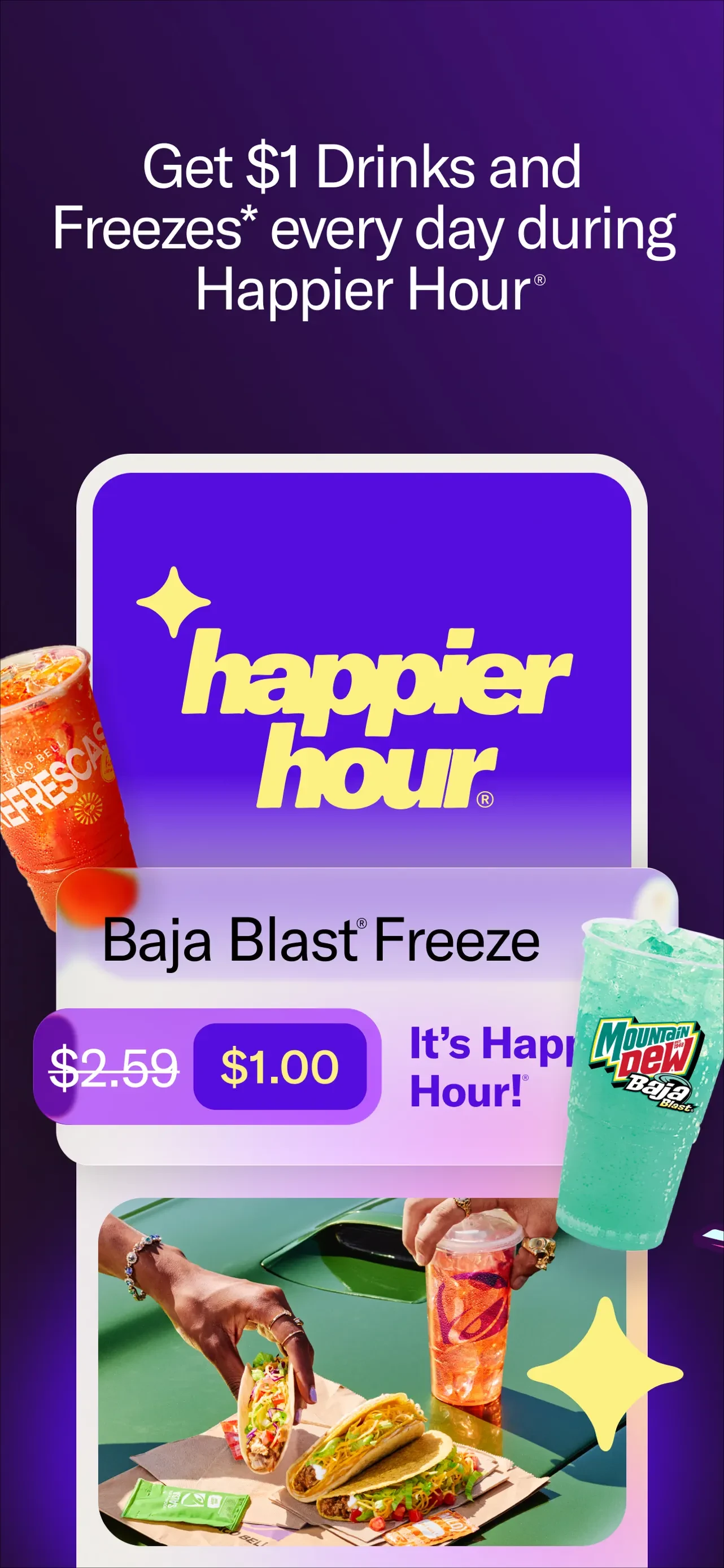
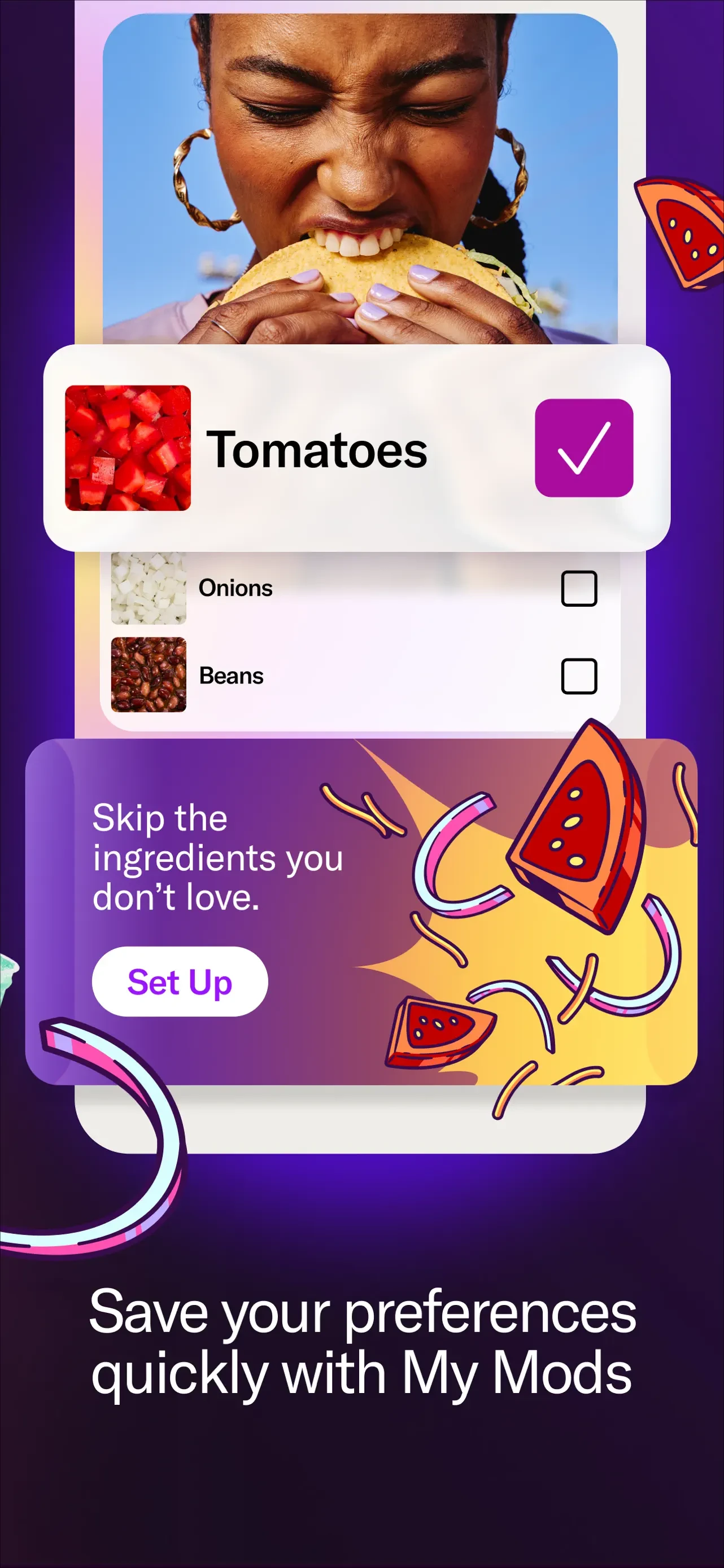
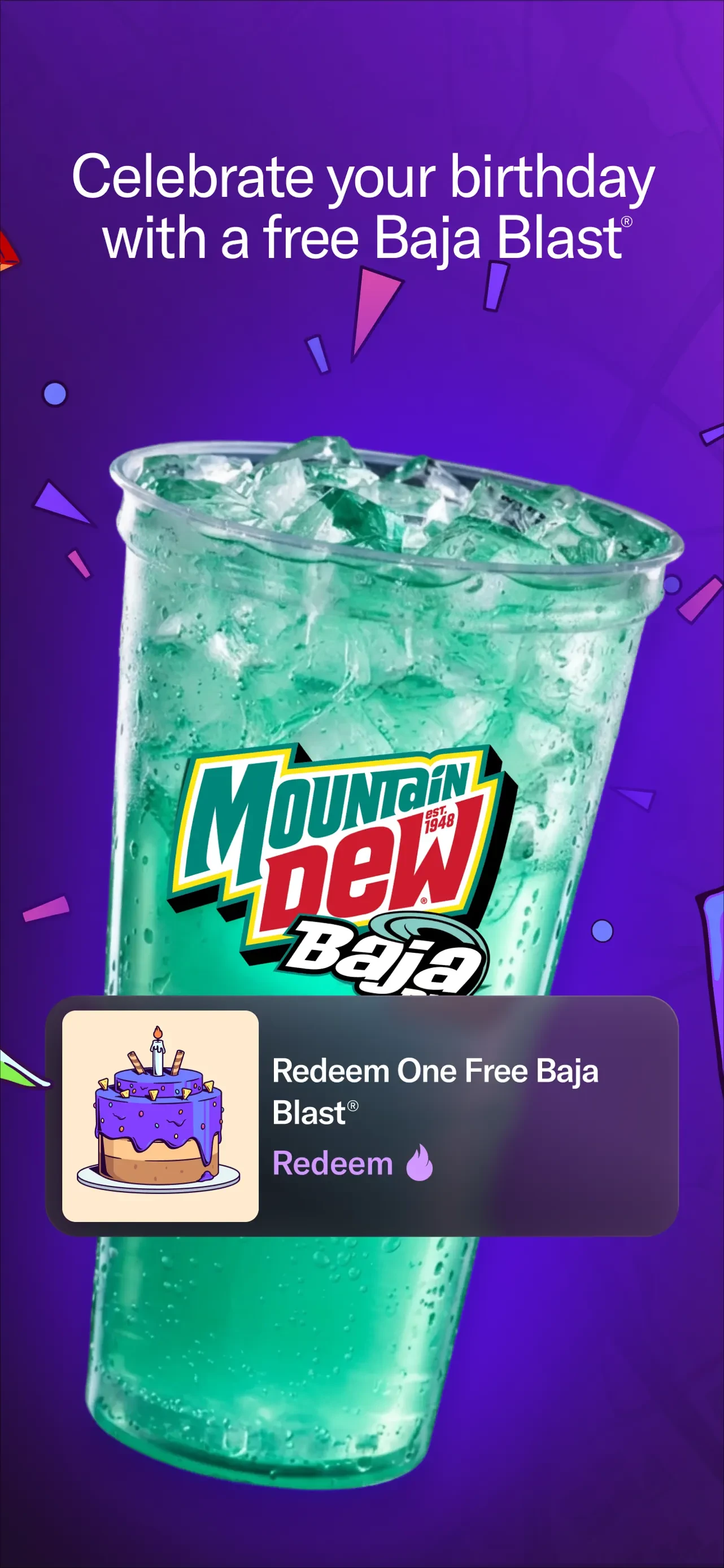
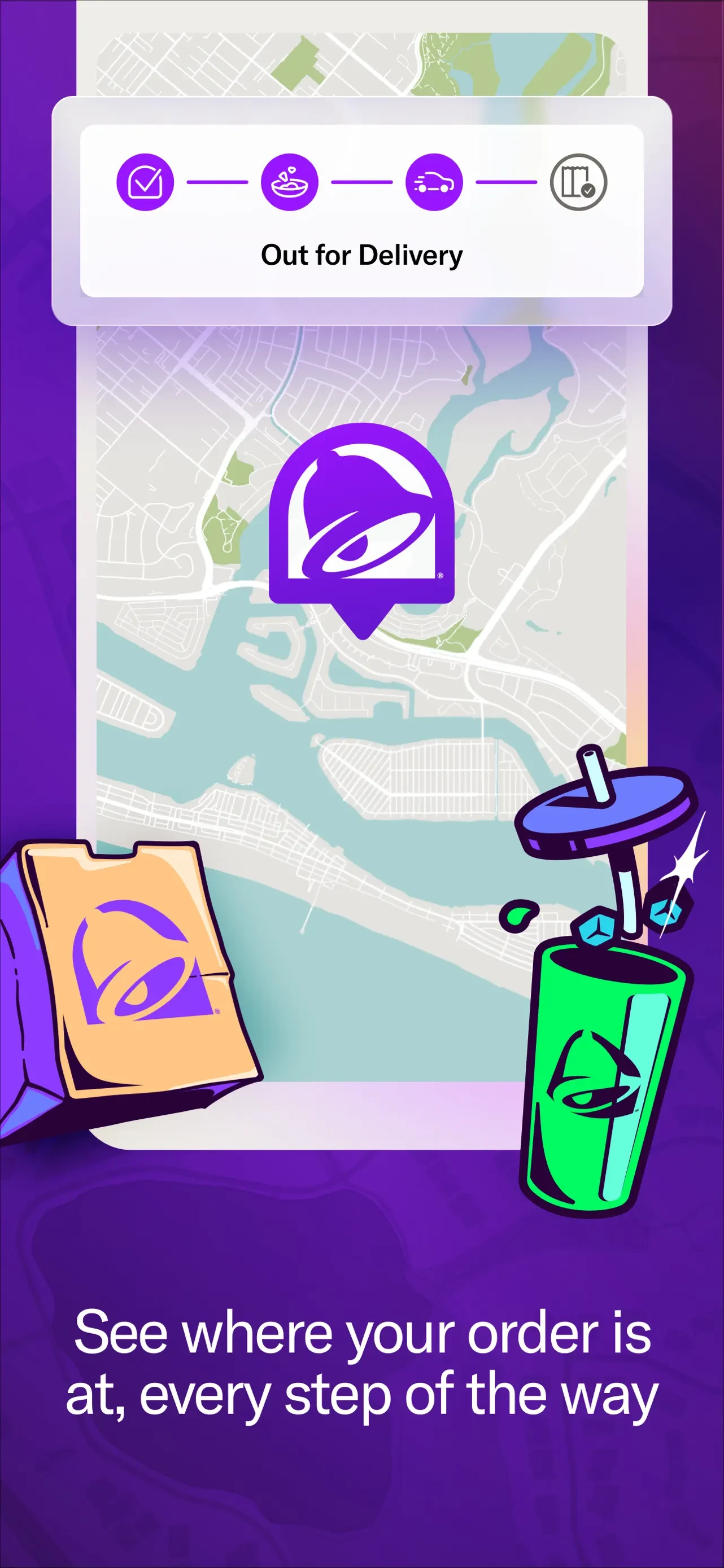
Browse Taco Bell Fast Food & Delivery's Apple App Store screenshots, published by Taco Bell, in listing order.
The current listing includes 8 screenshots (version 10.1.0), last captured on September 4, 2026. AppScreens has archived 4 versions of this listing since March 4, 2026 — a new set every 61 days on average. The Time Machine shows how the screenshots evolved.
Taco Bell Fast Food & Delivery last changed its Apple App Store screenshots on September 4, 2026, 28 days after the previous capture. Version 10.1.0 replaced 2 of its 8 screenshots from version 10.0.0. The other 6 carried over unchanged.
Its 8 screenshots are all portrait. That is 2 more than the median of 6 for Food & Drink listings in the archive.
Taco Bell Fast Food & Delivery's screenshots use the Panoramic layout pattern: Full-bleed backgrounds stretching across the entire screenshot, often with gradient overlays or lifestyle photography. Common in travel, lifestyle, and entertainment apps. Taco Bell Fast Food & Delivery's screenshots use the Floating UI layout pattern: App interface elements arranged on a clean, solid-color background without a device frame. Common in social media, photo editing, and design apps. Taco Bell Fast Food & Delivery's screenshots use the Caption Heavy layout pattern: Large text headlines dominate the screenshot, with the app UI as supporting context. Effective for apps with complex features like finance, education, and subscriptions.


