Floating UI App Store Screenshots
136 apps using the Floating UI layout pattern, with full screenshot sets to study.
136 apps tagged Floating UI · 270+ screenshots · updated October 2026
Floating UI is one of the four screenshot layout patterns AppScreens tracks across its archive. App interface elements arranged on a clean, solid-color background without a device frame. Common in social media, photo editing, and design apps.
These examples show how far top apps push interface fragments — cards, sheets, and toasts lifted out of the frame — to spotlight one interaction per slide.
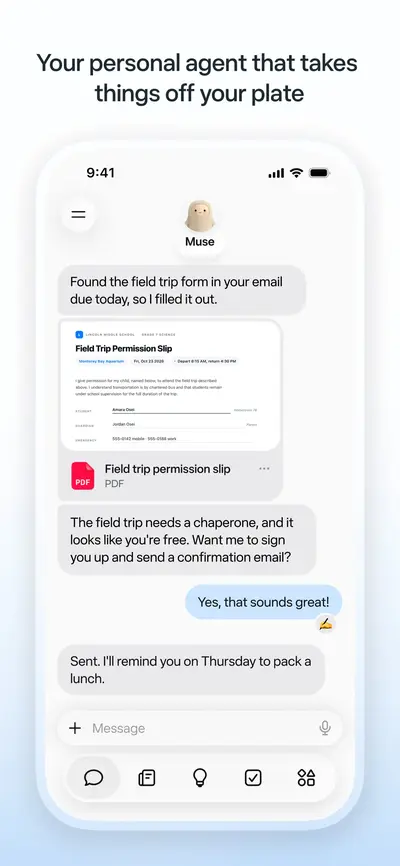
 Muse from MetaUnknown · iOS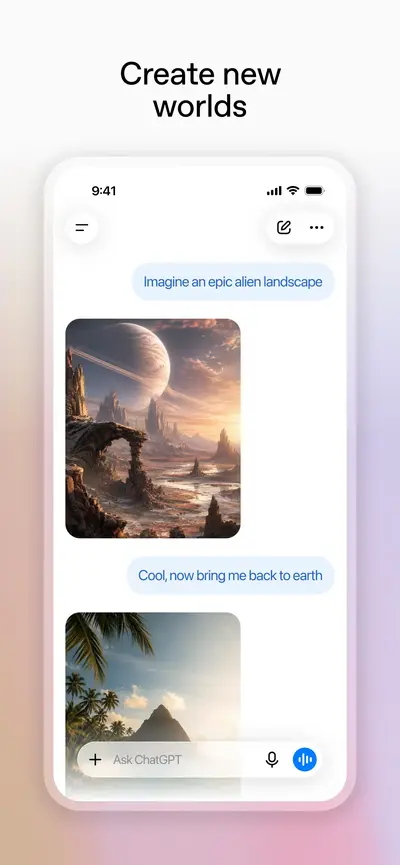
 ChatGPTProductivity · iOS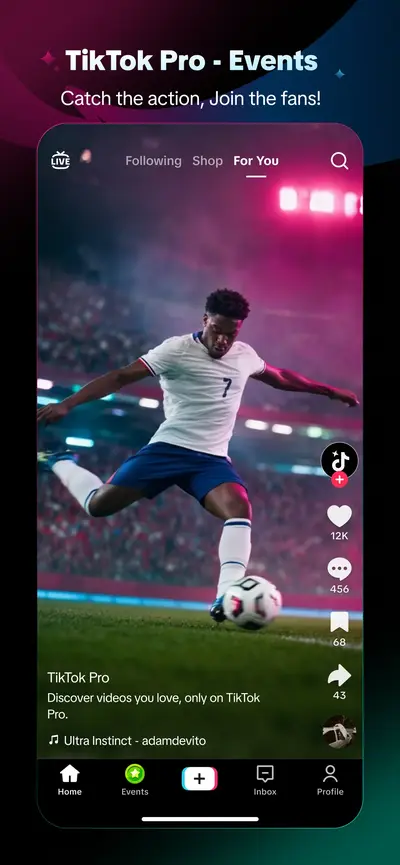
 TikTok Pro - EventsUnknown · iOS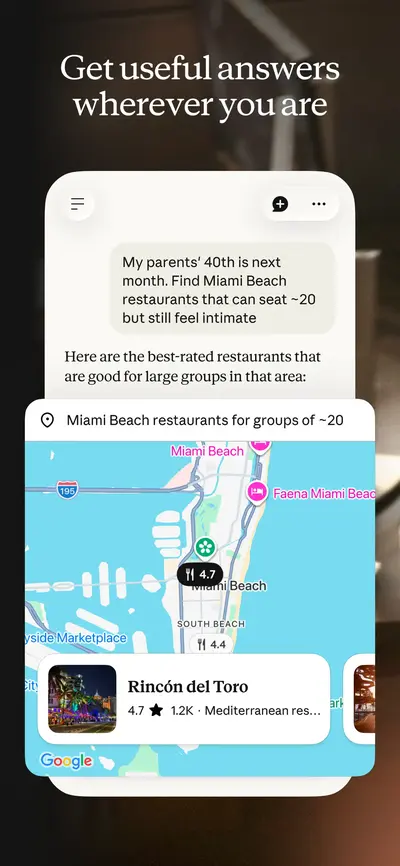
 Claude by AnthropicProductivity · iOS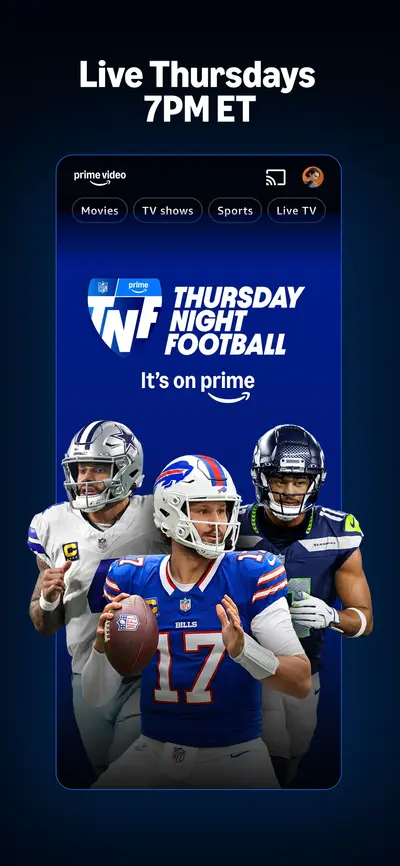
 Amazon Prime VideoEntertainment · iOS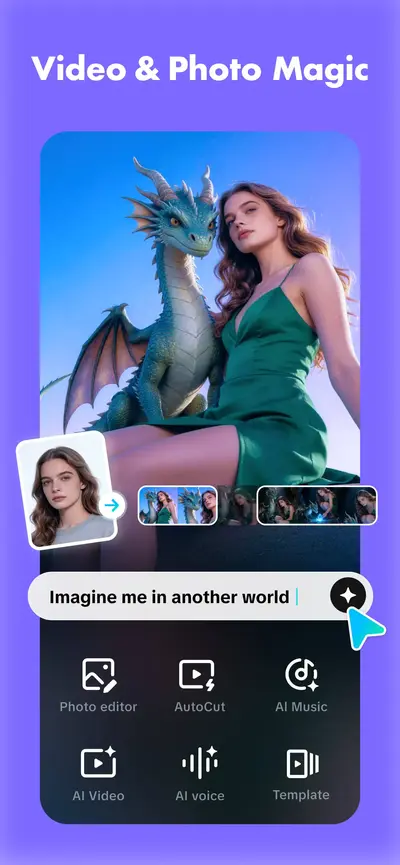
 CapCut: Photo & Video EditorPhoto & Video · iOS
 Whatnot: Shop, Sell, ConnectShopping · iOS
 Microsoft TeamsBusiness · iOS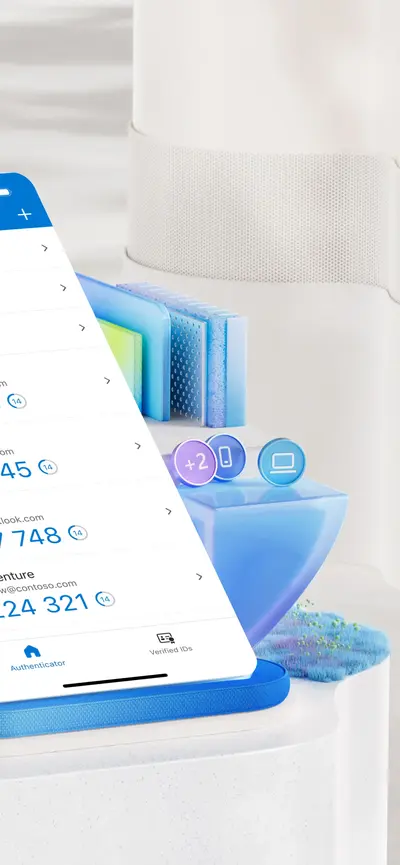
 Microsoft AuthenticatorProductivity · iOS
 FacebookSocial Networking · iOS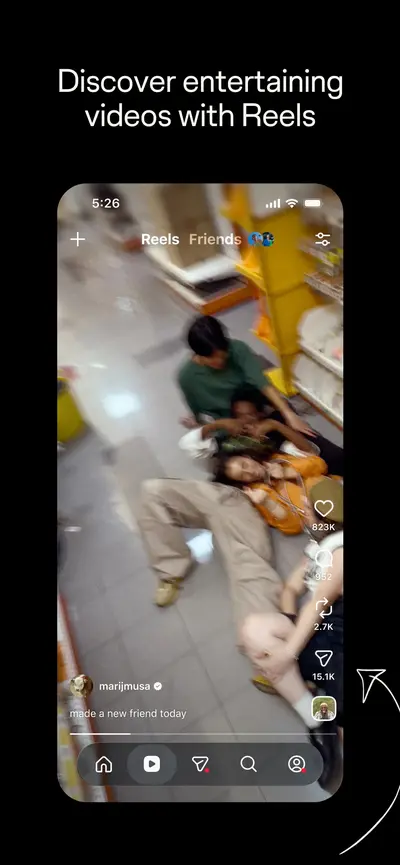
 InstagramPhoto & Video · iOS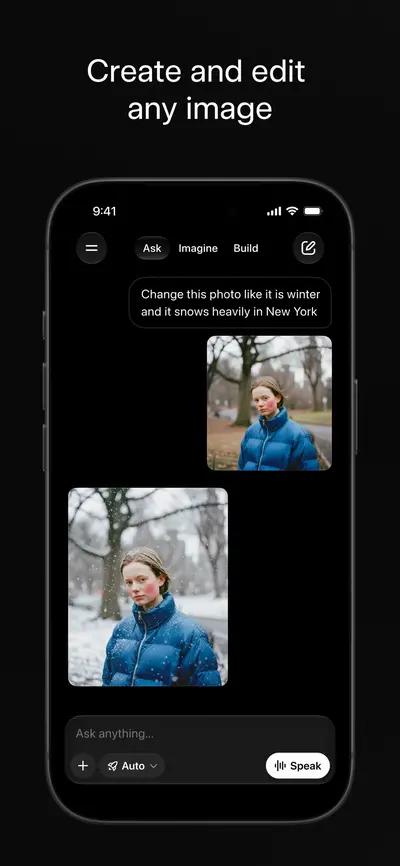
 Grok AIProductivity · iOS
 Uber - Rides, Eats, HotelsTravel · iOS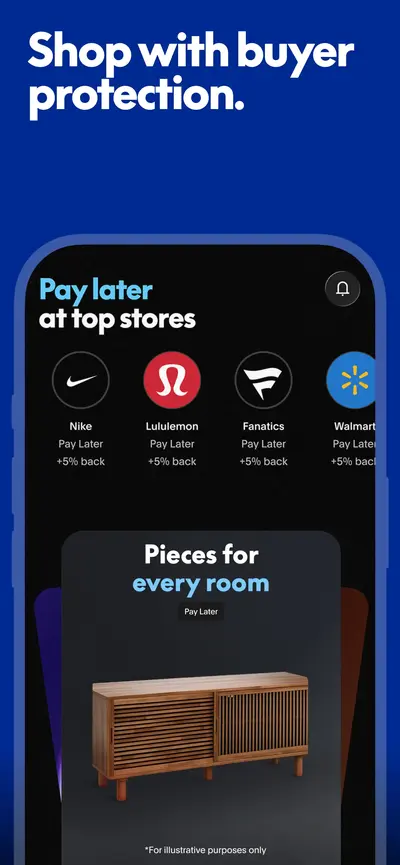
 PayPal - Pay, Send, SaveFinance · iOS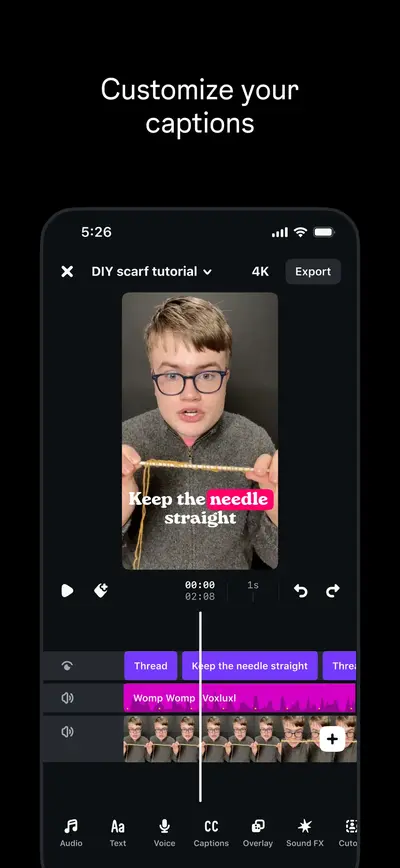
 Edits: Video EditorPhoto & Video · iOS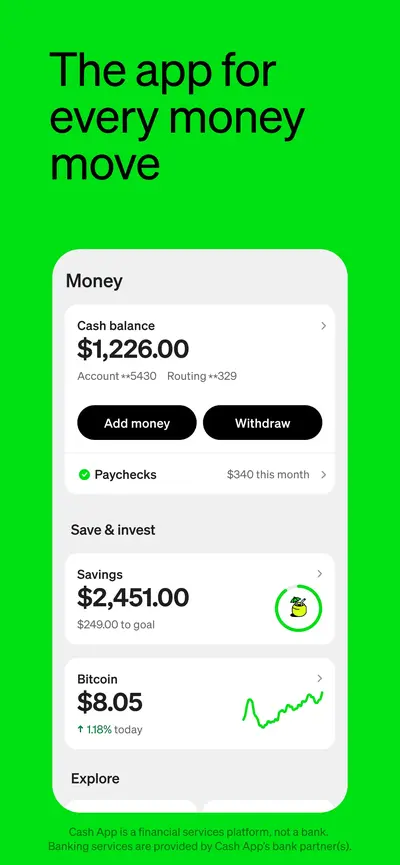
 Cash AppFinance · iOS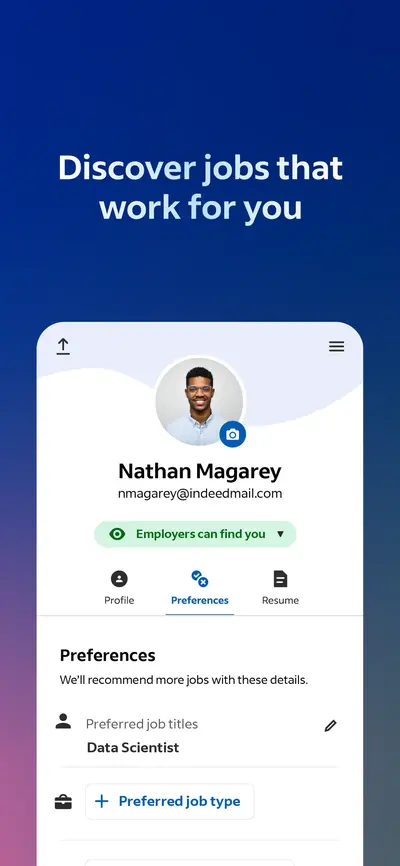
 Indeed Job SearchBusiness · iOS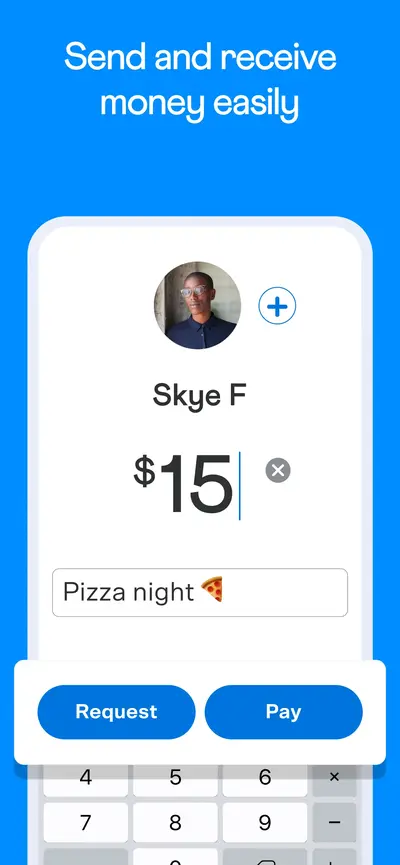
 VenmoFinance · iOS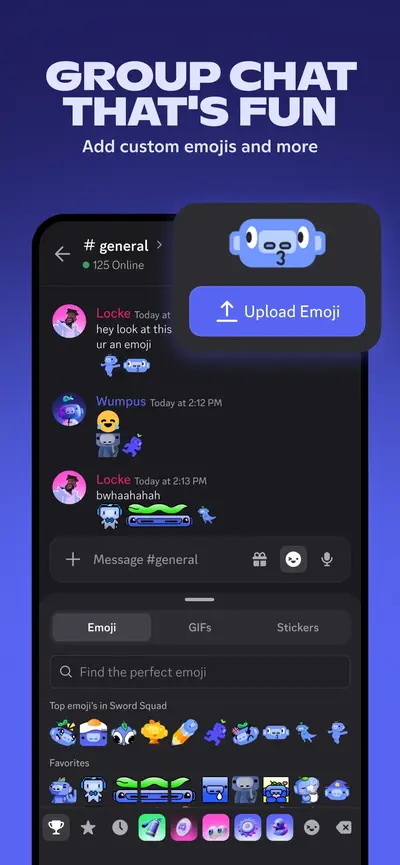
 Discord - Talk, Play, Hang OutSocial Networking · iOS
 RedditNews · iOS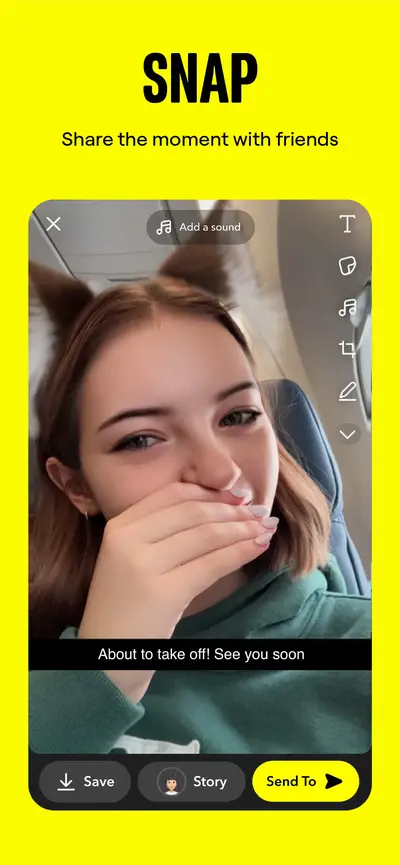
 SnapchatPhoto & Video · iOS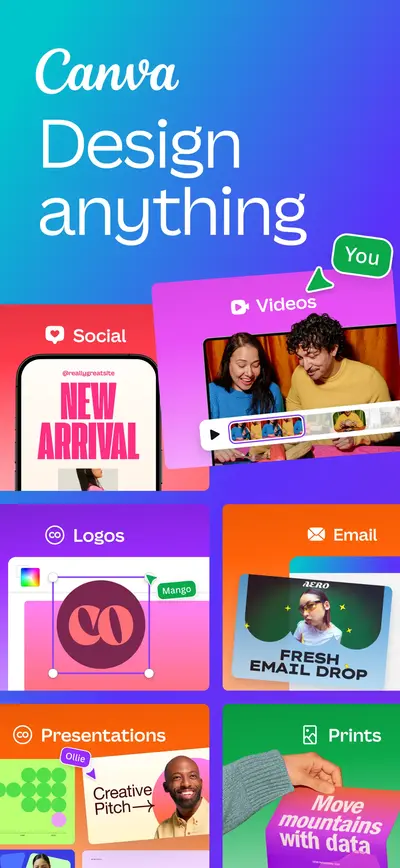
 Canva AI Photo & Video EditorPhoto & Video · iOS
 Chase Mobile®: Bank & InvestFinance · iOS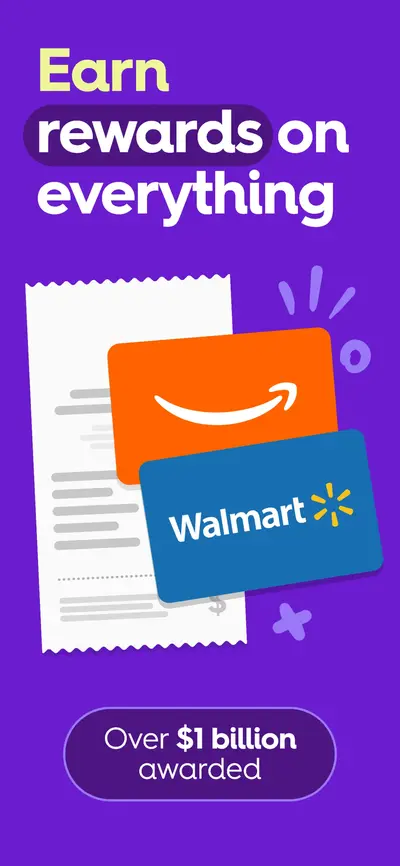
 Fetch: America’s Rewards AppUnknown · iOS
 Taco Bell Fast Food & DeliveryFood & Drink · iOS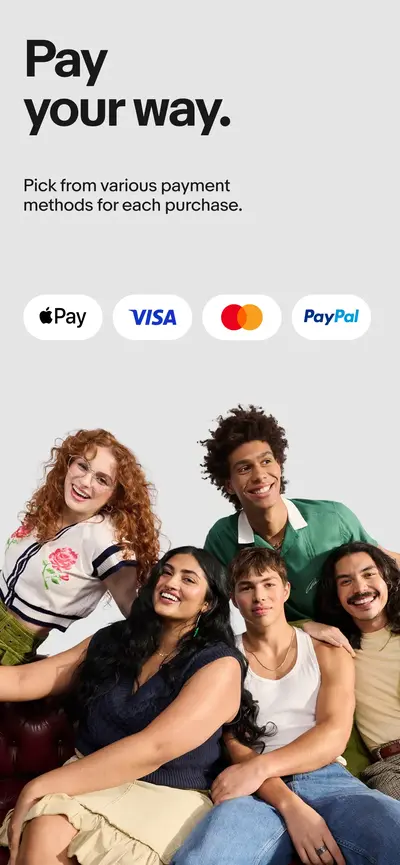
 eBay online shopping & sellingShopping · iOS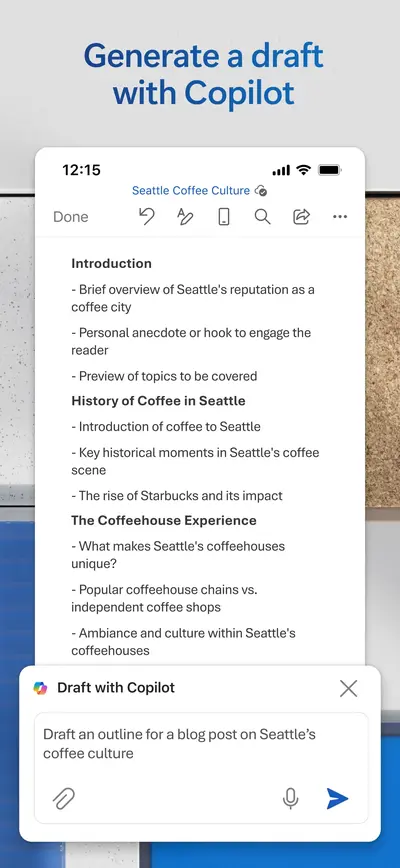
 Microsoft WordProductivity · iOS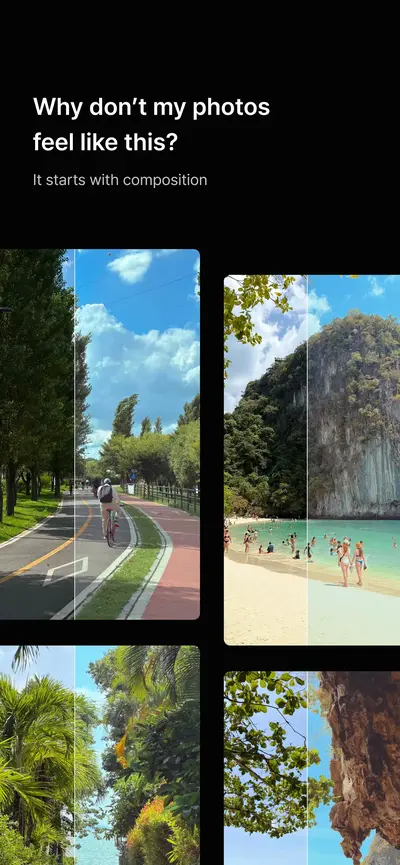
 YoungPhoto - Aesthetic CameraUnknown · iOS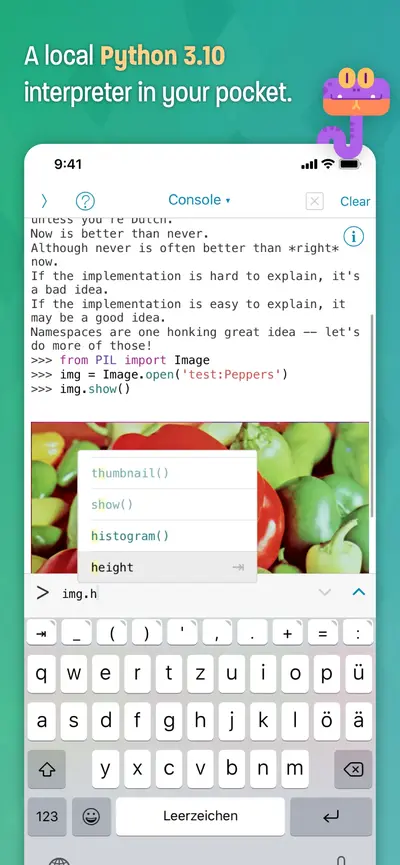
 Pythonista 3Productivity · iOS
 Chess.com - Play and LearnGames · iOS
 CloverPitGames · iOS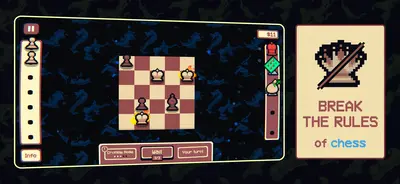
 GambonanzaGames · iOS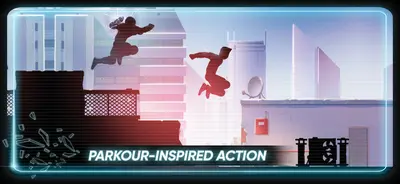
 Vector ClassicGames · iOS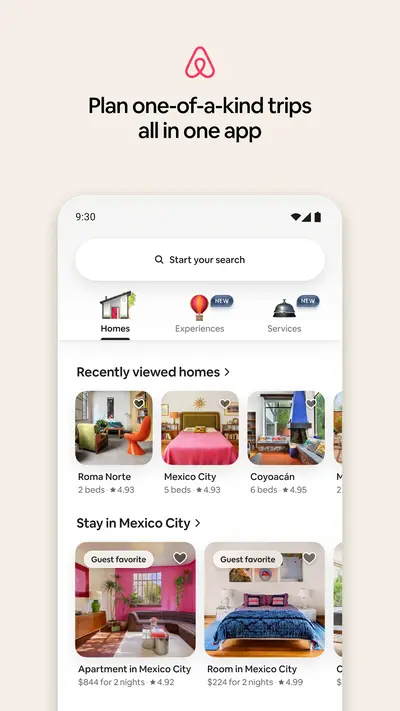
 AirbnbTravel And Local · Android
 Alibaba.comShopping · iOS
 American AirlinesTravel And Local · Android
Filter Floating UI apps in Explore →
Frequently asked questions
What is a Floating UI app store screenshot?
You are looking at a Floating UI screenshot when interface fragments — a card, a sheet, a notification, a single control — sit on a plain colour or soft gradient with no device frame around them. The pattern crops away everything except the one interaction being demonstrated, which makes it the most legible layout at App Store thumbnail size and the most common choice for apps whose value is a specific interaction.
Which apps use the Floating UI layout?
AppScreens currently tags 136 apps with the Floating UI pattern, including Muse from Meta, ChatGPT, TikTok Pro - Events. The archive is updated as apps change their listings.
How do I create Floating UI screenshots for my own app?
Study the examples on this page, then build your own set with the free AppScreens screenshot generator — it supports device frames, brand colors, captions, and every Apple-required export resolution.