Loading app...
Photo & Video · Canva · iOS
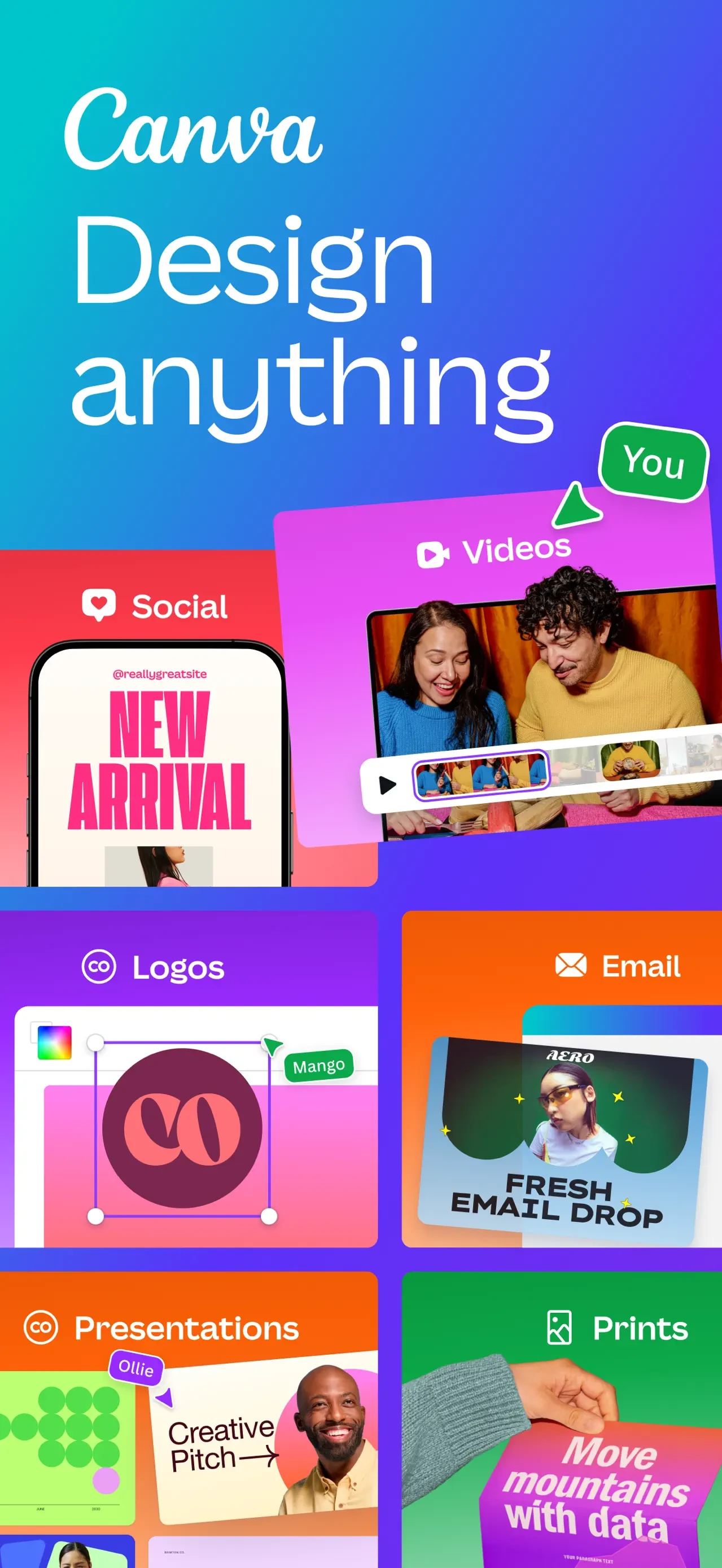
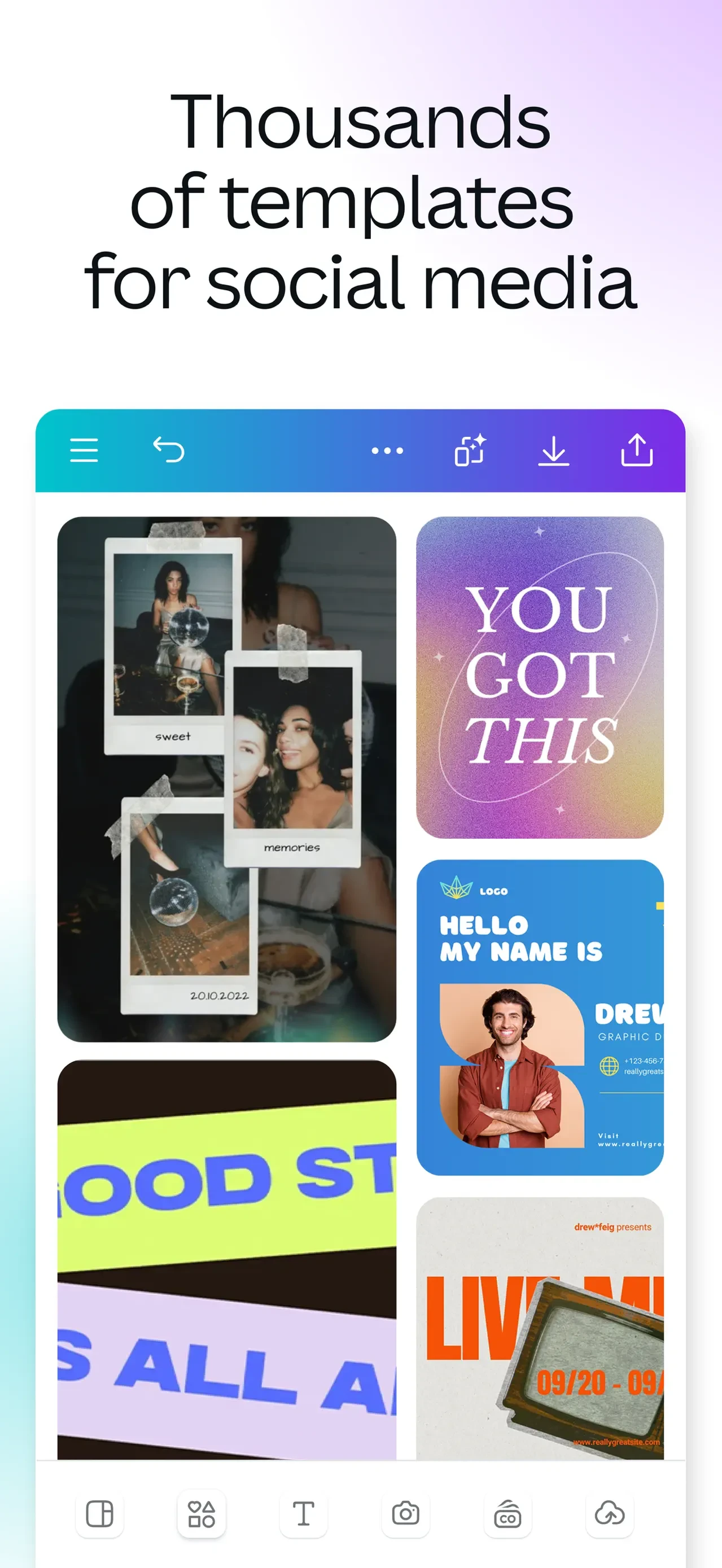
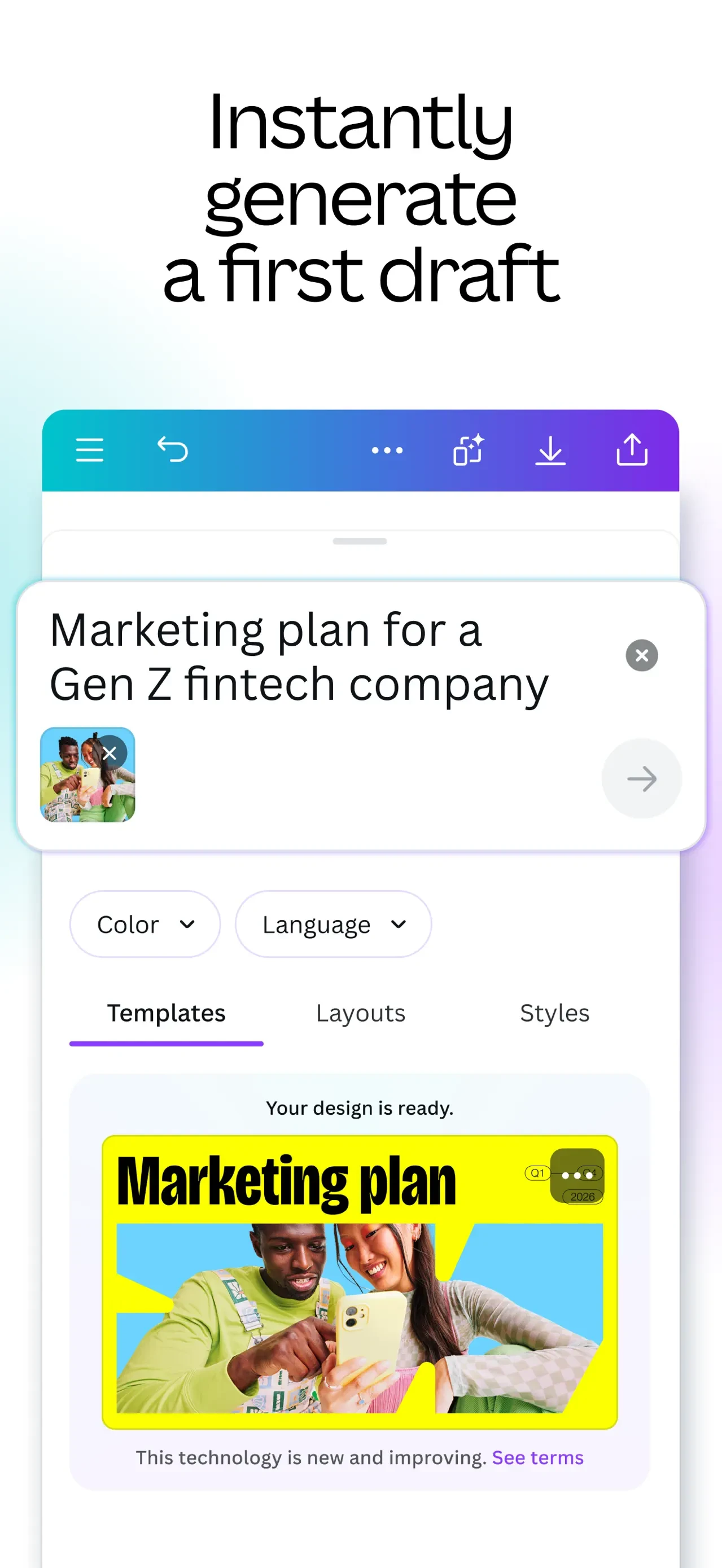
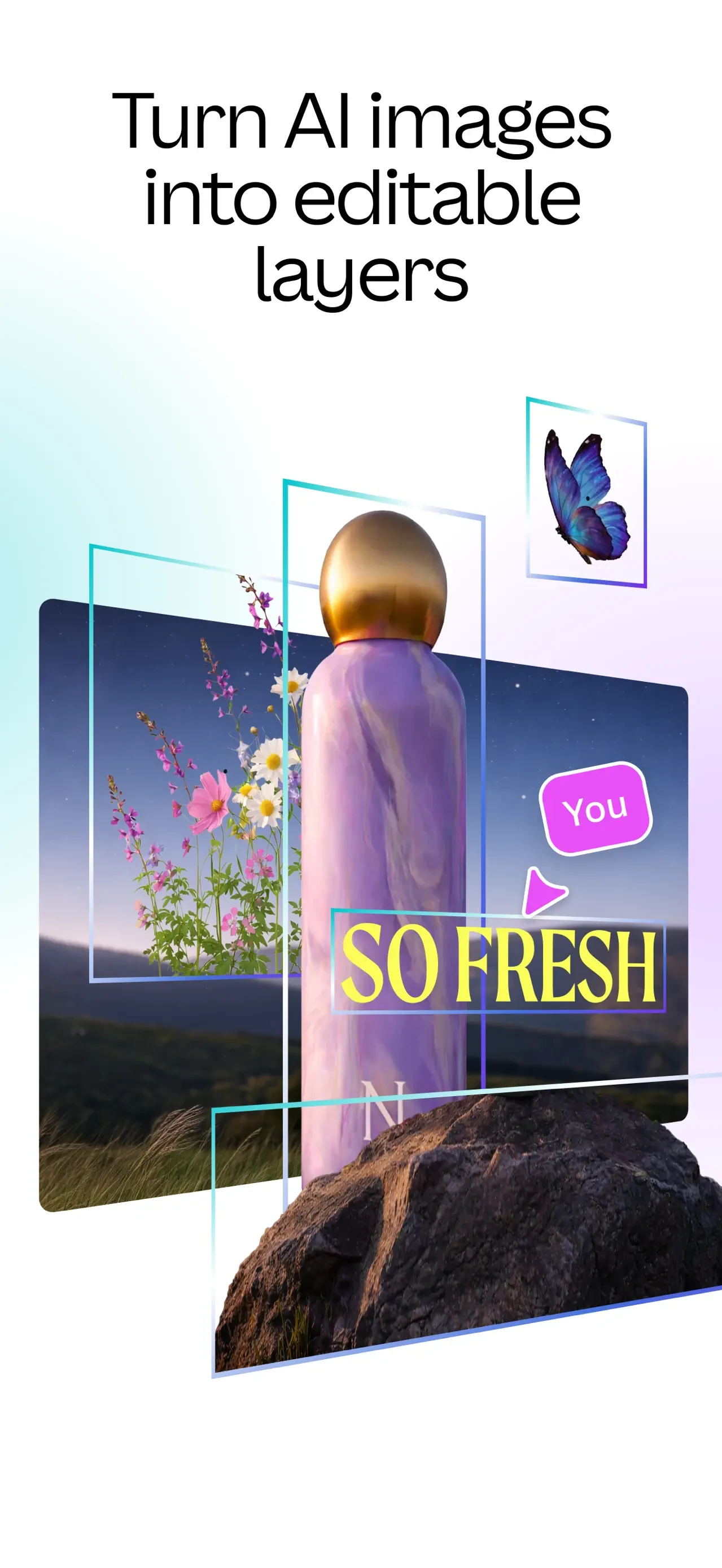
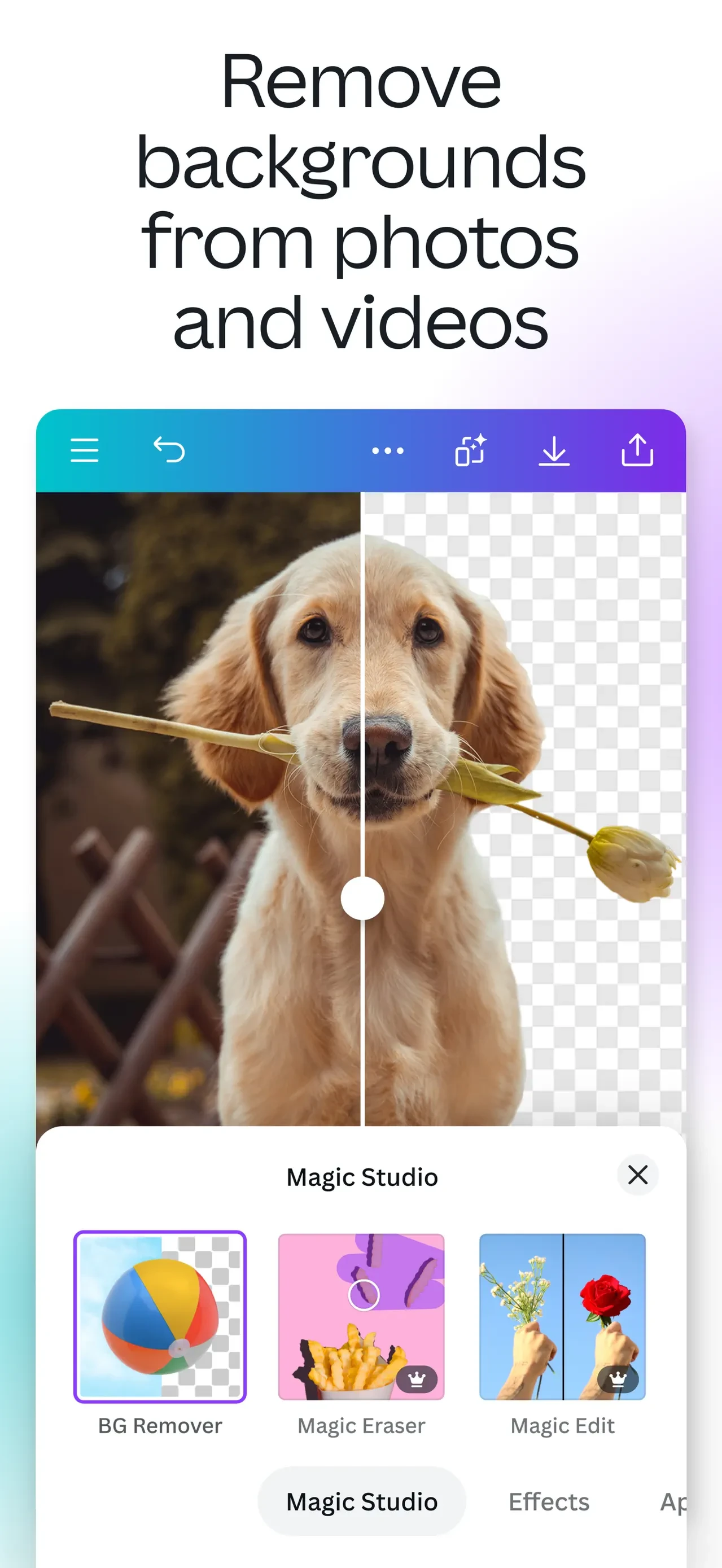
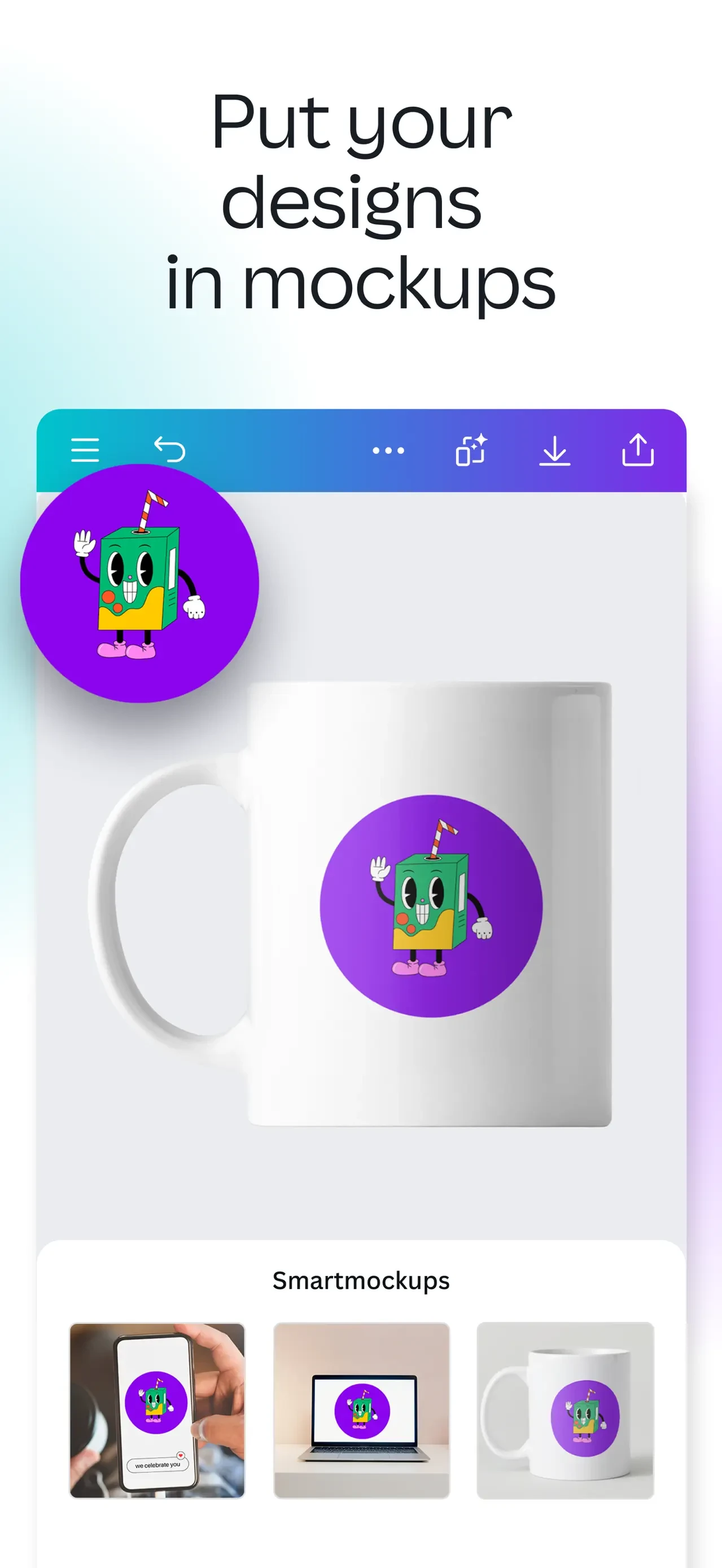
Browse Canva AI Photo & Video Editor's Apple App Store screenshots, published by Canva, in listing order.
The current listing includes 10 screenshots and 1 video preview (version 4.225.0), last captured on September 4, 2026. AppScreens has archived 2 versions of this listing, 184 days apart, the first on March 4, 2026. The Time Machine shows how the screenshots evolved.
Canva AI Photo & Video Editor last changed its Apple App Store screenshots on September 4, 2026, 184 days after the previous capture. Version 4.225.0 added 1 screenshot, dropped 1 and moved 6 into a different positions from version 4.198.0. The other 9 carried over unchanged.
Its 10 screenshots are all portrait. That is 4 more than the median of 6 for Photo & Video listings in the archive. The listing also carries 1 video preview.
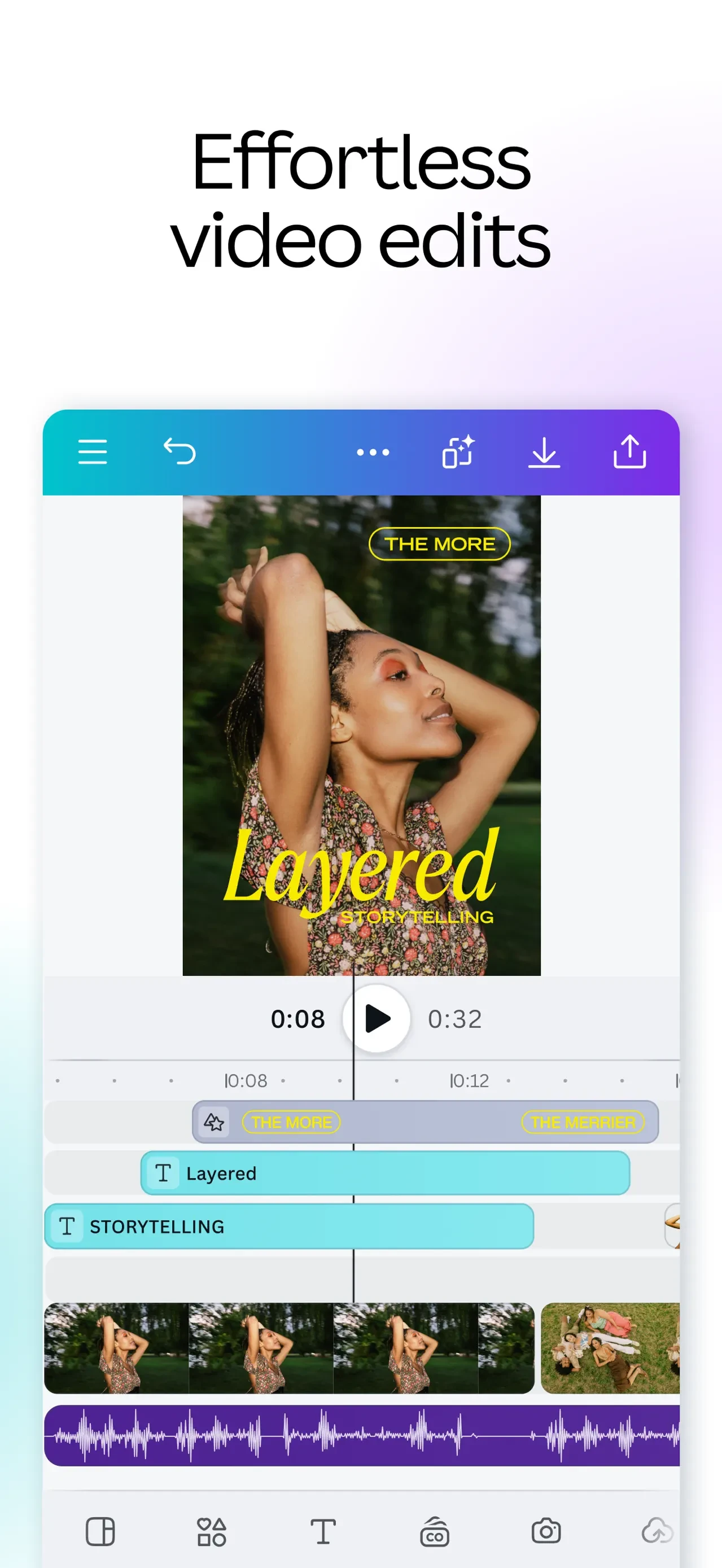
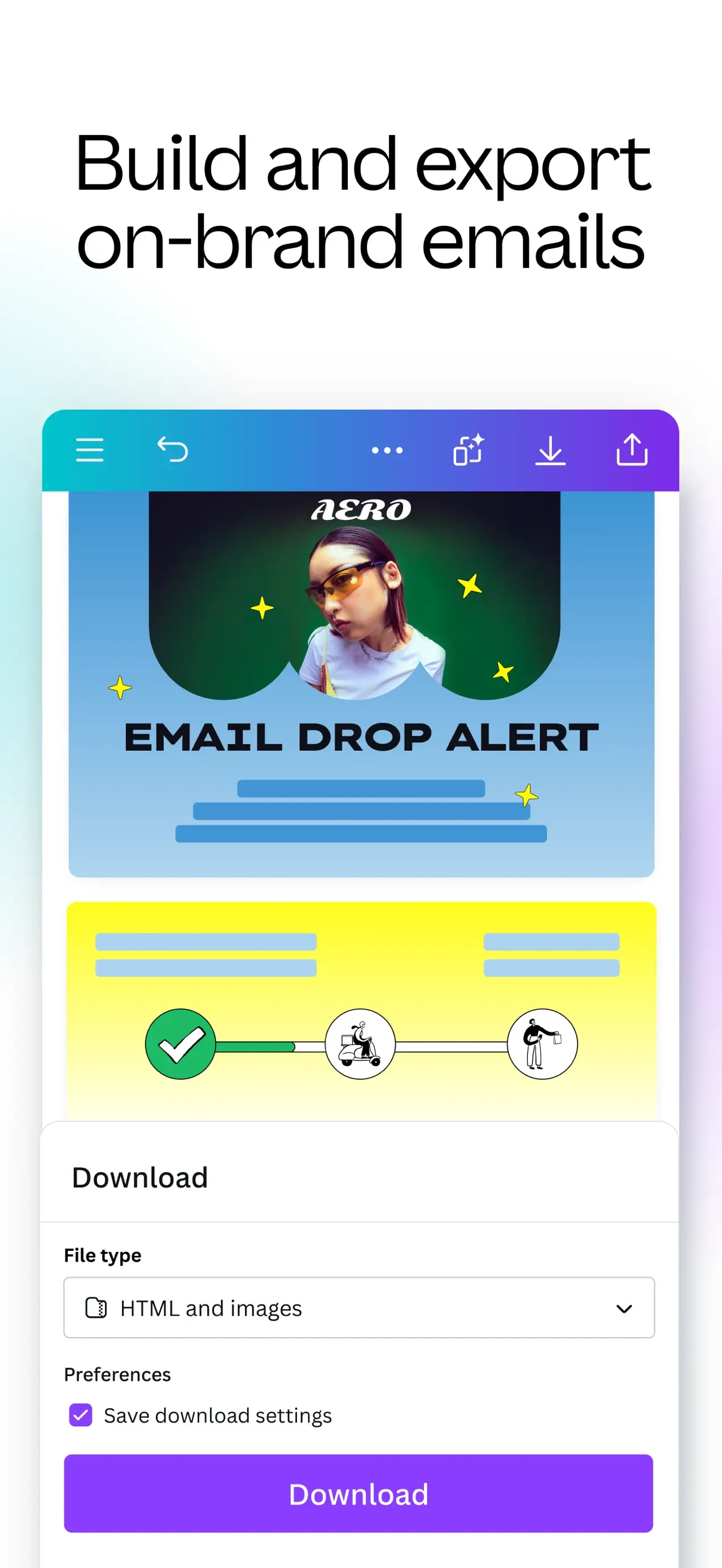
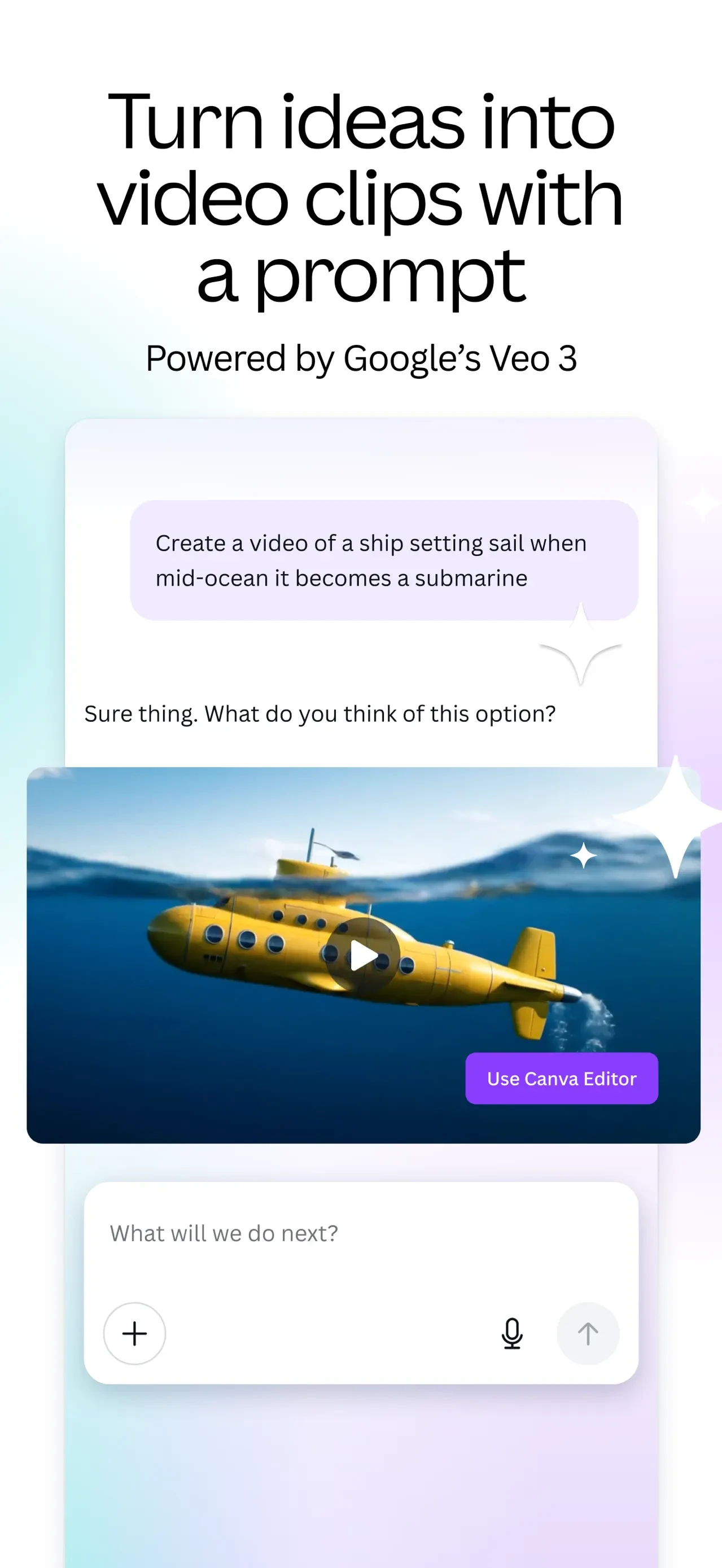
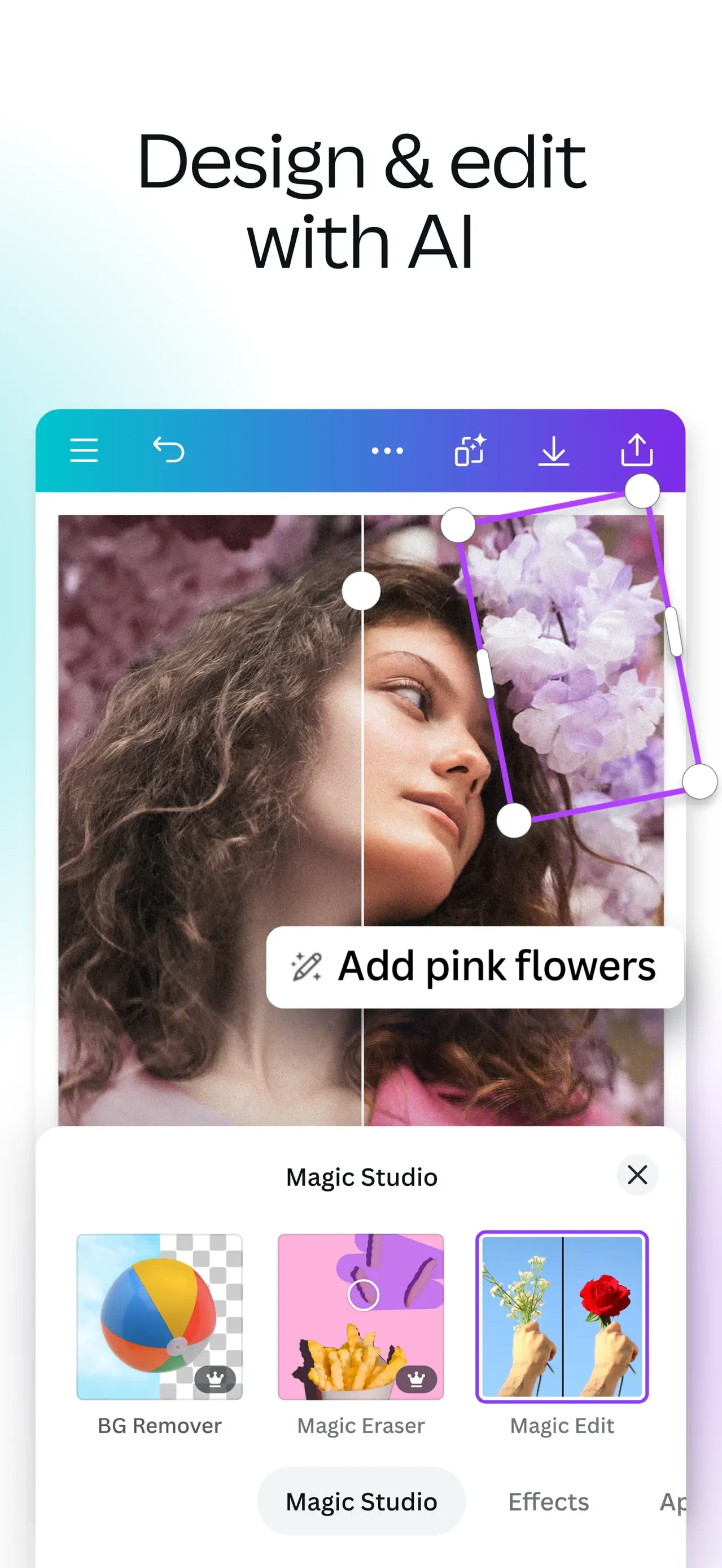
Canva AI Photo & Video Editor's screenshots use the Floating UI layout pattern: App interface elements arranged on a clean, solid-color background without a device frame. Common in social media, photo editing, and design apps. Canva AI Photo & Video Editor's screenshots use the Caption Heavy layout pattern: Large text headlines dominate the screenshot, with the app UI as supporting context. Effective for apps with complex features like finance, education, and subscriptions. The listing applies the Feature Focus ASO strategy: Screenshots leading with a specific product capability or unique selling point. Each screenshot highlights one feature with a clear caption.


