Loading app...
Utilities · William Whitehouse · iOS
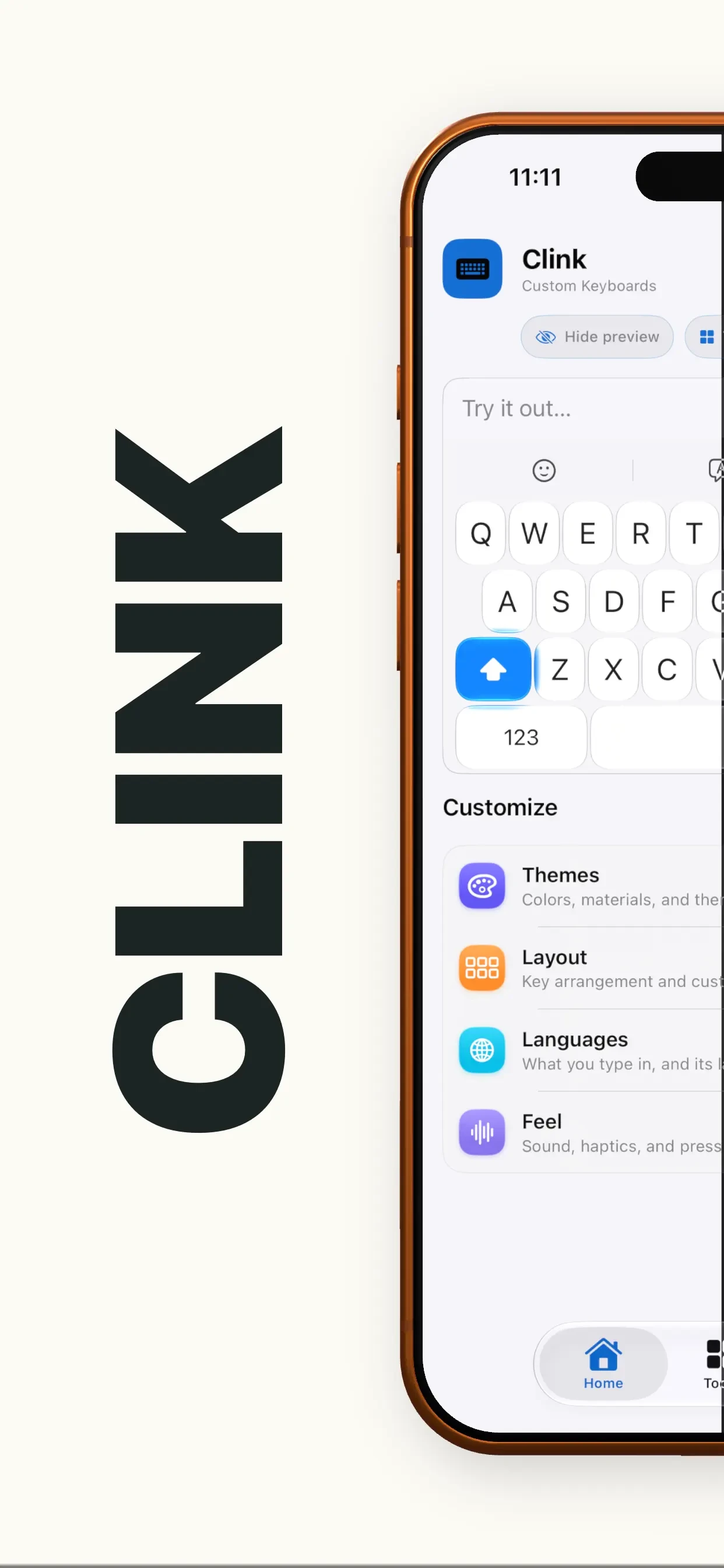
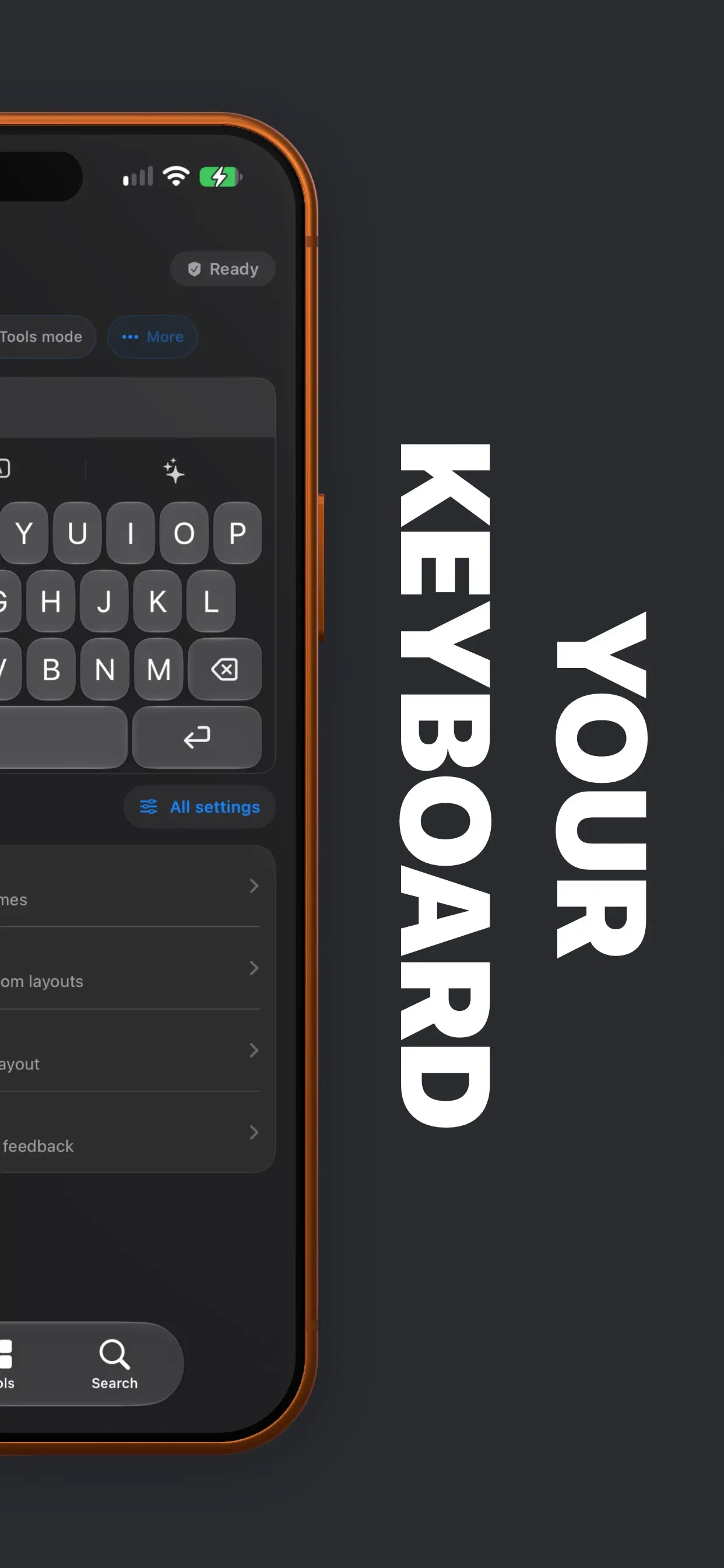
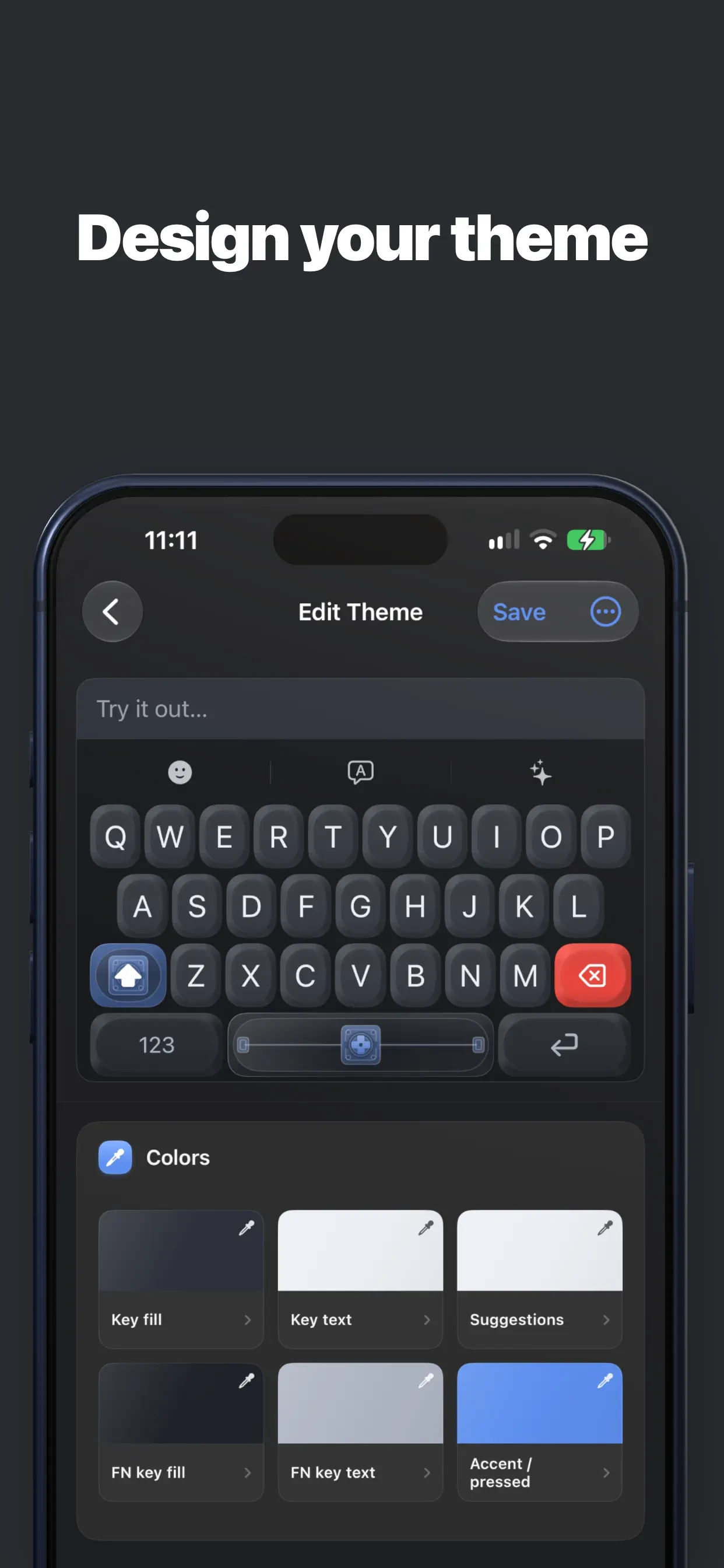
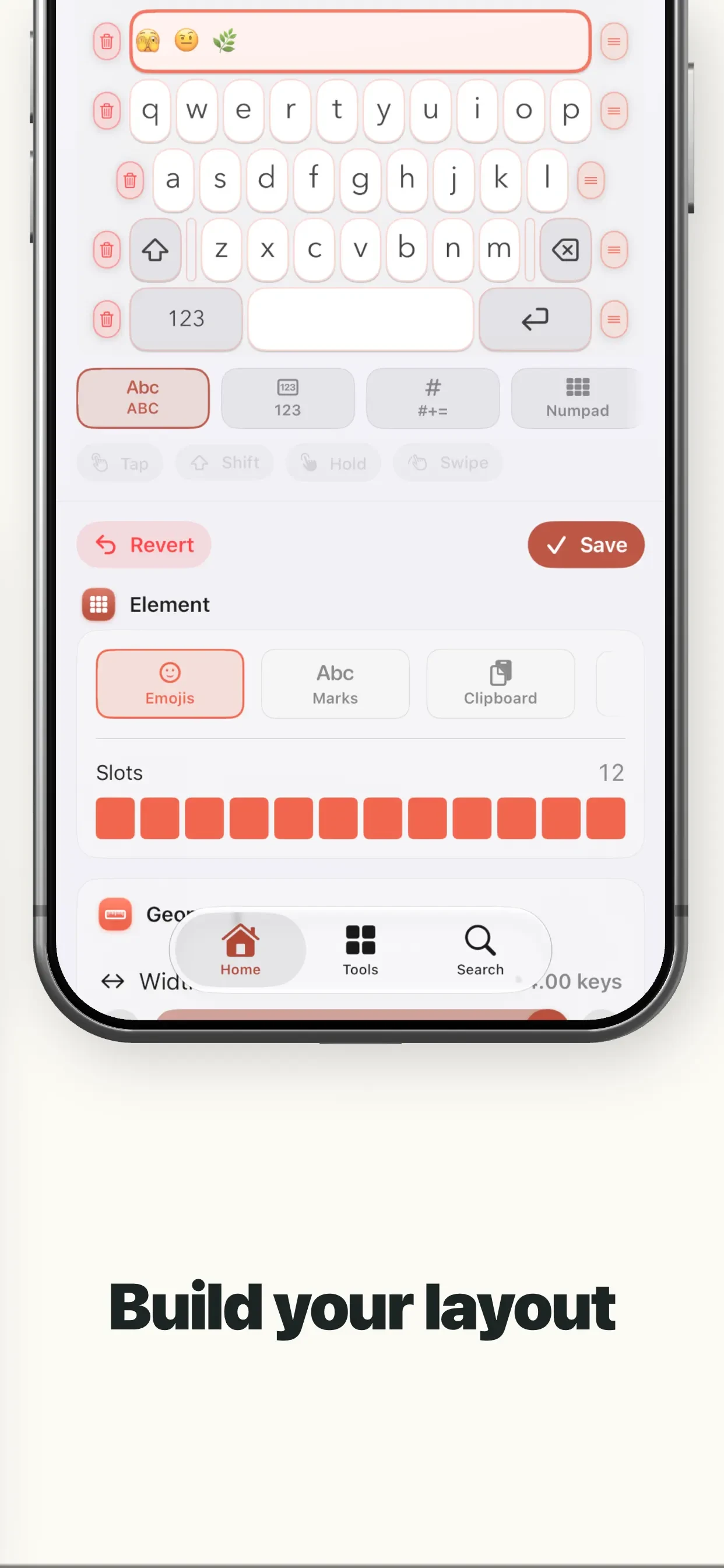
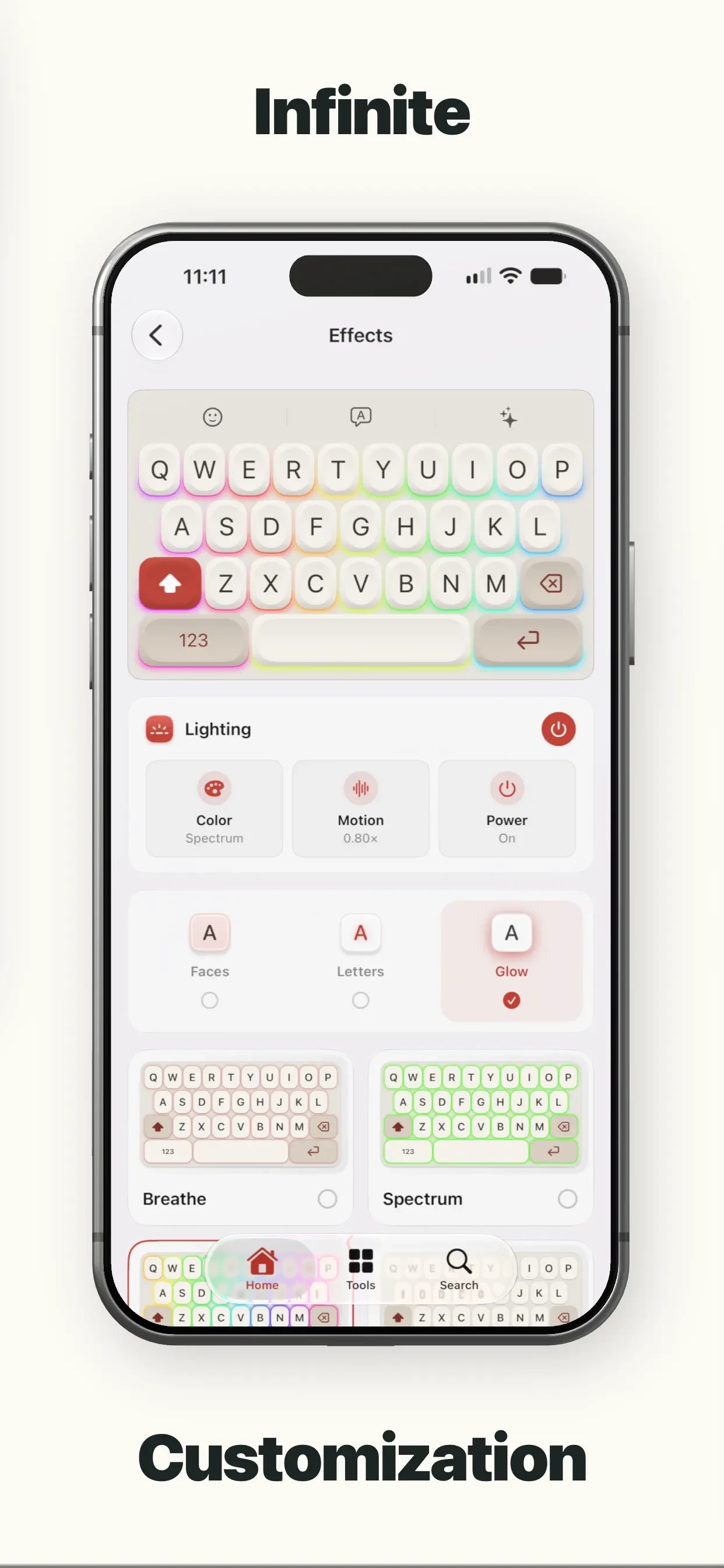
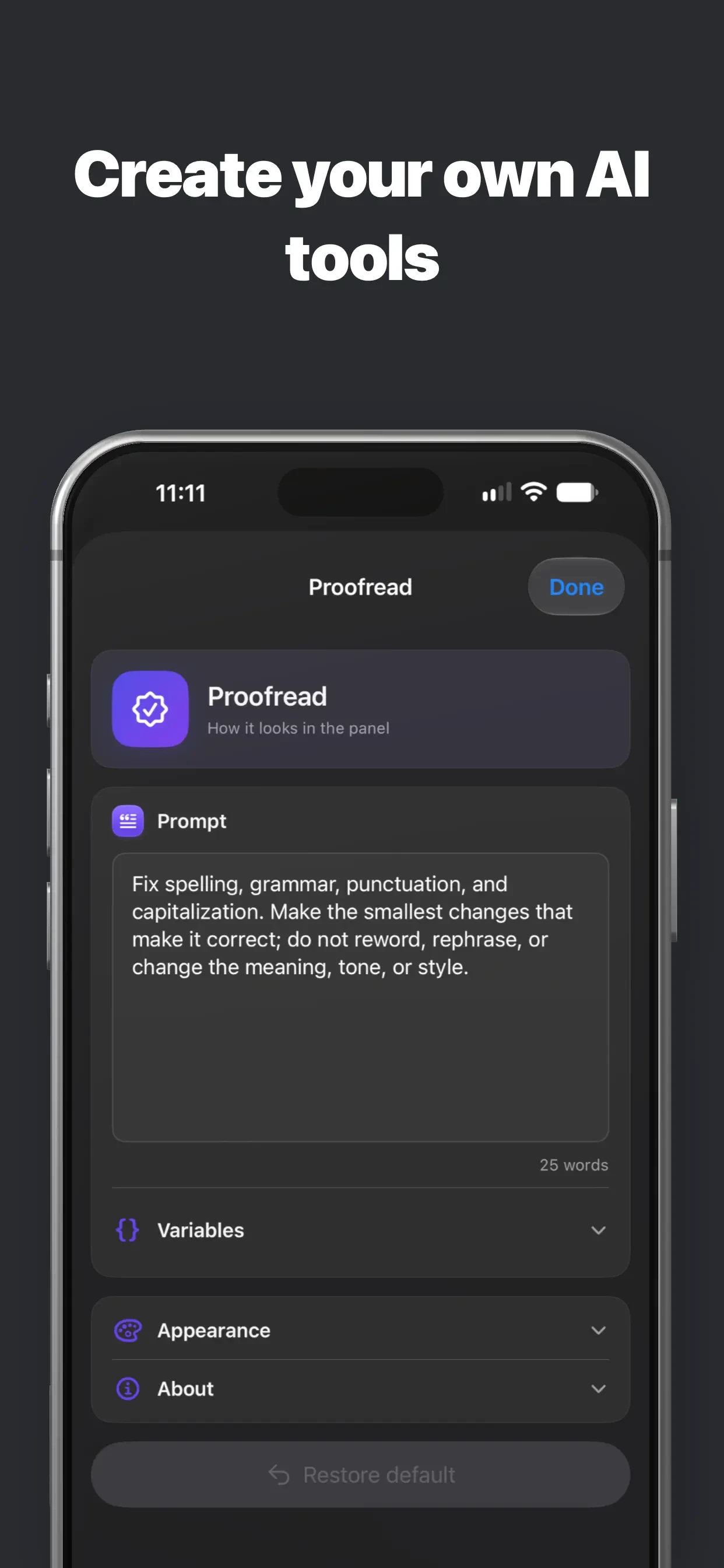
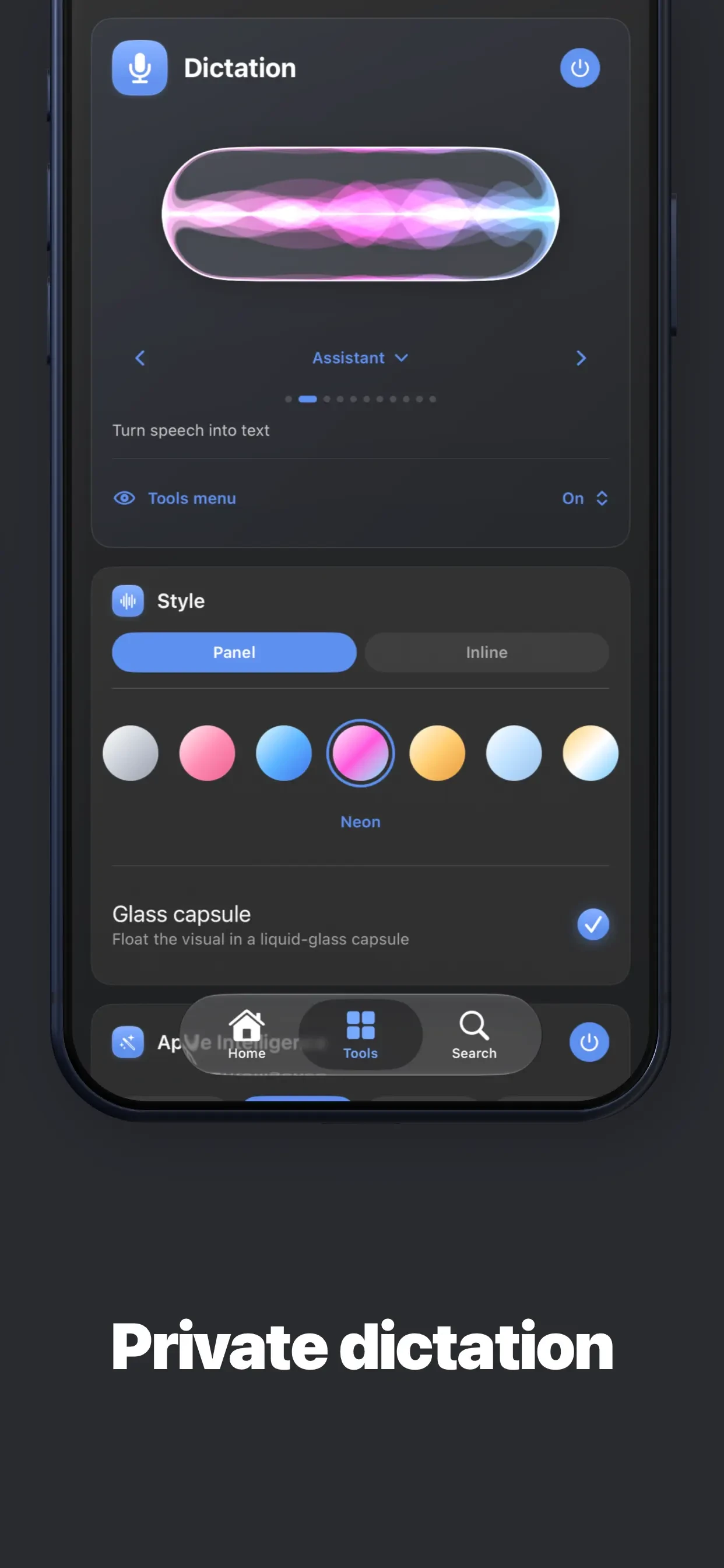
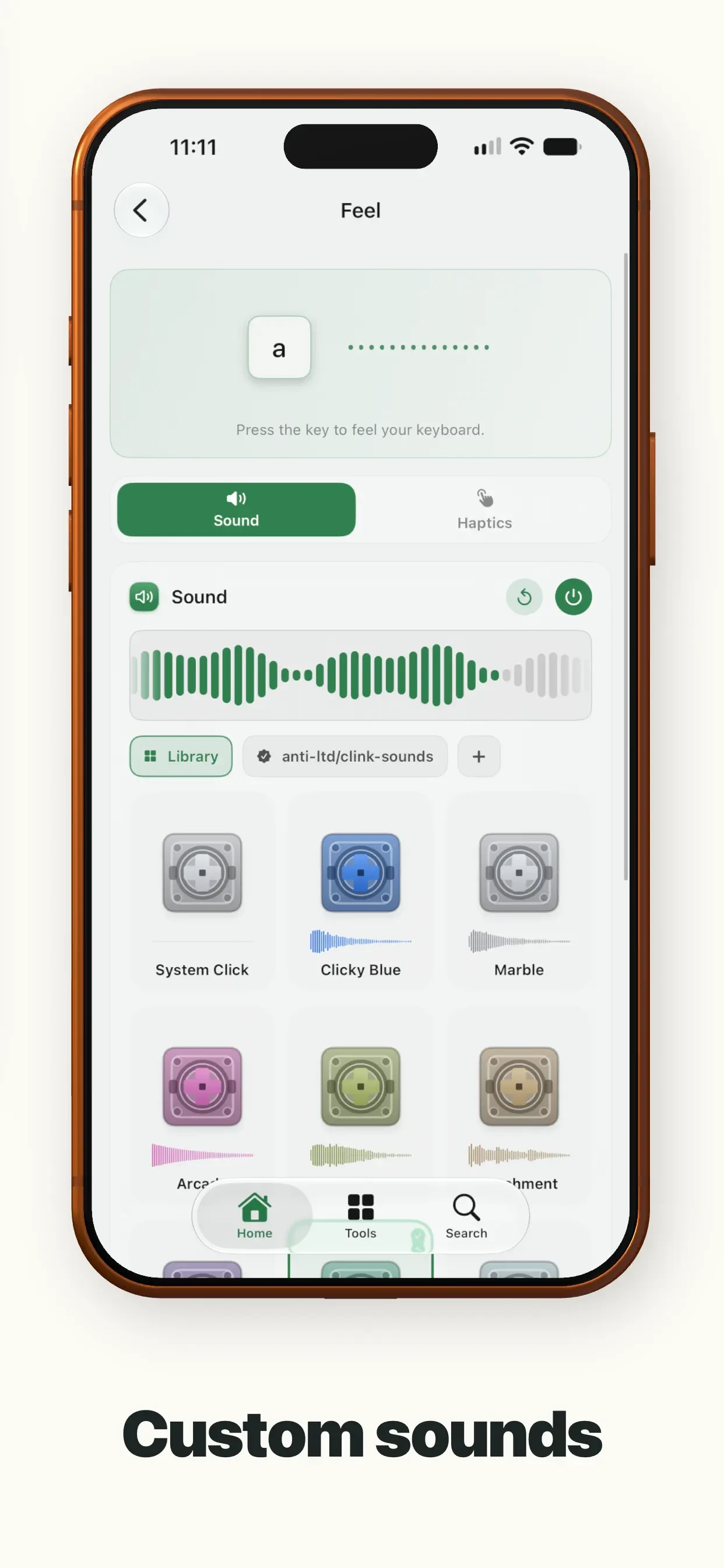
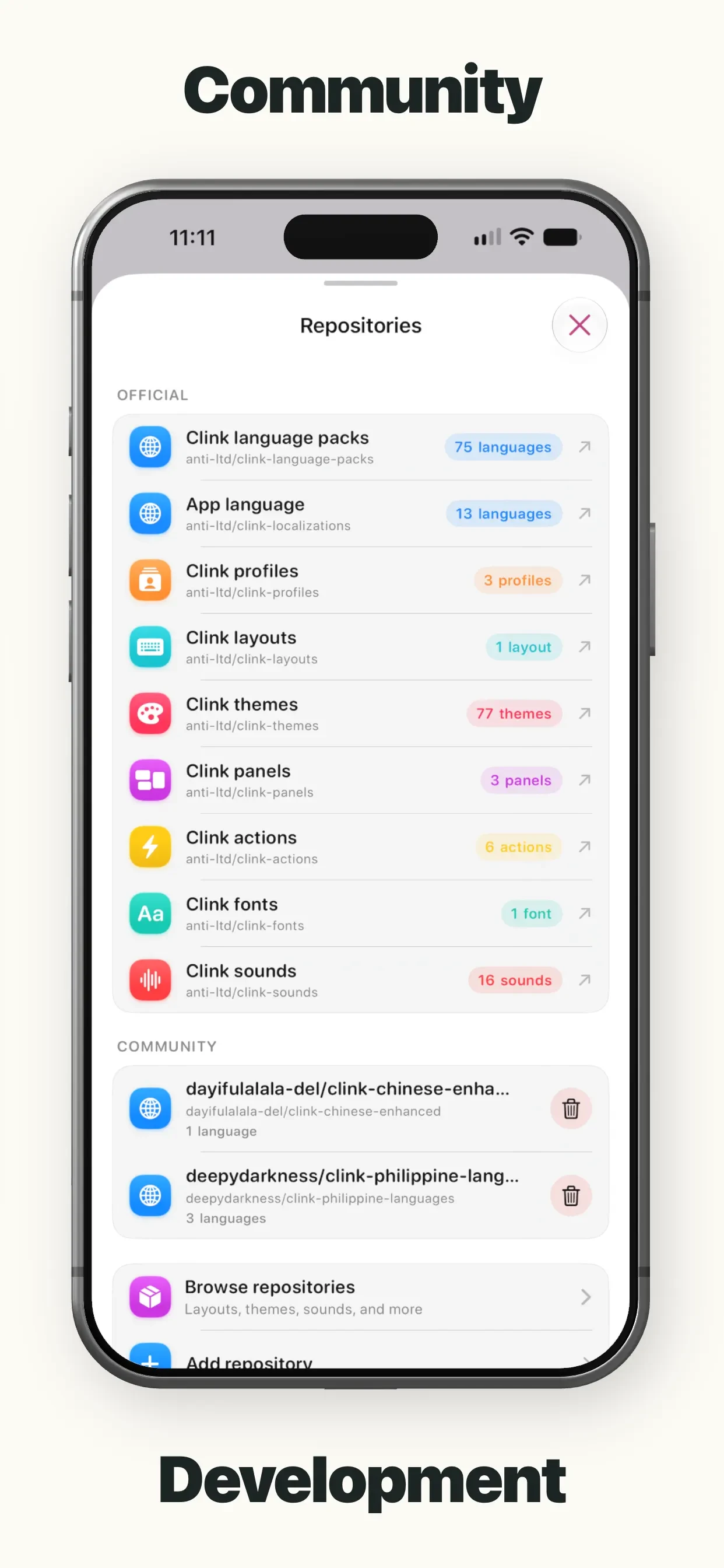
Browse Clink: Custom Keyboards's Apple App Store screenshots, published by William Whitehouse, in listing order.
The current listing includes 9 screenshots (version 1.4.8), last captured on September 11, 2026. AppScreens has archived 4 versions of this listing since June 19, 2026 — a new set every 28 days on average. The Time Machine shows how the screenshots evolved.
Clink: Custom Keyboards last changed its Apple App Store screenshots on September 11, 2026, 28 days after the previous capture. Version 1.4.8 replaced 8 of its 9 screenshots and added 1 more from version 1.4.3.
Its 9 screenshots are all portrait. That is 3 more than the median of 6 for Utilities listings in the archive.
Clink: Custom Keyboards's screenshots use the Device-in-Hand layout pattern: A physical device shown at an angle, often held by a hand, suggesting real-world usage. Popular in productivity, finance, and health apps. Clink: Custom Keyboards's screenshots use the Caption Heavy layout pattern: Large text headlines dominate the screenshot, with the app UI as supporting context. Effective for apps with complex features like finance, education, and subscriptions.


